


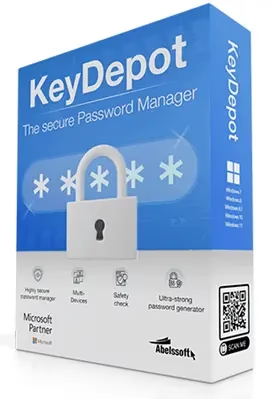
Abelssoft KeyDepot 2026 is a powerful password management software for Windows users that helps you securely store, organize, and sync all your passwords in one encrypted vault. If you are looking for a reliable and easy-to-use Windows password manager in 2026, KeyDepot is a strong contender worth considering.
With the average internet user managing over 100 online accounts, the need for a dedicated password manager has never been greater. Data breaches are rising every year — according to cybersecurity reports, billions of credentials are exposed annually. KeyDepot addresses this challenge by combining military-grade encryption with a simple, beginner-friendly interface.

What is Abelssoft KeyDepot 2026?
Abelssoft KeyDepot 2026 is the latest version of Abelssoft’s well-regarded password management utility for Windows PCs. It allows you to create secure digital “safes” to store login credentials for websites, apps, banking portals, streaming services, and more. The software is developed by Abelssoft, a German software company known for user-friendly Windows tools, meaning your data is stored on servers in Germany and subject to strict EU data protection laws (GDPR).
KeyDepot is a password manager that enables you to create multiple online safes for different categories of passwords. It also generates strong, unique access keys for new accounts with a single click.
Password Management in a Unified Platform
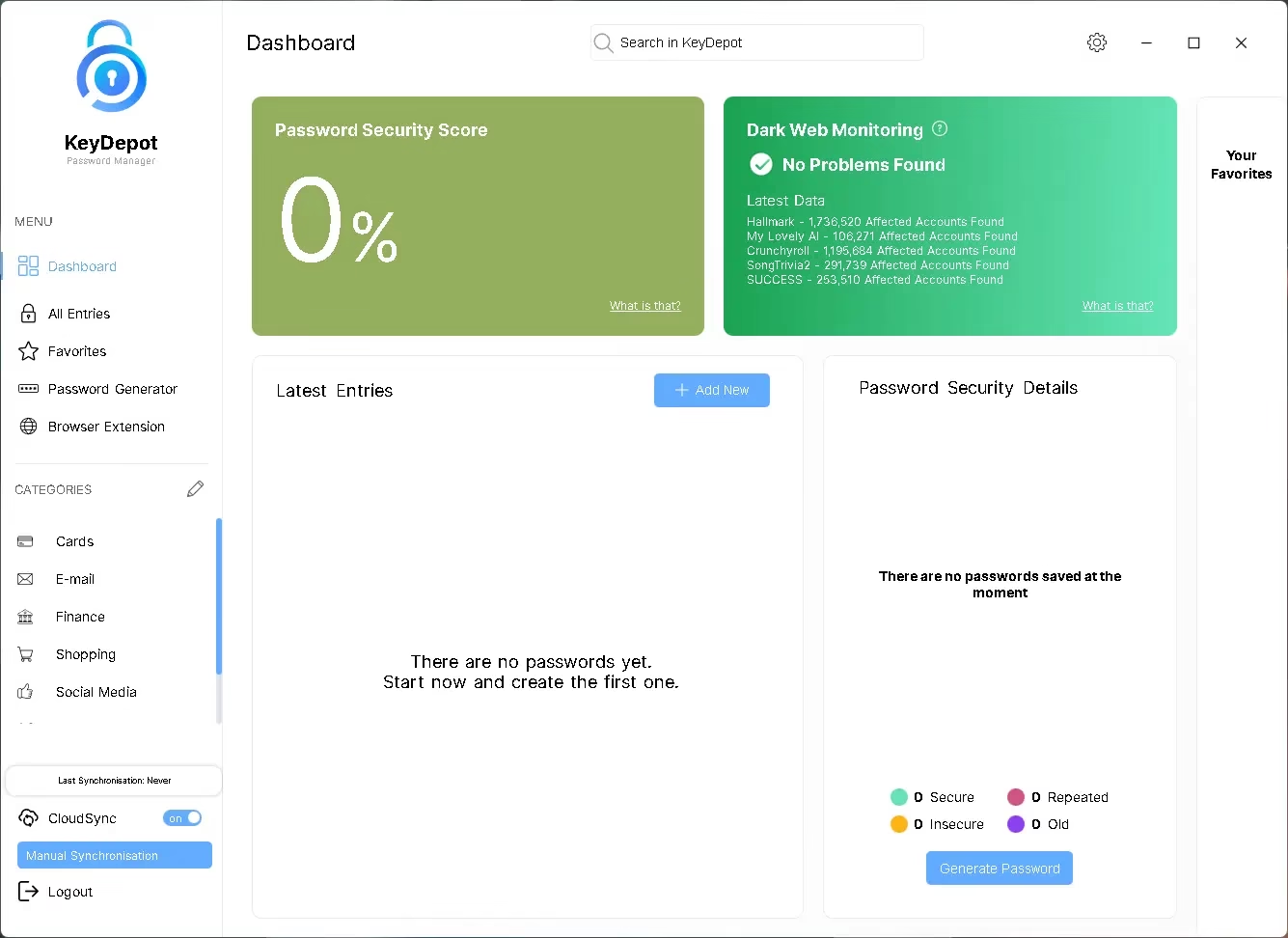
KeyDepot brings all your passwords under one roof. The application displays all saved passwords in an intuitive interface, and you can organize them into custom categories for quick access. Your passwords are protected with 256-bit AES encryption — the same standard used by the U.S. government for top-secret classified documents — ensuring no unauthorized access is possible.
Simple to set up and easy to use:
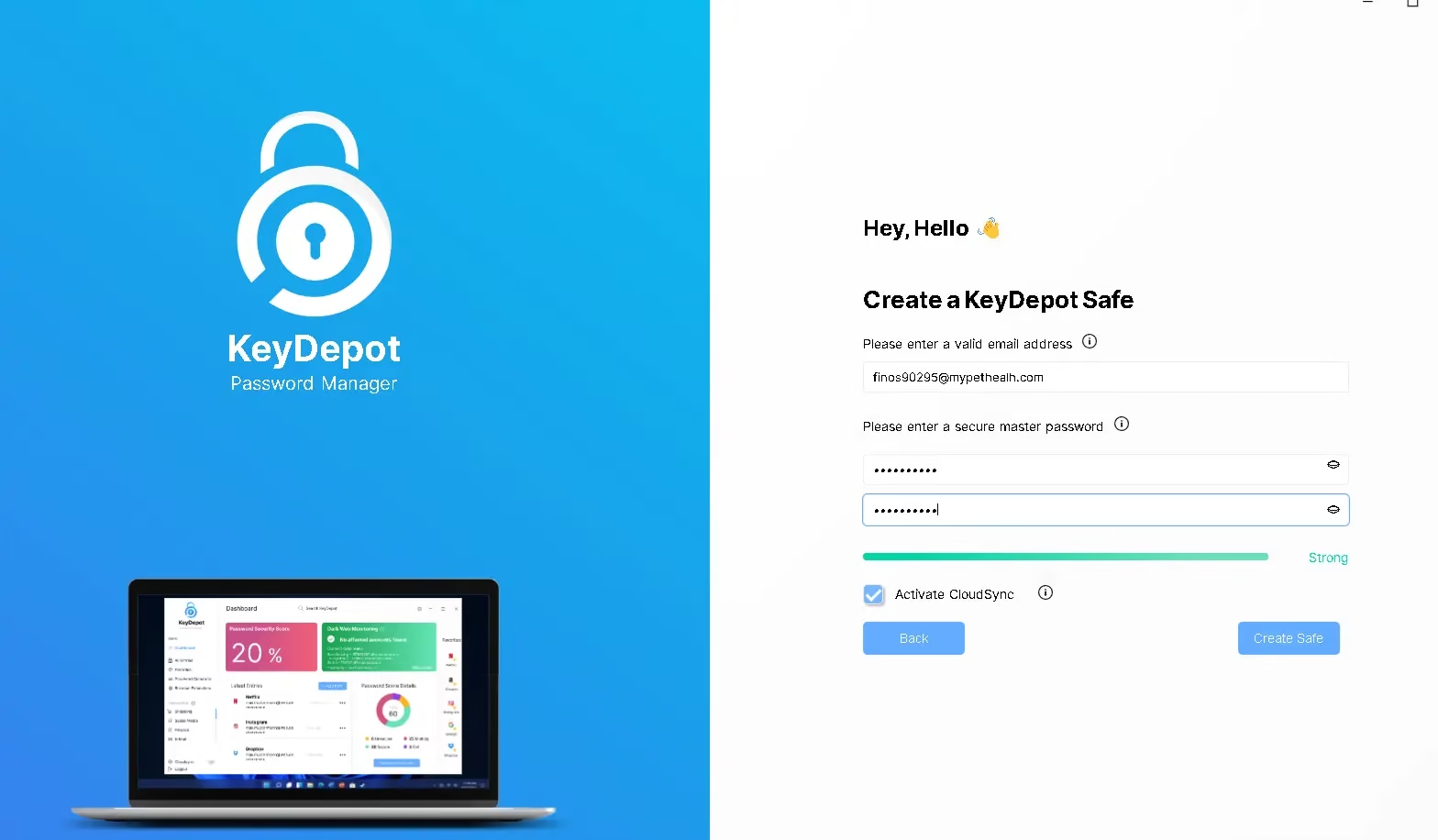
The app features a built-in wizard that walks you through creating your first password safe in seconds. You simply enter a master password, and you are ready to start saving credentials for your favourite websites, services, and apps.

A Single Master Password for All Your Accounts
One of KeyDepot’s most powerful features is its single master password system. Instead of juggling dozens of different passwords, you remember just one strong master password — and KeyDepot handles everything else. You can securely access all your online accounts, including streaming services, social media, email, and banking, with just one click.
KeyDepot’s browser extension enables automatic login to websites directly from your browser without ever typing a password manually. Combined with KeyDepot CloudSync, your passwords and accounts are synchronized across all your Windows devices seamlessly.
Abelssoft KeyDepot 2026 Key Features
- AES-256 Encryption: Your password vault is encrypted with the AES-256 algorithm approved by the U.S. government, making it virtually impossible to crack.
- Single Master Password: One master password gives you access to all stored accounts — streaming, social media, email, and more.
- KeyDepot CloudSync: Synchronize all your passwords and accounts across multiple Windows PCs securely via Abelssoft’s GDPR-compliant servers in Germany.
- Automatic Password Generator: Create ultra-secure, unique passwords instantly with a single click for any new account.
- Browser Plug-in for Auto-Login: The KeyDepot browser extension lets you log in to your favourite websites with a single click, without leaving your browser.
- Integrated Security Check: The built-in security score evaluates each of your stored passwords based on length, complexity, and uniqueness, showing you exactly how secure each credential is.
- Breach Monitoring: KeyDepot can detect whether online services you use are currently under a known attack or breach, alerting you to change compromised passwords.
- Clipboard Auto-Clear: For extra security, KeyDepot automatically clears the clipboard after copying passwords to prevent snooping.
- Auto-Lock: The safe locks automatically after a period of inactivity, protecting your data if you step away from your PC.
- Custom Categories & Favorites: Organize passwords into custom folders and mark favorites for quick access.
- Keyboard Shortcut (Alt+K): Bring KeyDepot to the front instantly with a customizable hotkey for fast access.
- Multiple Safes: Create separate vaults for personal, work, banking, and other categories to keep credentials organized.
Abelssoft KeyDepot 2026 vs Other Password Managers
While popular options like NordPass, 1Password, and Bitwarden dominate the cross-platform password manager market, KeyDepot stands out for Windows-only users who want a lightweight, offline-first solution with optional cloud sync. Unlike subscription-based managers, KeyDepot is available as a one-time purchase, and you can get the 2026 version completely free through the giveaway below.
KeyDepot’s servers are located in Germany and are governed by EU GDPR data protection laws, which may be an advantage for privacy-conscious users compared to US-based services.
System Requirements
- Operating System: Windows 10 / Windows 11 (64-bit)
- RAM: 2 GB minimum (4 GB recommended)
- Disk Space: 150 MB free space
- Internet connection required for CloudSync feature
How to Get Abelssoft KeyDepot 2026 Full Version for Free
Download the giveaway version installer from any one of these links: Link 1 / Link 2 / Link 3
Install the software and enjoy the full version for free.
Note: If you have previously installed any other Abelssoft program on your computer, KeyDepot 2026 will activate automatically.
For New Users (First-Time Activation):
- Download and install KeyDepot 2026 using one of the links above.
- Launch the application.
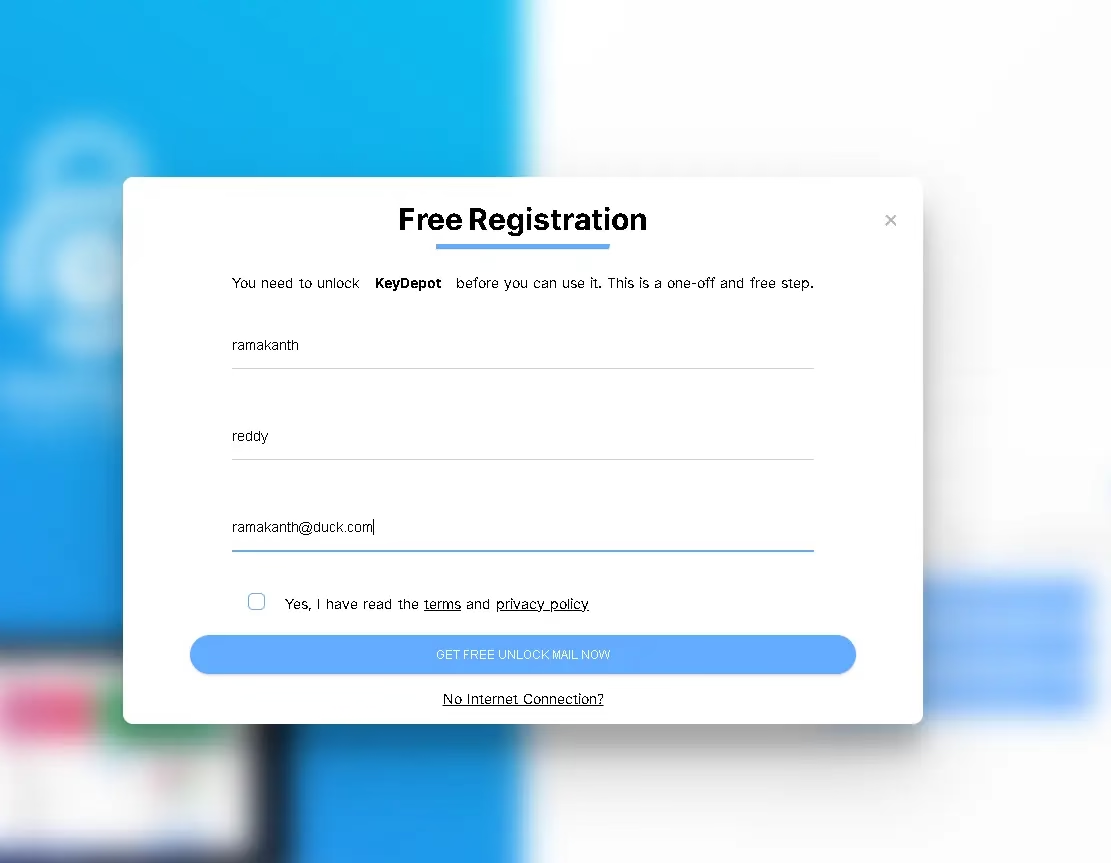
- Enter your email address, first name, and last name.
- Accept the license terms and click “Get free unlock mail now.”
- Check your inbox for a confirmation email from Abelssoft.
- Click the confirmation link in the email to unlock the full version instantly.

Is Abelssoft KeyDepot 2026 Safe to Use?
Yes. KeyDepot uses AES-256 bit encryption for local password storage and HTTPS encryption for cloud transfers. Abelssoft’s servers are located in Germany and comply with EU GDPR regulations. The software does not share your master password with anyone — it is stored locally and only you can decrypt your vault.
Frequently Asked Questions (FAQ)
Q: Is KeyDepot free?
A: The full version is paid software, but you can get Abelssoft KeyDepot 2026 completely free through the giveaway links above.
Q: Does KeyDepot work on Mac or mobile?
A: The Windows version is the primary offering. Abelssoft also offers a Mac version of KeyDepot separately. Mobile apps are not currently available.
Q: Can I use KeyDepot offline?
A: Yes. KeyDepot works fully offline. CloudSync is optional and only needed if you want to sync across multiple PCs.
Q: How is KeyDepot different from browser-based password managers?
A: Unlike browser password managers (Chrome, Firefox), KeyDepot stores passwords in an encrypted local vault protected by a master password, offering much stronger protection against browser-based attacks and data leaks.
Q: What happens to my passwords if I forget my master password?
A: The master password cannot be recovered since it is not stored anywhere by Abelssoft. This is a security feature — it means nobody can access your vault without the master password, but you must remember it or store it safely.


