


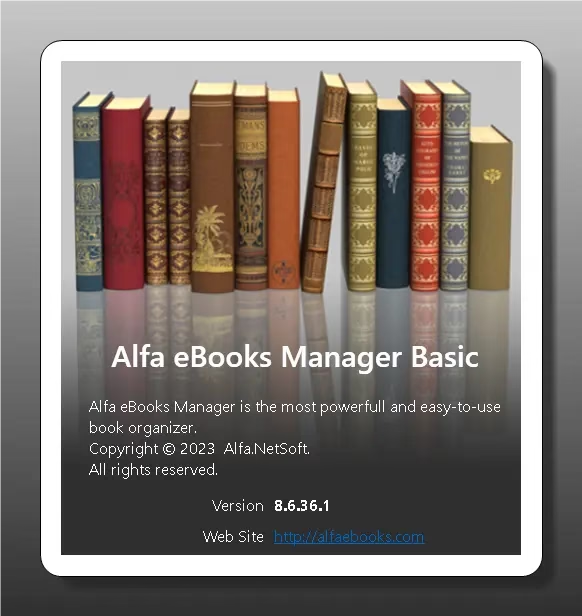
If you have been searching for a reliable, visually rich, and easy-to-use eBook library management tool for Windows, Alfa eBooks Manager Basic is one of the best options available today. Developed by Alfa.NetSoft, this software transforms your scattered collection of PDFs, EPUBs, audiobooks, and even physical books into a beautifully organized digital library. This limited Alfa eBooks Manager Basic 8.6 giveaway offers a completely free full version — no registration required.
What Is Alfa eBooks Manager?
Alfa eBooks Manager is a comprehensive desktop eBook library organizer for Windows that lets you manage both electronic books (PDF, EPUB, MOBI, AZW, and more) and physical paper books in a single unified database. It goes far beyond simple cataloging — it automatically retrieves metadata from the web, lets you view your collection in an immersive 3D bookshelf environment, and even includes a built-in web server so you can browse your library from any device on your local network.
Often compared to Calibre, Alfa eBooks Manager stands out for its highly intuitive graphical interface and its stunning visual “bookshelf” presentation, making it a top choice for book lovers, schools, clubs, and business libraries who value both organization and aesthetics.
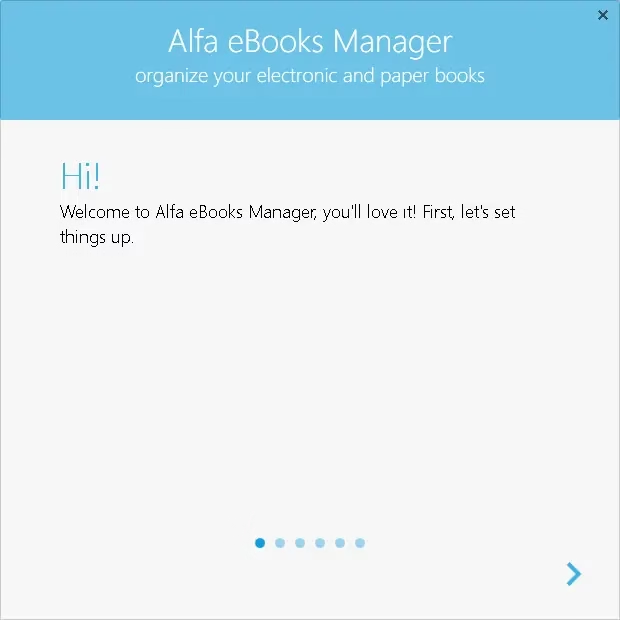

Alfa eBooks Manager Basic 8.6 Giveaway Details
| Software Version | v8.6.36.1 Basic |
| License Type | Full Version (Giveaway) |
| Platform | Windows 7, 8, 10, 11 |
| Developer | Alfa.NetSoft |
| Registration Required | No — pre-activated |
| Original Price | ~$29.97 |
How to Get Alfa eBooks Manager Basic for Free
- Download the giveaway installer from one of the links below:
- Run the .msi installer and complete the installation on your Windows PC.
- Launch the program after installation. No registration is needed — the giveaway build is already the full version.
- To confirm your version, go to Help → About. It should display “Alfa eBooks Manager Basic”. If it says “Alfa eBooks Manager Free,” your installer was not the giveaway build.
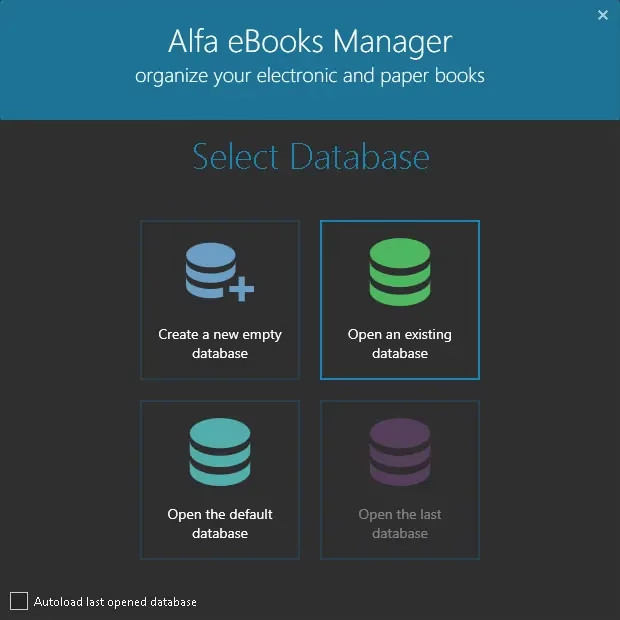
Key Features of Alfa eBooks Manager
Centralized Multi-Format Library
Alfa eBooks Manager brings together paper books, electronic books (PDF, EPUB, MOBI, AZW, and dozens of other formats), and audiobooks into a single, searchable database. You can find any book in your collection in seconds by searching for its title, author, or ISBN.
Automated Metadata Cataloging
The software can automatically scan your computer for book files and retrieve complete metadata — including title, author, ISBN, cover image, and description — from leading online book stores such as Google Books, Amazon, Barnes & Noble, O’Reilly, and more. Updating your entire library’s information takes just one click.
Stunning 3D Visual Bookshelf
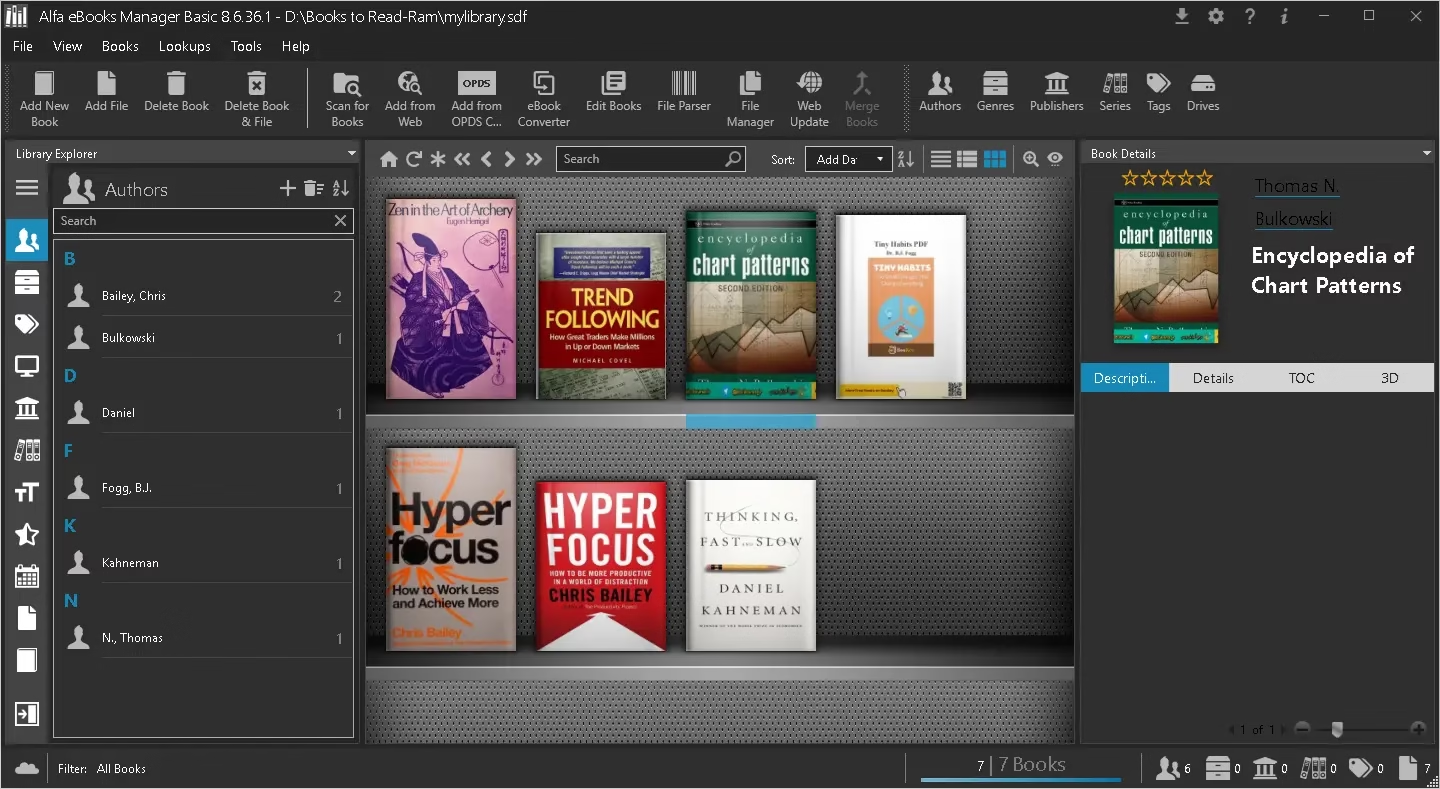
One of the most distinctive features of Alfa eBooks Manager is its 3D book view. You can browse your collection in a realistic virtual bookshelf environment with customizable shelf templates, making the experience of managing your library both functional and visually enjoyable.
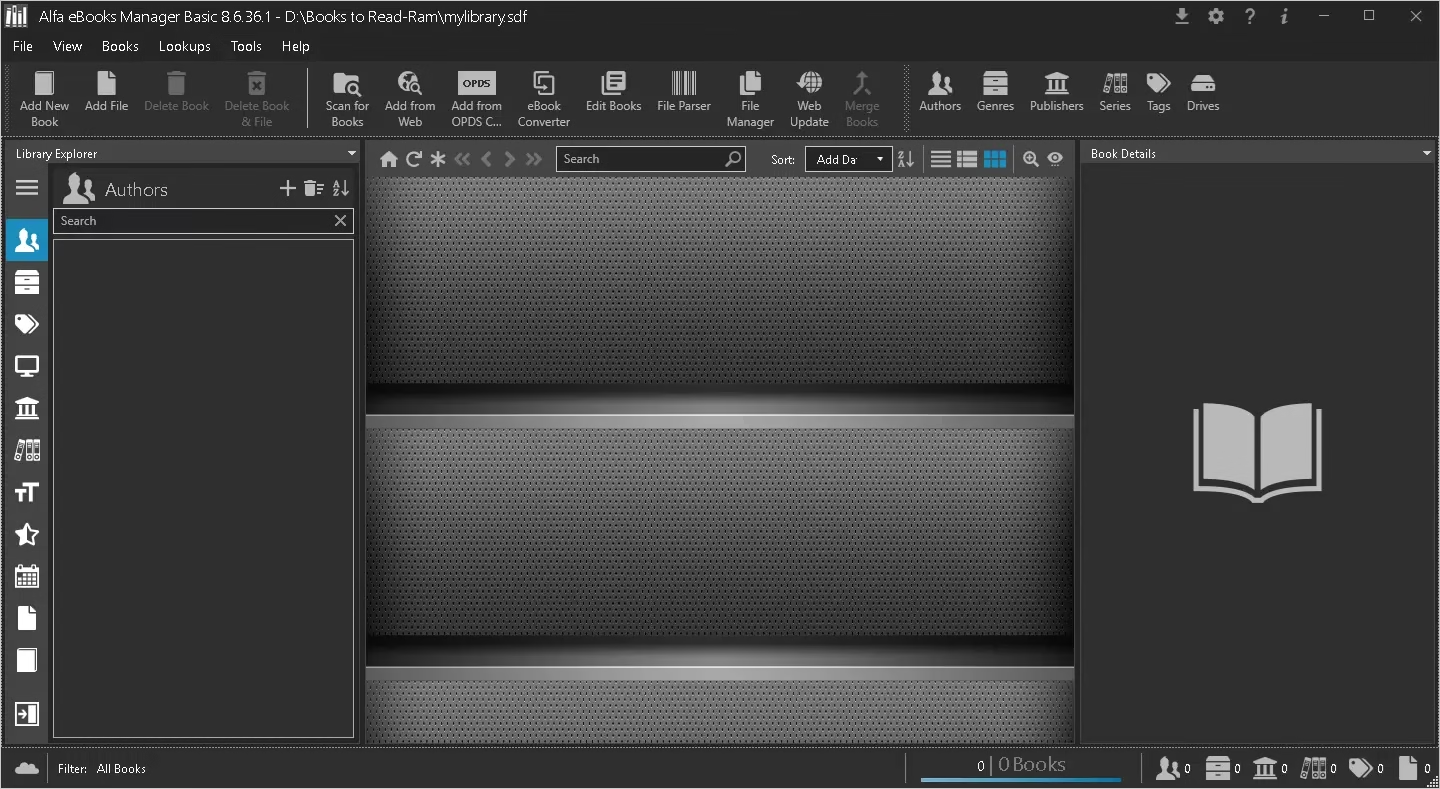

Built-in eBook Reader & Converter
The software includes a built-in eBook reader for previewing books directly within the application, along with a metadata editor and a file format converter — making it a complete all-in-one eBook management suite.
Web Server for Remote Access
The built-in web server feature lets you access your entire book library from any mobile device or computer on your local network. Whether you are on your phone, tablet, or another PC in your home, your library is always within reach.
Plugin-Based Web Retrieval
Alfa eBooks Manager includes dedicated plugins for the most popular book sites. These plugins automatically pull book details — title, ISBN, author, cover image, description — straight from the web with minimal manual effort.
Full Unicode & Multilingual Support
The software offers complete Unicode support, allowing you to catalog books in any language. The interface itself is available in over 15 languages, including English, German, French, Spanish, Italian, Portuguese, Russian, Arabic, Turkish, and more.
Android ISBN Scanner
Alfa also provides a companion Android app — the Alfa ISBN Scanner — that lets you scan the barcodes of physical books to quickly add them to your library without manual data entry.
Alfa eBooks Manager vs. Calibre
| Feature | Alfa eBooks Manager | Calibre |
|---|---|---|
| Interface | Visual, 3D bookshelf | Functional, text-heavy |
| 3D Book View | Yes | No |
| Automated Metadata | Yes (multi-source) | Yes |
| Built-in Web Server | Yes (Pro/Basic) | Yes |
| Format Converter | Yes | Yes (extensive) |
| Open Source | No | Yes |
| Best For | Visual collectors | Power users & converters |
Who Should Use Alfa eBooks Manager?
- Avid readers and book collectors who want a visually appealing way to manage large personal libraries.
- Students and researchers who need to quickly search and organize large collections of reference PDFs and eBooks.
- Schools, book clubs, and small business libraries looking for an easy cataloging solution without technical complexity.
- Tech enthusiasts who want the convenience of accessing their full library remotely from any device on their home network.
Giveaway Terms & Conditions
- Software version: v8.6.36.1 Basic
- No free updates included.
- No free technical support.
- For personal use only.
- No registration required — installer is pre-activated as the full Basic version.