


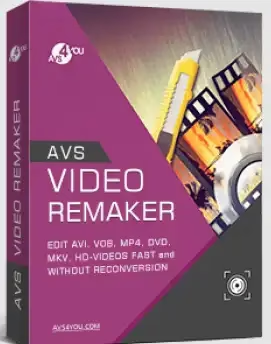
AVS Video ReMaker is a sophisticated and robust video application that lets you easily make customized videos from a wide variety of file formats. When it comes to creating a personalized video, this type of tool makes it easy and fun.
This is a powerful software for making DVDs and Blu-rays and for capturing and editing videos.
With Video ReMaker, you can import numerous films from your computer, organize them in the timeline, apply transition effects, create chapters, and even export the produced movie.
It’s all quite straightforward, thanks to a well-designed user interface. All the visual parts are set up so that they take you step by step through the process. Once you load a clip into the app, you can watch it and move to specific frames and keyframes. This lets you use the app’s split and trim functions with full control and accuracy.


AVS Video ReMaker Features:
- You can edit video files without converting them again.
- In all popular video formats, you can cut, delete unwanted parts, and change the order of scenes.
- Merge several video files that have the same settings.
- Save videos quickly while keeping the original quality.
- Capture video from Webcams and DV cameras
- Make how-to videos or tutorials with the Screen Capture function.
- Make menus for DVDs and Blu-rays.
- You can divide the video into chapters and choose from different menu templates.
- Choose auto sets, and the program will split the file up on its own.
- Burn video files to DVDs or Blu-ray discs.
Get AVS Video ReMaker for Free:
Update: [New Giveaway]
Download the giveaway version installer (v26.0.3) from any of these links: [Link 1] / [Link 2] / [Link 3]
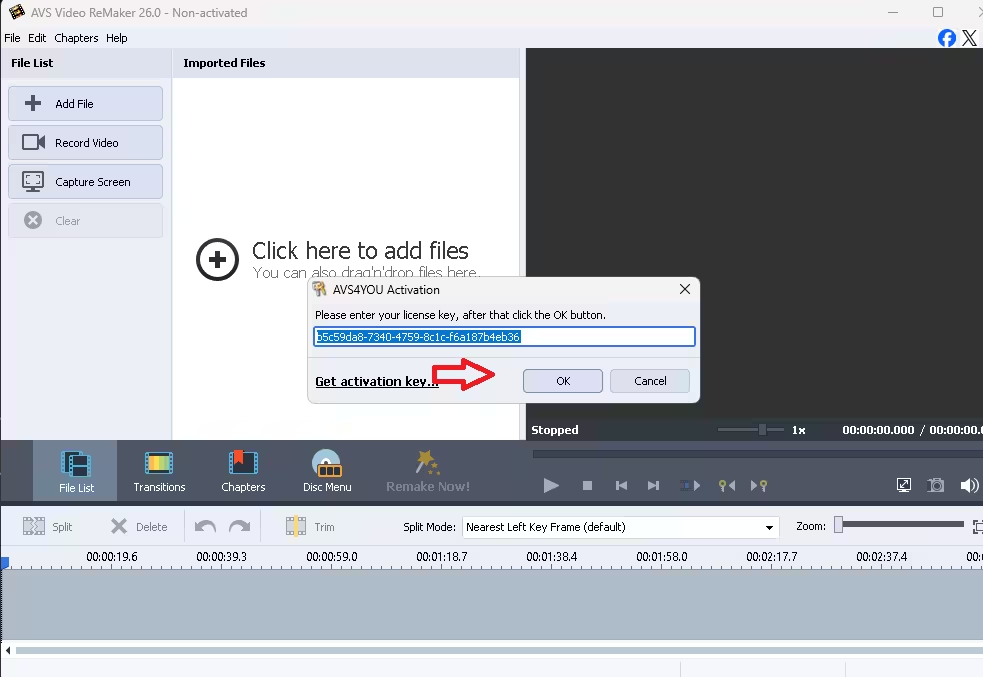
Run the installer, complete the installation process, and launch the app; click “OK.”

[Previous Giveaway—March 13,2026]
Visit this AVS4you store cart page: https://store.avs4you.com/order/checkout.php?
On that cart page, you can notice that a coupon code is applied and the product price (AVS Video Remaker 1-year subscription) is reduced to zero.


Next, fill out a minor form with your email address and other details, then click the “Place Order” button.
Please wait a few seconds; your order will be processed, and the page will display the license code (copy it) and the link to download the software.
Click the download link, download the software, and activate it with the license code.

