


Your phone knows more about you than your closest friend. Here are the 12 apps that fight back — covering browsers, VPNs, messengers, password managers, and beyond.
✍️ By Ramakanth | ⏱️ 12 min read | 📱 Android 10+ | 🔒 12 Apps Reviewed
Why Android Privacy Still Matters in 2026
Android runs on over 3.6 billion active devices worldwide—making it the largest mobile operating system by a wide margin. That scale also makes it the most targeted platform for data harvesting, adware, and surveillance. While Google has improved privacy controls in Android 12 through Android 16, the default experience still funnels significant data back to advertisers and third-party brokers.
In 2026, the threats have evolved. Beyond the classic risks of rogue apps and unsecured Wi-Fi, users in India and globally now face:
- AI-powered ad tracking that builds profiles from even anonymized data
- App ecosystem data sharing — one app sharing data with 30+ third-party SDKs
- Pre-installed bloatware on budget Android phones with hidden telemetry
- Carrier-level monitoring via IMSI catchers and deep-packet inspection
- Cross-device fingerprinting linking your phone, laptop, and smart TV behavior
The good news? You don’t need a custom ROM or technical expertise to reclaim meaningful privacy. The right apps — free and open-source most of the time — can dramatically reduce your digital footprint. Let’s get into them.
Best Private Browsers for Android
Your browser is the window through which every website watches you. Choosing a privacy-first browser eliminates tracking pixels, fingerprinting scripts, and cross-site cookie trails before they even load.

Brave Browser
Private by default. Fast by design.
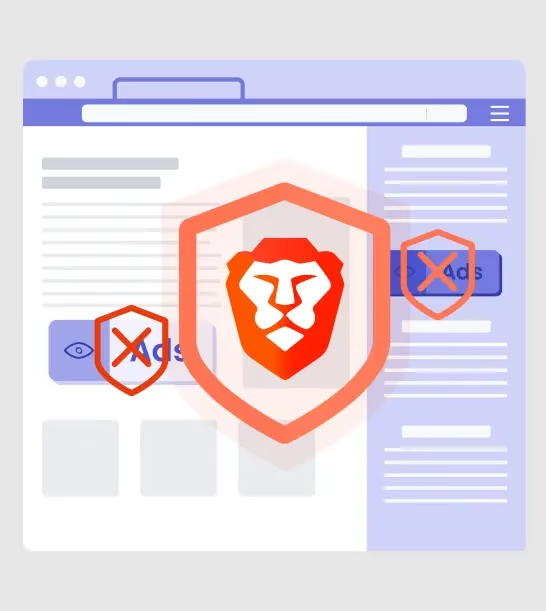
Brave is built on Chromium but surgically removes all of Google’s tracking infrastructure. It blocks ads, cross-site trackers, fingerprinting scripts, and bounce trackers out of the box — no extensions needed. In 2026, Brave’s Shields system has matured to block even first-party bounce tracking, a technique that evades most browsers.
What makes Brave stand out on Android is the built-in Brave Firewall + VPN (paid add-on), native Tor browsing mode in a private tab, and an optional private search engine. Daily users will also appreciate its speed — blocking ads genuinely makes pages load faster, which matters on Indian mobile networks.
✅ Pros
- ✓ Blocks ads & trackers natively
- ✓ Built-in Tor private window
- ✓ Fingerprint randomization
- ✓ Fast on slow connections
❌ Cons
- ✗ BAT rewards system is confusing
- ✗ Occasional site compatibility issues
Firefox Focus
Browse. Close. Gone. No history, no cookies, no nonsense.
Firefox Focus is purpose-built for one thing: leaving zero trace. Every session is ephemeral by design. There’s no history, no saved cookies, and no tracking pixels. Tap the trash icon and the entire session is wiped — including any site data loaded in the background.
It’s not a full-featured browser replacement, but it’s the best tool for sensitive searches, banking portals, or anything you don’t want linked to your device identity. Mozilla’s tracker database powers its blocking engine, which is updated frequently.
✅ Pros
- ✓ Zero session persistence by design
- ✓ Tracker & ad blocking built-in
- ✓ Extremely lightweight
❌ Cons
- ✗ No tabs or bookmarks
- ✗ Not ideal as daily driver
Best VPN Apps for Android
A VPN encrypts all traffic between your phone and the internet, hiding your activity from your ISP, network administrators, and anyone packet-sniffing on public Wi-Fi. For Indian users, VPNs also bypass regional content restrictions. Choosing the wrong VPN, however, can actually make privacy worse — many free VPNs sell your traffic data.

Proton VPN
Swiss-based. Audited. Genuinely free tier available.
Proton VPN is the gold standard for privacy-conscious users, and uniquely, its free tier imposes no data caps. Based in Switzerland under strict privacy laws, Proton’s no-logs policy has been independently audited by Securitum. The Android app supports the WireGuard and OpenVPN protocols, with stealth mode to bypass VPN detection in restrictive environments.
The paid plan unlocks access to 90+ countries, 10 Gbit/s servers, and the NetShield ad and malware blocker. For Indian users, the free tier provides servers in the US, Netherlands, and Romania — sufficient for basic privacy. Paid plans start at ₹749/month and support up to 10 devices simultaneously.
✅ Pros
- ✓ Truly unlimited free tier
- ✓ Independently audited no-logs policy
- ✓ Open-source Android client
- ✓ Built-in NetShield ad blocker
❌ Cons
- ✗ Free tier has limited server locations
- ✗ Slower than some paid rivals
Mullvad VPN
No account. No email. Just a random number and maximum anonymity.
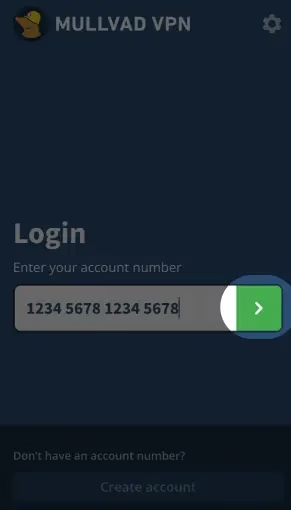
Mullvad is the privacy purist’s VPN. It requires zero personal information to sign up — not even an email address. You get a randomly generated account number. Payment can be made with cryptocurrency or cash mailed to their office. The flat-rate pricing at €5/month covers 5 simultaneous devices.
The Android app supports WireGuard with DAITA (Defence Against AI-guided Traffic Analysis) — a unique feature that adds traffic noise to prevent AI-based de-anonymization, a genuinely 2026-level threat. If you want the strongest anonymity without managing your own infrastructure, Mullvad is the answer.
✅ Pros
- ✓ Zero account info required
- ✓ DAITA anti-fingerprinting
- ✓ Flat simple pricing
❌ Cons
- ✗ No free tier
- ✗ Fewer server locations than rivals
Best Encrypted Messaging Apps for Android
End-to-end encryption (E2EE) ensures that only you and your recipient can read your messages—not the app provider, not your carrier, and not any government agency performing interception. This is the non-negotiable baseline for private communication in 2026.

Signal
End-to-end encrypted. No ads. No data collection. Ever.
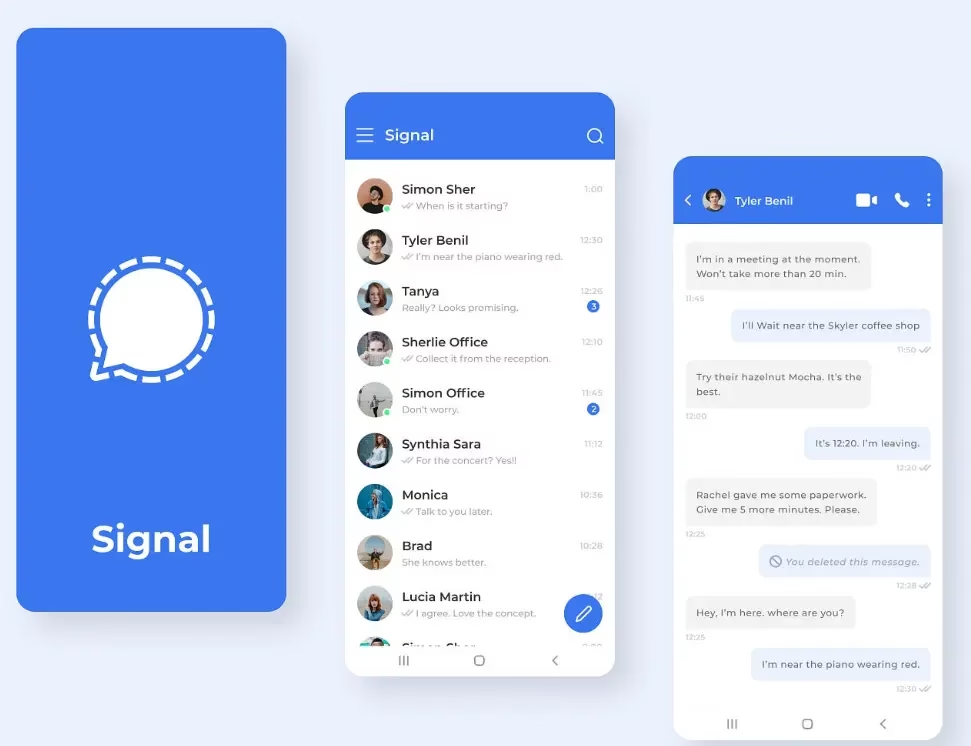
Signal remains the undisputed champion of secure messaging in 2026. Every call, message, and file sent through Signal is end-to-end encrypted using the Signal Protocol — the same cryptographic standard now adopted by WhatsApp and Telegram’s secret chats. The difference is that Signal collects nothing beyond your phone number, which can now be hidden behind a username.
Key features include disappearing messages (auto-delete timers from 30 seconds to 4 weeks), Note to Self as an encrypted personal notepad, sealed sender technology that hides even message metadata, and phone/video calling with full E2EE. For users on de-Googled ROMs, Signal also works without Google Play Services using the direct APK.
✅ Pros
- ✓ Zero data collection policy
- ✓ Usernames hide your number
- ✓ Disappearing messages
- ✓ Endorsed by security researchers globally
❌ Cons
- ✗ Requires phone number to sign up
- ✗ Smaller user base than WhatsApp
Session
No phone number. No email. Truly anonymous messaging.
Session takes privacy a step further than Signal: there is no phone number or email required at all. Your identity is a randomly generated Session ID. Messages are routed through a decentralized network of nodes (similar to onion routing), so no single server knows both who you are and who you’re talking to.
This makes Session the best choice for users who want to communicate without any identifiable anchor — activists, journalists, and privacy maximalists. The trade-off is a slightly smaller feature set and occasional message delivery delays compared to Signal.
✅ Pros
- ✓ No phone number or email needed
- ✓ Decentralized message routing
- ✓ No central server can be subpoenaed
❌ Cons
- ✗ Smaller contact network
- ✗ Occasional message delays
Best Password Managers for Android
Reusing passwords across sites is one of the most common and dangerous privacy mistakes. A password manager generates and securely stores unique, complex passwords for every account. If one site is breached, your other accounts remain safe.
Bitwarden
Open-source, self-hostable, and free for individuals.
Bitwarden is the best password manager for privacy-focused Android users, and it’s free for individual use. Unlike 1Password or LastPass, Bitwarden’s entire codebase is open source and has passed independent security audits. Your vault is encrypted locally with AES-256 before ever leaving your device — Bitwarden’s servers see only encrypted blobs.
The Android app integrates seamlessly with Chrome, Brave, and Firefox via autofill. Premium users get TOTP 2FA code generation (₹90/month), biometric unlock, and emergency access for trusted contacts. For technically inclined users, self-hosting Bitwarden on your own server is possible, giving you 100% data sovereignty.
✅ Pros
- ✓ Full-featured free tier
- ✓ Independently audited code
- ✓ Self-host option available
- ✓ Cross-platform sync
❌ Cons
- ✗ UI less polished than 1Password
- ✗ TOTP requires premium
Best Tracker Blockers for Android
Most apps on your phone silently phone home to dozens of third-party analytics and advertising SDKs. These tracker blockers intercept that traffic at the system level—no root required.


TrackerControl
Block hidden trackers inside every installed app.
TrackerControl uses Android’s local VPN slot to intercept and analyze all outgoing traffic from your installed apps. It then blocks connections to known tracker and analytics endpoints — including Google Firebase Analytics, Facebook Audience Network, and thousands of other ad SDKs — without sending your traffic to any external server.
The real-time dashboard shows exactly which apps are the worst offenders. Many users are shocked to discover that a flashlight app is quietly pinging 15 trackers. TrackerControl is based on the academic research project from Oxford and uses the open-source blocklist maintained by the same team. It’s available on F-Droid and Play Store.
✅ Pros
- ✓ Blocks trackers system-wide
- ✓ Works without root
- ✓ Per-app granular control
- ✓ Based on academic research
❌ Cons
- ✗ Uses VPN slot (conflicts with actual VPN)
- ✗ Can break some app features
Shelter
Isolate risky apps in a sandboxed Work Profile.
Shelter leverages Android’s built-in Work Profile feature to create a completely isolated environment on your phone. Apps installed in the Shelter profile cannot access your personal contacts, photos, or files — and vice versa. This is the ideal solution for running apps you don’t fully trust (banking apps with aggressive permissions, social media, or region-specific apps) without giving them access to your real data.
Think of it as having two separate phones inside one device. You can freeze Work Profile apps with a single tap, instantly cutting off their background data access and notifications when you’re not actively using them.
✅ Pros
- ✓ True app sandboxing
- ✓ Isolates contacts, files, photos
- ✓ Freeze apps with one tap
❌ Cons
- ✗ Work Profile must be enabled by device admin
- ✗ Some banking apps detect & block it
Bonus Privacy Tools Worth Installing
Scrambled Exif
Strip location and device data from photos before sharing.
Every photo taken on your Android phone contains hidden EXIF metadata—including GPS coordinates, phone model, timestamp, and camera settings. Sharing photos on social media or via chat apps often preserves this data. Scrambled Exif integrates into Android’s Share sheet and strips all EXIF metadata before the photo reaches its destination. It takes one extra tap and can prevent your location from being extracted from any image you share online.
Aegis Authenticator
The open-source 2FA app that doesn’t send your codes anywhere.
Two-factor authentication is the single most effective security measure for online accounts, reducing account takeover risk by over 99%. Aegis Authenticator is the privacy-respecting alternative to Google Authenticator and Authy. It stores all 2FA secrets encrypted on your device only, with no cloud sync and no external servers. Backup and restore is done via encrypted files you control. It supports biometric app lock and is available on F-Droid.
NewPipe
Watch YouTube without an account—or Google’s tracking.
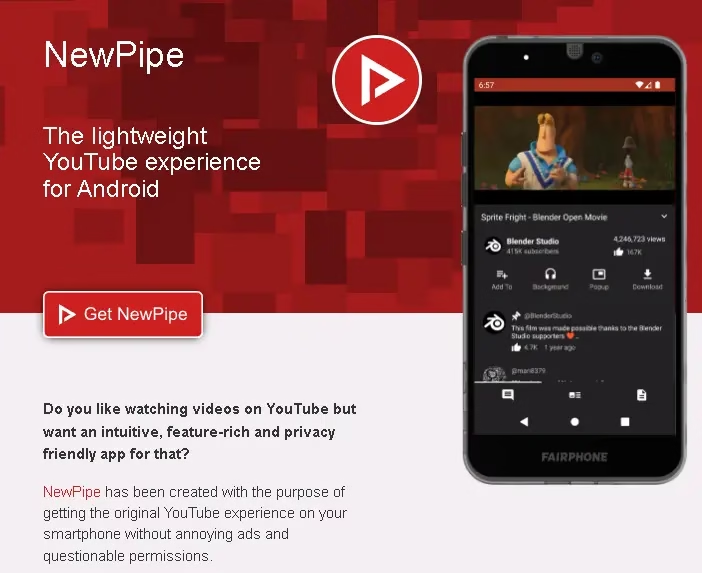
“NewPipe” lets you watch YouTube videos, subscribe to channels, and download content without ever logging into a Google account— and without the YouTube app sending your viewing habits back to Google’s ad servers. It also blocks ads entirely, supports background playback (without YouTube Premium), and lets you import subscriptions from a Google Takeout export. Note that NewPipe is not on the Play Store; install it via F-Droid or the official NewPipe website.

📊 Quick Comparison: All 12 Apps at a Glance
| App | Category | Free? | Open Source? | No Account? | Play Store? |
|---|---|---|---|---|---|
| Brave | Browser | ✓ | ✓ | ✓ | ✓ |
| Firefox Focus | Browser | ✓ | ✓ | ✓ | ✓ |
| Proton VPN | VPN | Freemium | ✓ | ✗ | ✓ |
| Mullvad VPN | VPN | Paid | ✓ | ✓ | ✓ |
| Signal | Messenger | ✓ | ✓ | ✗ | ✓ |
| Session | Messenger | ✓ | ✓ | ✓ | ✓ |
| Bitwarden | Passwords | Freemium | ✓ | ✗ | ✓ |
| TrackerControl | Tracker Blocker | ✓ | ✓ | ✓ | ✓ |
| Shelter | App Isolation | ✓ | ✓ | ✓ | F-Droid only |
| Scrambled Exif | Photo Privacy | ✓ | ✓ | ✓ | F-Droid only |
| Aegis | 2FA | ✓ | ✓ | ✓ | ✓ |
| NewPipe | YouTube Alt | ✓ | ✓ | ✓ | F-Droid only |
💡 Pro Tips: Making the Most of Android Privacy in 2026
🔒 Quick Wins Beyond Apps
- Audit app permissions monthly: Go to Settings → Privacy → Permission Manager and revoke location, microphone, and camera access for apps that don’t need them.
- Enable DNS over HTTPS: In Settings → Network → Private DNS, enter
dns.adguard.comordns.quad9.netto encrypt all DNS lookups system-wide. - Use Guest Mode for shared devices: Android’s Guest Mode creates a separate profile with no access to your data — great for handing your phone to someone else.
- Keep your phone updated: The vast majority of Android exploits target known vulnerabilities that are already patched in the latest updates. Monthly security patches matter.
- Avoid “free” VPNs with no business model: If a VPN is free and doesn’t have a premium tier, you are the product. Stick to audited options like Proton VPN’s free tier.
🏁 Final Verdict: Where to Start?
You don’t need to install all 12 apps at once. Start where you get the most privacy per effort:
- Install Signal — replace WhatsApp for sensitive conversations.
- Switch to Brave as your daily browser.
- Enable Proton VPN on public Wi-Fi and when browsing from mobile data.
- Move to Bitwarden and generate a unique password for every site.
- Set up Aegis for 2FA on all important accounts.
These five steps alone will put your Android privacy miles ahead of the average user. Once comfortable, layer in TrackerControl, Shelter, and the bonus tools. Privacy isn’t a destination — it’s a set of habits, and each small step genuinely matters.
Have a favourite privacy app we missed? Drop it in the comments — the Techno360 community always has great suggestions.
🔒 Stay Private, Stay Informed
Subscribe to Techno360 for more guides on Android privacy, security tools, and tech tips tailored for Indian users.