


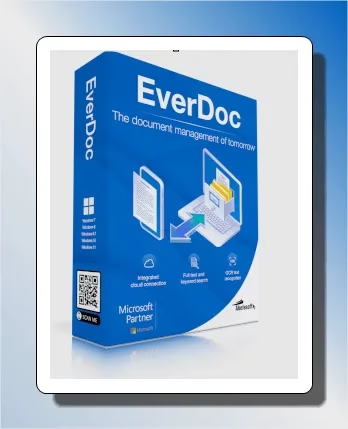
Free Software Giveaway
EverDoc 2026 – 1-Year License, Free for a Limited Time
Rating: 4.5/5 | Platform: Windows | Normal Price: $19.90 | Your Price: $0
EverDoc is a useful and efficient program for storing and organizing printable documents in easily accessible archives. Abelssoft has released its latest edition—EverDoc 2026 (v11.01)—bringing upgraded OCR, improved archives, new backup tools, and enhanced cloud integration to make managing documents easier than ever
⚡ Quick Summary: Abelssoft is giving away a FREE 1-year license of EverDoc 2026 (v11.01) – a $19.90 value – normally paid document manager software for Windows. Grab your key before the promo ends and start organizing PDFs, scans, and emails with built-in OCR search.
✅ Best for: Anyone drowning in scattered PDFs, scans, and screenshots who wants one searchable, secure archive.
Search for text within specific files, image sets, or document groups.
The days of limited storage space on computers are over. Amid countless documents and files, the current challenge is not deciding what to save but rather finding the correct file or document. Where did I put the lease agreement, the utility bill, and the washing machine instructions? EverDoc can quickly search through your files and locate the specific document you need. Thanks to optical character recognition (OCR), EverDoc can also read text from images. This powerful and straightforward program can easily archive PDFs, photos, and other printable documents. 

✨ What’s new in EverDoc 2026?
-
-
Virtual printer driver capture: Automatically intercepts documents you print and archives them without extra effort.
-
Improved OCR engine: Enhanced accuracy when extracting text from image formats (JPG, PNG, BMP, GIF), enabling faster document indexing and search.
-
Broader format support: Now handles PDF, DOC, DOCX, XLS, XLSX, RTF, ODT, and all common image formats seamlessly.
-
Integrated cloud scanning: Auto-indexes files stored in Dropbox, Google Drive, and OneDrive—making cloud documents searchable within EverDoc.
-
Autoscan via WIA 2.0: Automatic scanning from connected scanners adds documents directly to the archive.
-
Backup & restore tools: Save and migrate your entire EverDoc archive to another PC—ideal for safe archiving and system migration.
-


Add documents through the EverDoc 2026 Mobile app.
The iOS and Android EverDoc mobile app syncs mobile photo albums with desktop computers. With EverDoc Mobile, you can also schedule regular scans to send new photos to a specified PC folder. Get the mobile app for Android/iOS from the links below: Android: https://play.google.com/store/ iOS: https://apps.apple.com/ 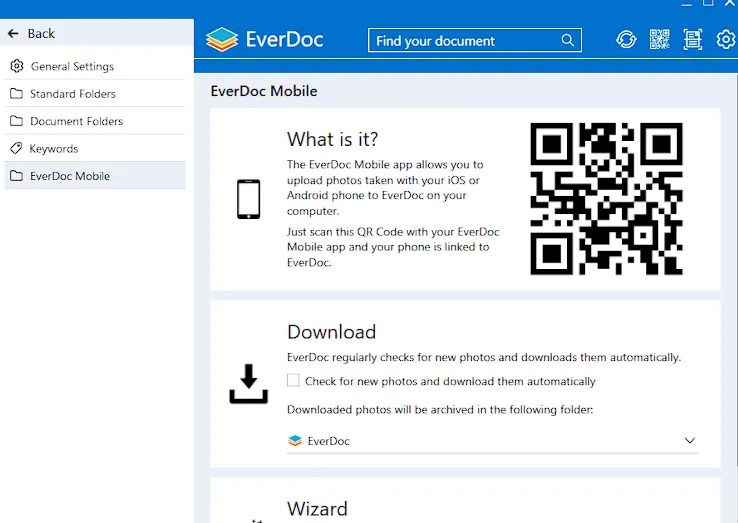

Key Features of EverDoc 2026
📄 Universal Document Archiving
-
Archive PDFs, Word, Excel, images (JPG, PNG), scanned documents, and emails.
-
Works with documents from printers, scanners, or direct imports.
🔍 Full-Text Search with OCR
-
Quickly find any document using full-text search.
-
Built-in OCR (Optical Character Recognition) can extract and index text from scanned files and images.
🌐 Cloud Backup Support
-
Seamless integration with Google Drive, OneDrive, and Dropbox.
-
Your document archive is always backed up and synced securely.
📧 Email Integration
-
Automatically archive and manage emails from Outlook and Thunderbird.
-
Preserve attachments and message content in your EverDoc library.
🔒 Secure & Encrypted
-
Local or cloud-stored documents are encrypted and password-protected.
🧾 Document Viewer & Tagging
-
Preview documents directly in EverDoc.
-
Add tags and organize files by categories or date.
🏆 Why Grab EverDoc 2026 Now
- Save $19.90 – full 1-year license, completely free.
- Find any document, scan, or email in seconds with OCR-powered search.
- Auto-syncs with Dropbox, Google Drive, and OneDrive.
- Works with the EverDoc Mobile app for iOS and Android.
📥 Abelssoft EverDoc 2026 Full Version Giveaway:
Download the full version installer from either of these links: [Link 1] / [Link 2] / [Link 3]
Run the installer, complete the installation process, and enjoy the full version.
New Users:
If you have not installed any Abelssoft software on your PC, you will be prompted to enter your email when you encounter an activation screen upon launching the EverDoc 2026 software for the first time. 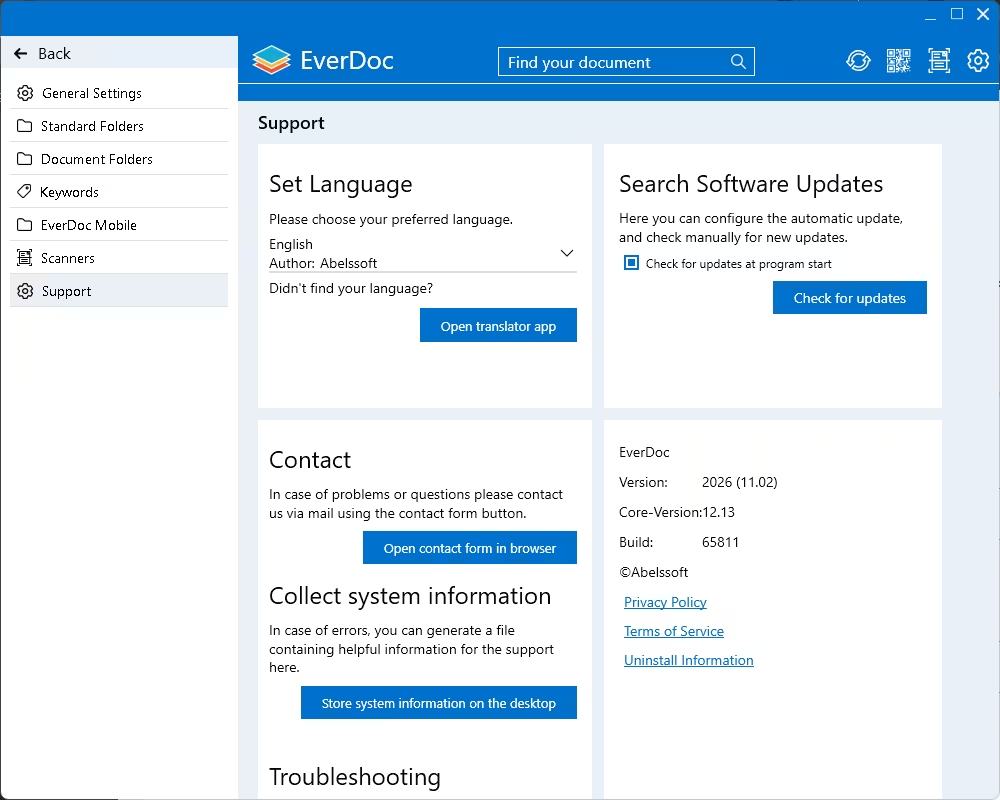

Frequently Asked Questions About EverDoc 2026
Is the EverDoc 2026 giveaway really free?
Yes. Abelssoft is offering a genuine 1-year license of EverDoc 2026 at no cost for a limited time through this promotion.
Does EverDoc 2026 work on Windows 11?
Yes, EverDoc 2026 is fully compatible with Windows 10 and Windows 11.
What happens after the 1-year free license expires?
You can renew at the regular price, or continue using the features available under the free tier, depending on Abelssoft policy at expiry.
Can I use EverDoc 2026 without an internet connection?
Core archiving, OCR search, and local document management work offline. Cloud sync features (Dropbox, Google Drive, OneDrive) require an internet connection.
🚀 Don’t miss out: Scroll back up and grab your free EverDoc 2026 license using the download links above before the offer ends.