
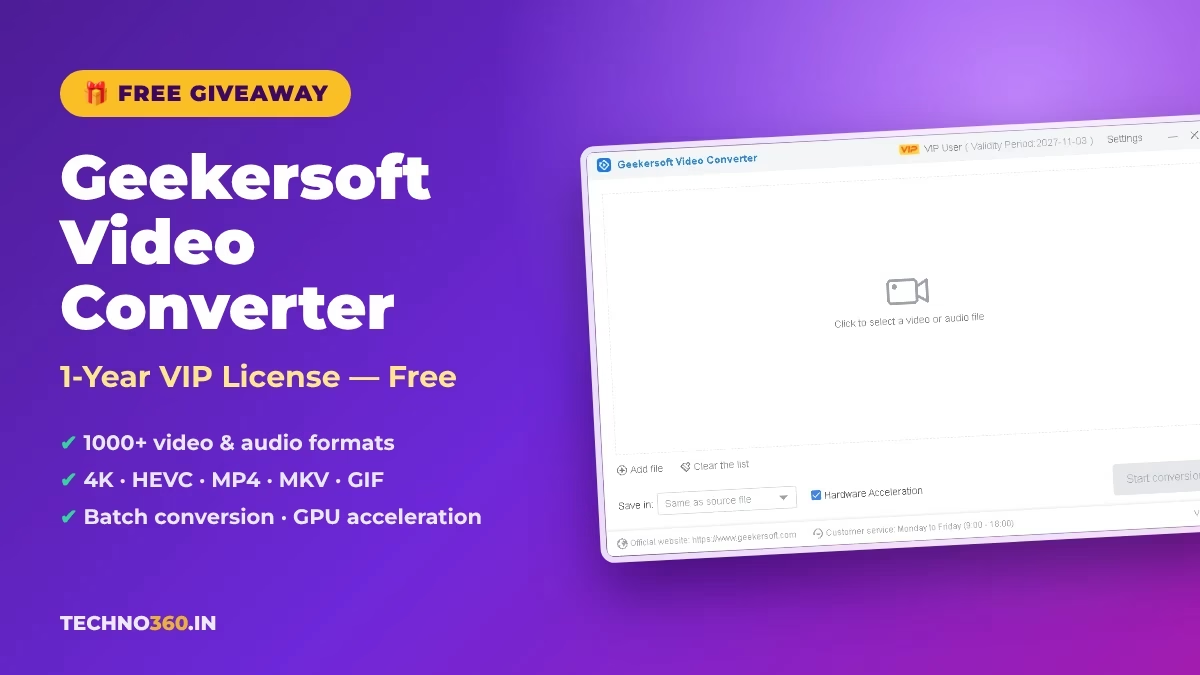
🎁 GIVEAWAY · UPDATED NOV 2, 2026
Free 1-Year VIP License for Geekersoft Video Converter
Convert 4K, HEVC, MP4, MKV, MOV, AVI and 1000+ other video and audio formats, extract MP3s and turn clips into GIFs. Use the giveaway code below to unlock VIP free for a full year.
⚡ Quick Read
- Software: Geekersoft Video Converter v4.6.24 (Windows)
- Giveaway: 1-year VIP activation (our test license runs until 2027-11-03)
- Code: LGP6TY-N57GCT-2DW0K4-8VJ8-DKRYO7
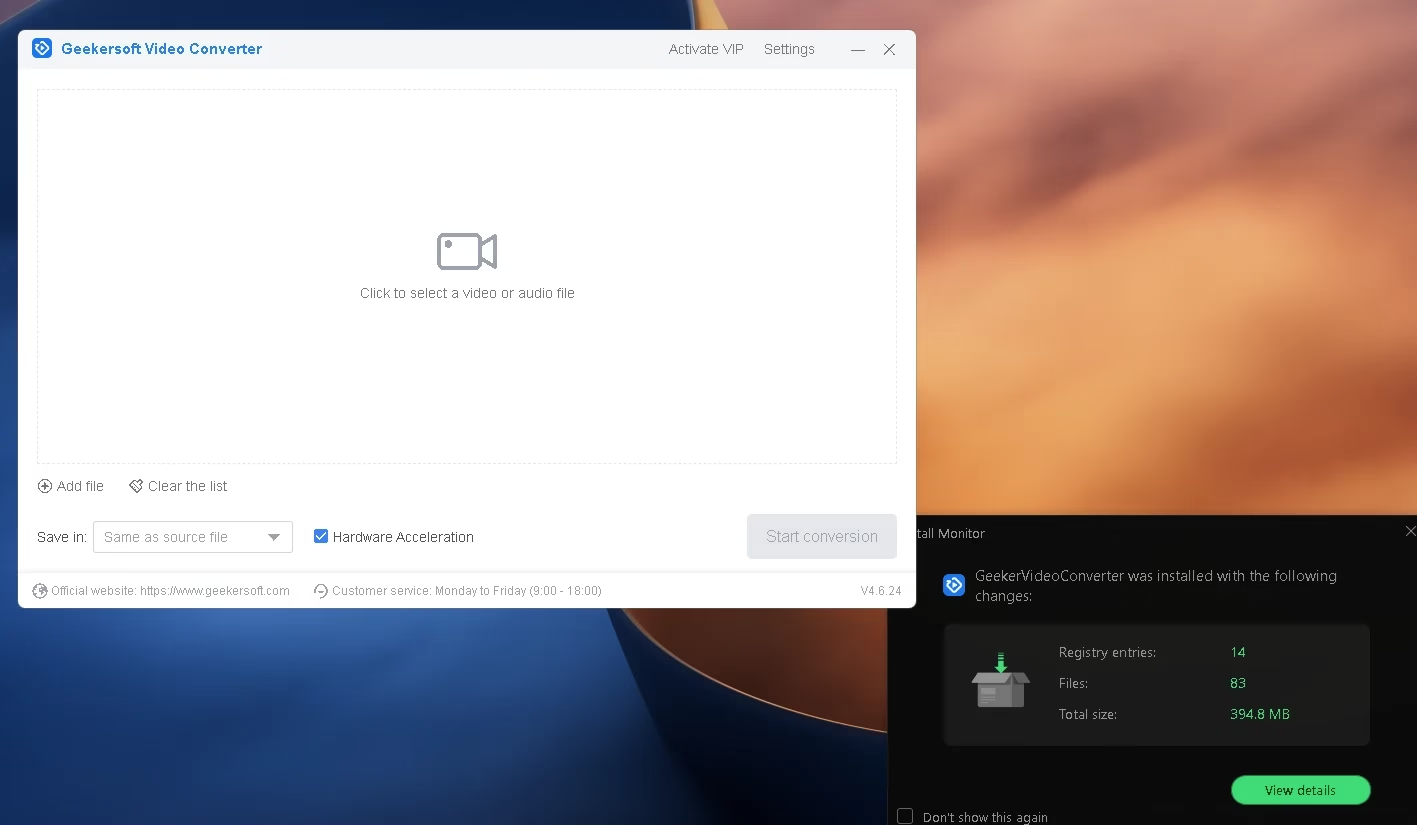
- Installer: ~120 MB download, ~395 MB installed
Geekersoft Video Converter is an all-in-one Windows tool for converting video and audio between almost any format you’ll run into. Whether a phone clip won’t play on your TV, a MKV file won’t open in your editor, or you just want the audio track out of a video, it handles the job in a few clicks. Right now you can unlock its VIP version for one year at no cost using the giveaway code on this page.
We installed the latest build (v4.6.24) on Windows and activated the code ourselves on November 2, 2026 — the screenshots below are from that test. If you like free tools like this, keep an eye on our Free Stuff section and our other video converter picks.
What Is Geekersoft Video Converter?
It’s a desktop video converter from Geekersoft that supports more than 1,000 audio and video formats, according to the developer. You can adjust resolution, bit rate, frame rate and audio quality before converting, run batch jobs, and use hardware acceleration (enabled by default in the main window) to speed things up. The interface is deliberately simple: drop in a file, pick an output, choose where to save it, and click Start conversion.
Key Features of Geekersoft Video Converter
- 1000+ formats: Convert between 4K, HEVC (H.265), VP9, MP4, MOV, MKV, AVI, M2TS, Apple ProRes and more.
- Audio conversion and extraction: Pull the soundtrack out of any video in one click, or batch-convert audio files to MP3, FLAC, WMA, AMR and other formats.
- Video to GIF: Turn a selected segment of a video into an animated GIF, with control over size and frame rate.
- Device-ready output: Presets for iPhone, iPad, Android phones and tablets, cameras, USB drives, external hard drives, HD TVs and Apple TV.
- Basic editing: Merge, cut, crop and add watermarks without needing a separate editor.
- Batch conversion with hardware acceleration: Convert multiple files at once using multi-threading and your GPU. Geekersoft advertises up to 120x faster conversion in its “lightning mode” — that’s the developer’s claim, which we haven’t benchmarked.
Geekersoft Video Converter Giveaway Code
Copy the code below and enter it in the program’s Activate VIP dialog. It worked for us on November 2, 2026, and activated VIP for one year.
🎁 VIP ACTIVATION CODE
LGP6TY-N57GCT-2DW0K4-8VJ8-DKRYO7
How to Activate the Free 1-Year VIP License
Step 1Download the installer from Geekersoft’s official server: gk-video-converter-en.exe (about 120 MB).
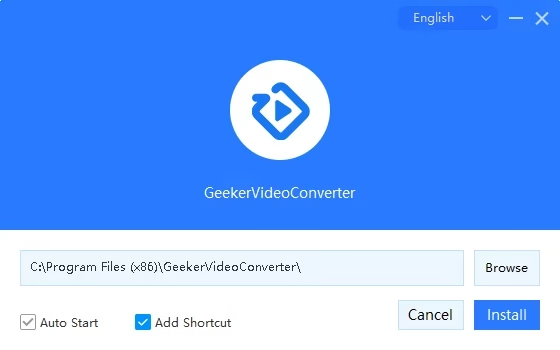
Step 2Run the setup, keep or change the install folder, and click Install. Note that Auto Start is ticked by default, so the converter will launch with Windows.
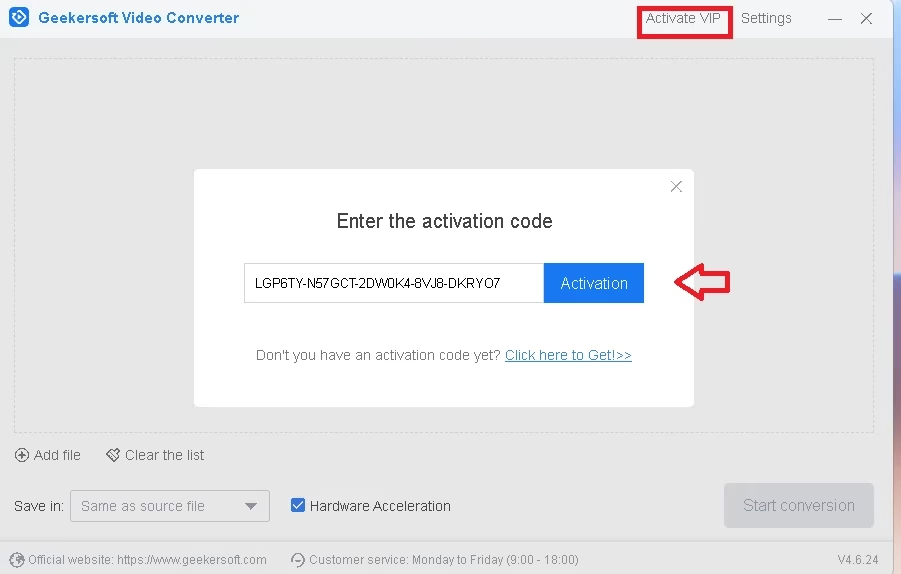
Step 3Launch the program and click Activate VIP at the top of the main window.
Step 4Paste the code LGP6TY-N57GCT-2DW0K4-8VJ8-DKRYO7 and click Activation.
Step 5Check your status. The title bar should now read VIP User with a validity period one year out — ours shows 2027-11-03.
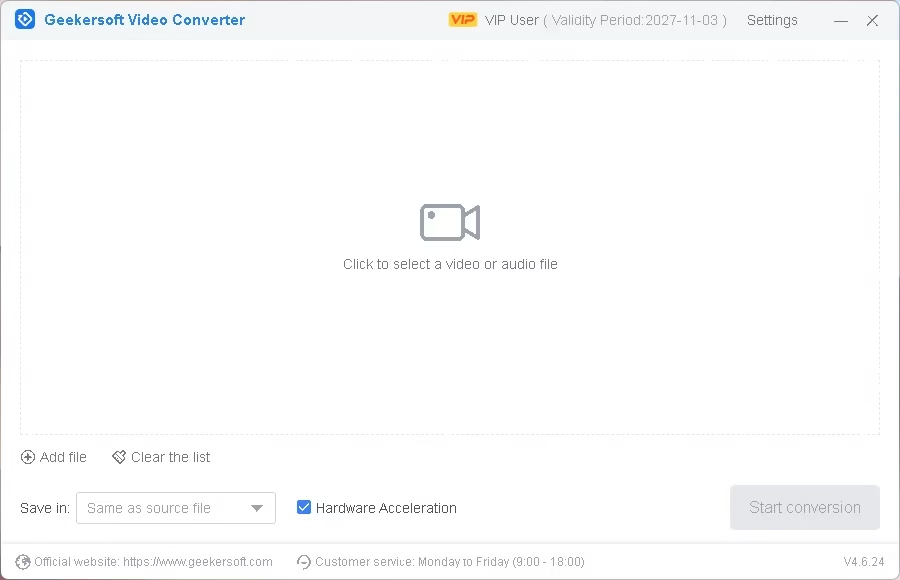
⚠️ Note: Giveaway codes are provided by the developer and can stop working without notice. The VIP license is for personal use, and Geekersoft’s paid upgrades are not included once the year runs out.
📊 Our Verdict
For everyday jobs — making a video play on your TV, extracting audio, shrinking clips for sharing or turning a moment into a GIF — Geekersoft Video Converter is easy to use, and a free year of VIP removes the trial limits. The installed footprint (around 395 MB) is on the heavy side for a converter.
👍 Pros: wide format support, GIF and audio extraction built in, hardware acceleration, simple UI
👎 Cons: large install size, Auto Start ticked by default, license lasts one year only
Frequently Asked Questions
Is the Geekersoft Video Converter giveaway code still working?
Yes — we activated LGP6TY-N57GCT-2DW0K4-8VJ8-DKRYO7 successfully on November 2, 2026. Developer codes can expire or hit an activation limit, so redeem it soon.
How long does the free VIP license last?
One year from activation. Our test license shows a validity period ending on 2027-11-03.
Is the download safe?
The installer link points directly to Geekersoft’s own download server (download.geekersoft.com). Always download from the official source rather than third-party mirrors.
Does Geekersoft Video Converter work on Mac?
Geekersoft offers a Mac version, but this giveaway code and installer were tested on Windows only.
Looking for more free software? Browse our latest Windows tools and giveaways.