

Hard Disk Sentinel, also known as HDSentinel, is a reliable data protection software that can be used to prevent hard disk or SSD failure.
The prevalence of digital platforms has made data king in this digital age. The information we keep on our computers, from personal photographs to crucial business records, is priceless and irretrievable. For this reason, maintaining the optimal performance of our magnetic and solid-state storage media is crucial. That’s exactly what Hard Disk Sentinel does.
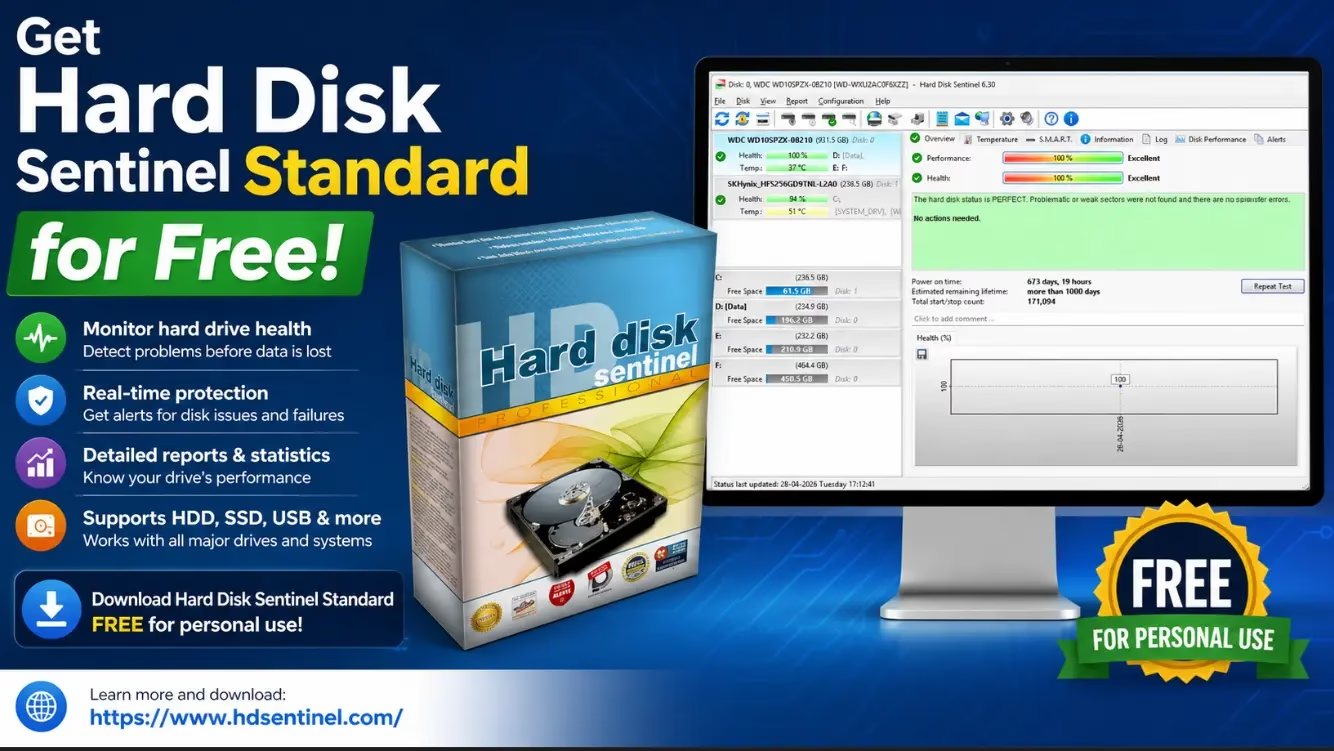

About HDSentinel:
HDSentinel is disk analysis and monitoring software that works with multiple operating systems. Its purpose is to detect issues with hard drives, test, diagnose, and repair them, as well as to report and display the health of solid-state drives and hard disk drives (SSDs and HDDs), and to identify performance drops and failures.
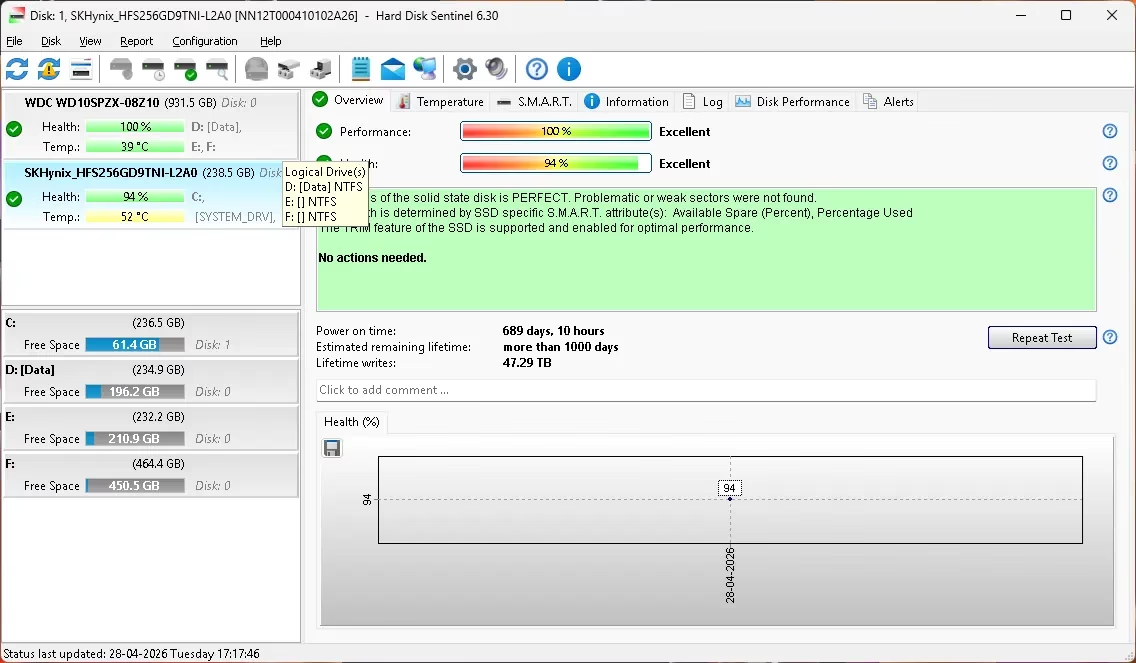
Whether you have a hard drive or a solid-state drive (SSD), this Windows program will tell you everything you need to know about it. It operates invisibly in the background, monitoring the SMART status of SSDs and HDDs.
This application will alert the user and potentially take corrective action if it detects an error or unexpected behavior (for example, start an automatic backup).
What is the significance of the Hard Disk Sentinel?
Your computer’s heart is its hard disk or solid-state drive. We keep everything from your files and apps on HDDs/SSDs. We may lose all of your data if the hard drive crashes.
To prevent potentially catastrophic issues, you need HD Sentinel. In addition, it equips you with the means to identify and fix data loss-inducing issues. To protect your data as thoroughly as possible, use HDSentinel.


How does HDSentinel function?
The condition of a hard disk usually declines over time. By analyzing the HDD’s critical values, SMART monitoring can foresee when the drive will fail. When compared to similar programs, Hard Disk Sentinel identifies and reports every disk issue.
It detects disk failures much earlier and provides more comprehensive data on a hard drive’s expected lifespan and any problems that have been discovered.
Compared to the “traditional” method of merely examining S.M.A.R.T. attribute thresholds and values, this is a more advanced method of failure prediction.
The program displays the current drive temperature and records the highest and lowest temperatures ever recorded for the drive. You can use this to see how hot your hard drive gets when it’s working hard.

Get Hard Disk Sentinel 6.30 for free:
Download the giveaway version (6.30) installer from any of these links: [Link 1] / [Link 2] / [Link 3]
Run the pre-activated installer and enjoy the full version.
That’s it.
Key Features of Hard Disk Sentinel
- SMART Monitoring: Continuous monitoring of SMART attributes to predict hard disk failures
- Real-time Alerts: Get instant notifications when disk issues are detected
- Temperature Monitoring: Track HDD/SSD temperature and prevent overheating
- Health Reports: Detailed reports on disk health status and performance
- Multiple OS Support: Works on Windows, Mac, and Linux systems
- Performance Optimization: Identifies and helps fix performance bottlenecks
Why Choose Hard Disk Sentinel?
Data loss can be catastrophic for both personal and professional use. Whether you’re protecting family photos, important documents, or business data, Hard Disk Sentinel provides peace of mind by monitoring your storage devices 24/7. The early warning system allows you to back up critical data before a disk failure occurs.
Hard Disk Sentinel System Requirements
Minimum Requirements:
- Windows XP or later (Windows 7, 8, 10, 11)
- Mac OS X 10.5 or later
- Linux with GCC compiler
- 1 GB RAM
- 50 MB disk space

Frequently Asked Questions (FAQ)
Is Hard Disk Sentinel free?
Yes, we’re offering the standard edition (v6.30) of Hard Disk Sentinel completely free through a giveaway. You get the full version with no limitations during the license period.
Can I use this on SSDs?
Absolutely! Hard Disk Sentinel works with both traditional HDDs and modern SSDs. It monitors both types of storage media and provides health reports for each.
How often does it check disk health?
Hard Disk Sentinel runs continuously in the background, monitoring SMART status in real-time. You can customize the checking intervals based on your preferences.
What should I do if an error is detected?
When an error is detected, Hard Disk Sentinel will alert you and you can take immediate action, such as backing up your data or replacing the failing drive before complete failure occurs.
Is it safe to install and use?
Yes, Hard Disk Sentinel is completely safe. It only monitors your disk health and does not modify or delete data. It’s designed to be lightweight and won’t slow down your system.
Conclusion
Hard Disk Sentinel 6.30 is an essential tool for anyone who values their data. By providing early warning of potential disk failures through SMART analysis and real-time monitoring, it helps you avoid catastrophic data loss. Download the free giveaway version today and protect your valuable data with this powerful HDD/SSD monitoring tool.
=”aligncenter size-full wp-image-56113″ src=”https://techno360.in/wp-content/uploads/2025/08/Hard-Disk-Sentinel-Standard-6.30.avif” alt=”” width=”1136″ height=”663″ />


