


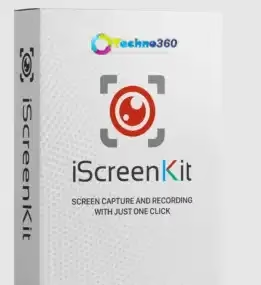
iScreenKit is a simple-to-use screen capture and recording application with rich annotating capabilities.
This screen capturing and recording app makes it easy to take screenshots and make tutorials with very little effort.
Even though Windows includes a built-in snipping tool for taking screenshots, neither Snipping Tool nor the new Snip & Sketch offer the same level of functionality as the third-party apps available today. Because of this, most people will utilize a third-party application to take screenshots and record the activities on their screens.iScreenKit is one of the most viable solutions available.


This application serves as a screen recorder as well as a snapshot tool. It can be used to take screenshots and make video tutorials with different types of annotations.
It includes three key modules: one for screenshot capture, one for screen recording, and one for scrolling screenshots of webpages, large spreadsheets, or documents. This last feature is one of the things that makes iScreenKit stand out from other apps.
The app’s sleek and well-organized user interface has straightforward and obvious options, resulting in a positive overall user experience. Additionally, it provides a small toolbar on the bottom of the screen that awaits your input without interfering with your work.
iScreenKit Features:
- Quick and simple to use Screen capture and video capturing software.
- With its wonderfully designed icons and intuitive user interface, even non-geeks can take perfect screenshots and create entertaining Videos.
- With one click, you can take a screenshot of a part of the screen, a window, or the whole screen. You can then edit the screenshot before saving it on a drive.
- Capture videos of your screen and webcam. When making custom-made how-to guides and tutorial videos, turn on the microphone to add or remove audio from your recordings.
- Take a scrolling snapshot of a full webpage, a large Excel form, or a full PDF file.
- Make your screenshots look better by adding things such as arrows and text. You can also use the eraser to get rid of the unwanted parts of your screenshots, blur the background, or make a mosaic.
- Make any necessary cuts to your recordings and convert all video recordings to an animated GIF.
iScreenKit Giveaway:
Visit this
Enter your email address and click the “Full version Key” button.
Check your email inbox; you will receive an email with the license code.
Download the installer from the developer page[28.2 MB].
Install the software and activate it with the license key you received.


