


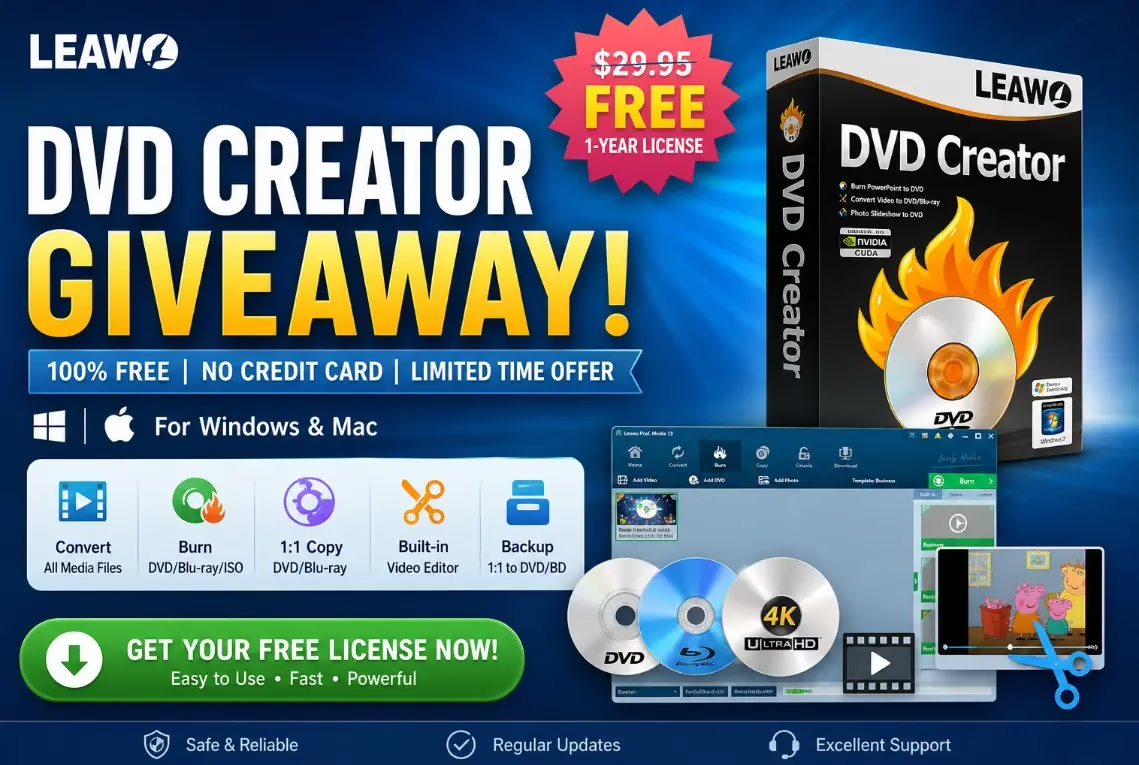
Leawo DVD Creator is a professional DVD burning and video editing software that lets you convert videos from 180+ formats into playable DVDs — complete with custom menus, 3D effects, subtitles, and photo slideshows. Whether you want to burn home videos, movie clips, or photo albums to DVD-5 or DVD-9 discs, Leawo DVD Creator makes the process fast, easy, and high-quality. Best of all, you can currently get a Leawo DVD Creator free license key for 1 year via the official giveaway — no credit card needed.
What Is Leawo DVD Creator?
Leawo DVD Creator is part of the Leawo Prof. Media all-in-one media toolkit developed by Leawo Software Co., Ltd. It supports burning video files to DVD disc, DVD folder, and ISO image files. The software is available for both Windows and macOS and is trusted by millions of users worldwide for reliable, high-quality DVD creation.
Key Features of Leawo DVD Creator
1. Supports 180+ Video Formats
Leawo DVD Creator accepts virtually every popular video format including AVI, MKV, MP4, WMV, Xvid, MOV, and FLV. You can burn any of these to DVD-5 or DVD-9 discs with zero quality loss.
2. 40+ Customizable DVD Menu Templates
Choose from over 40 built-in disc menu templates. Every element on the menu is fully customizable — reposition items, rename titles, change fonts, and more. You can also set custom background images and music for the menu.


3. Powerful Video Editing Tools
The software includes a built-in video editor with the following tools:
- Video Trimmer – Cut unwanted parts from the beginning or end of your video
- Crop Tool – Adjust the aspect ratio and frame size to fit the disc
- Brightness / Saturation / Contrast Control – Fix lighting and color issues before burning
- Watermark – Add text or image watermarks to personalize your DVD
- Noise Removal – Clean up source video before burning
4. 3D DVD Conversion
Leawo DVD Creator includes a 3D Creator module that can convert ordinary 2D videos into 3D DVDs. It supports 6 different 3D effect modes, letting you choose the style that suits your content best.


5. Photo Slideshow Maker
Turn your photo collections into slideshow videos and burn them directly to DVD. You can set the duration for each photo, add transition effects, and include background music to create a professional-looking slideshow DVD.
6. Subtitle & Audio Track Support
Add multiple subtitle tracks and audio languages to your DVD. The software supports both PAL and NTSC TV standards, so your discs will play correctly on DVD players worldwide.
7. High-Quality Video Output
Leawo DVD Creator preserves the original video quality during the burning process. It supports up to full HD output quality and burns at up to 6X speed for fast DVD creation.
Pros and Cons of Leawo DVD Creator
Pros:
- Supports 180+ input video formats
- Beginner-friendly interface with easy navigation
- 40+ customizable DVD menu templates
- Powerful built-in video editor (trim, crop, color, watermark)
- 6 types of 3D effect modes
- Built-in photo slideshow maker with music support
- PAL and NTSC compatibility for worldwide DVD playback
- Available for both Windows and Mac
- Free 1-year license available via giveaway
Cons:
- Free version has limited features; full version requires license or subscription
- Does not support Blu-ray burning (a separate Leawo product covers this)
System Requirements
Windows:
- OS: Windows XP / Vista / 7 / 8 / 10 / 11
- Processor: 1 GHz Intel or AMD CPU
- RAM: 256 MB (512 MB recommended)
- Hard Disk: 512 MB free space
- DVD-RW optical drive
- Display: 800×600 minimum resolution
- DirectX 8.1 or higher
macOS:
- OS: macOS 10.10 or later
- Processor: Intel or Apple Silicon (via Rosetta 2)
- RAM: 512 MB or higher
- DVD-RW optical drive (or external USB DVD writer)
Leawo DVD Creator Pricing
- 1-Year License: $29.95 (regularly discounted to $14.97 with coupon)
- Lifetime License: $39.95 (regularly discounted to $19.97 with coupon)
- Free Giveaway: 1-Year license available for free (see below)
How to Get Leawo DVD Creator Free License Key (Giveaway 2026)
Leawo regularly runs free license giveaways for their DVD Creator software. Here is the step-by-step guide to claim your free 1-year license key:


- Visit the official Leawo DVD Creator giveaway page.
- Select your operating system (Windows or Mac).
- Enter your name and email address, then click the “Get it Now” button.
- The giveaway page will reveal a license code on screen.
- Also check your email inbox — Leawo will send you an email with the license code and a confirmation link.
- Download the Leawo Prof. Media installer for Windows or Mac.
- Install and launch Leawo Prof. Media.
- On the main window, click the “Key” icon to open the Activation Center.
- Enter the license code and click the “Activate” (Arrow) button.
- Done! Your Leawo DVD Creator is now activated for 1 year — for free.

Is Leawo DVD Creator Worth It?
If you need a reliable, feature-packed DVD burning software that supports a wide range of video formats, Leawo DVD Creator is an excellent choice. Its video editing tools, 3D conversion, photo slideshow maker, and customizable menus give it an edge over many free alternatives. And with the free 1-year giveaway available, there is no reason not to try it. Grab your Leawo DVD Creator free license key today before the giveaway expires!