


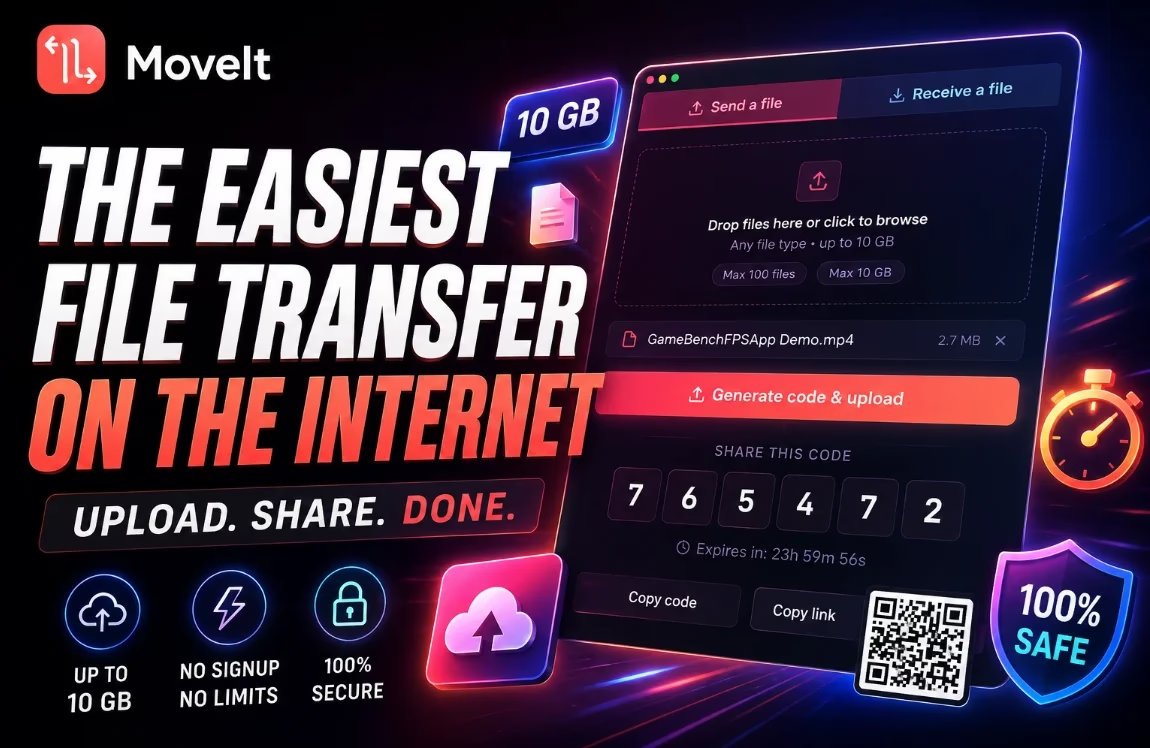
MoveIt — the easiest way to send 10GB without an account
Drag in your files, get a 6-digit code, share it with anyone. No sign-up, no app required, no email harvesting. Files self-destruct after 24 hours.
✓ No account
✓ Up to 10 GB
✓ TLS encrypted
Sending a large file to someone without creating an account, installing anything, or wrestling with restrictive size limits is exactly what MoveIt sets out to solve. This free file transfer tool focuses on absolute simplicity: you upload your files, get a 6-digit code, share that code with your recipient, and that’s it. No email address, no password, no friction.
In this hands-on look at MoveIt file transfer, we cover what it does well, where it falls short, and whether it’s a viable replacement for paid services like WeTransfer Pro or SwissTransfer.
📋 Quick Facts
| Developer | Arman Ispiryan (Stockholm University) |
| Type | Free file transfer service |
| Maximum size | 10 GB per transfer · 100 files max |
| Retention | 24 hours, then auto-deleted |
| Server location | Sweden 🇸🇪 |
| Encryption | TLS in transit |
| Account required | No |
| Platforms | Web · Windows 10/11 · Linux (Ubuntu/Debian) |
| Price | Free |
| Website | moveit.click |

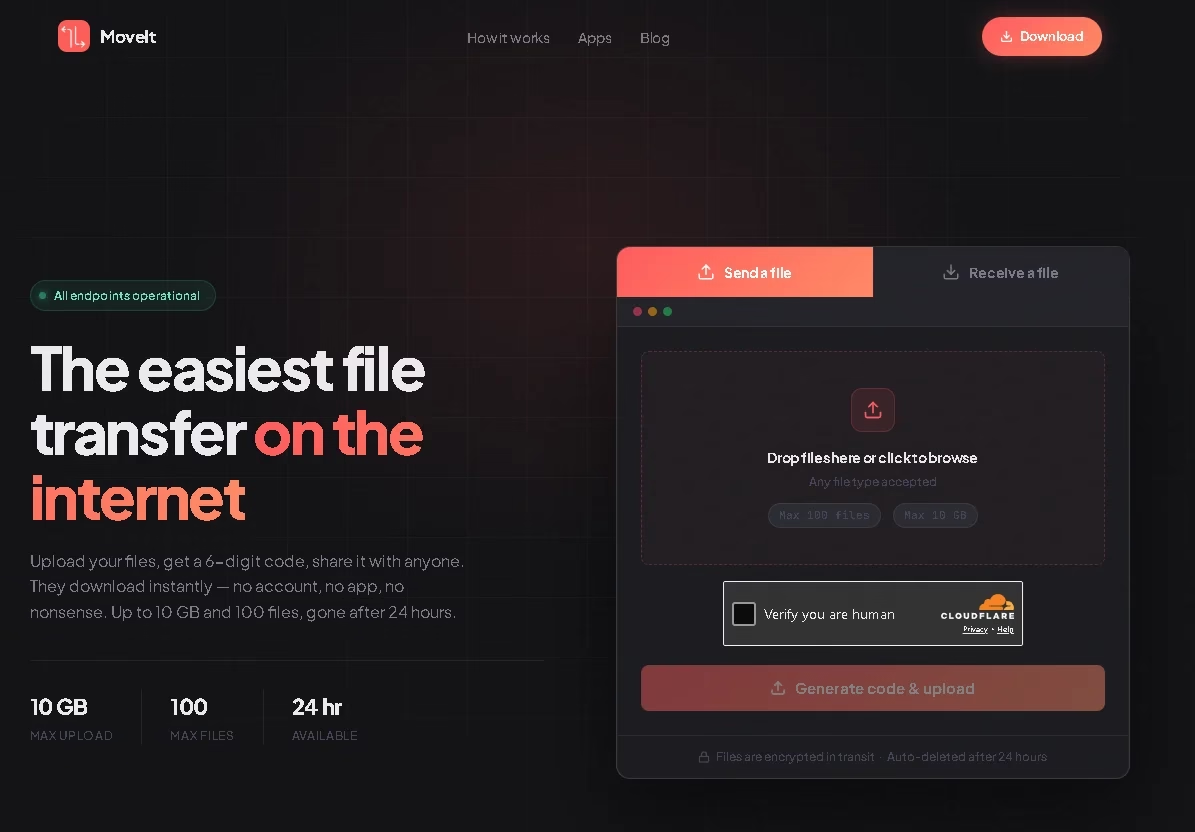
MoveIt: a free, account-free alternative to WeTransfer
MoveIt is a free file transfer service developed by Arman Ispiryan, a computer science master’s student at Stockholm University. Unlike well-known services such as WeTransfer, no account is required and no personal information is requested. You can send up to 10 GB of files at a time, with a limit of 100 files per transfer.
The files are hosted on servers located in Sweden and then automatically deleted after 24 hours. You can use the service directly from a browser at moveit.click, but a desktop application is also available for Windows and Linux for users who transfer files often.
Note: Don’t confuse this MoveIt with the enterprise “MOVEit Transfer” product from Progress Software — they share a name but are completely different services. This review is about the free, consumer-facing tool at moveit.click.

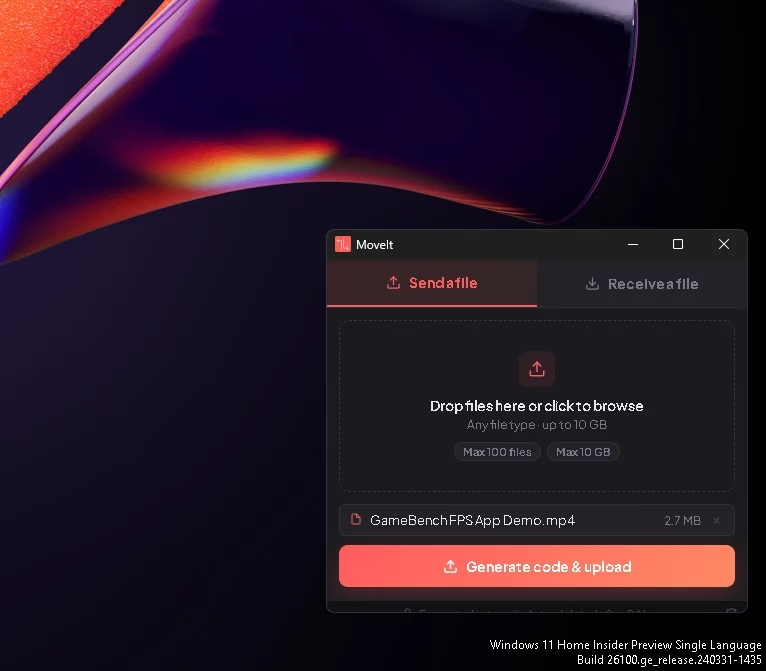
How does MoveIt file transfer work?
Nothing complicated. The workflow has just three steps:
- Upload — drag your files into the interface, or select them manually, then click Generate code & upload.
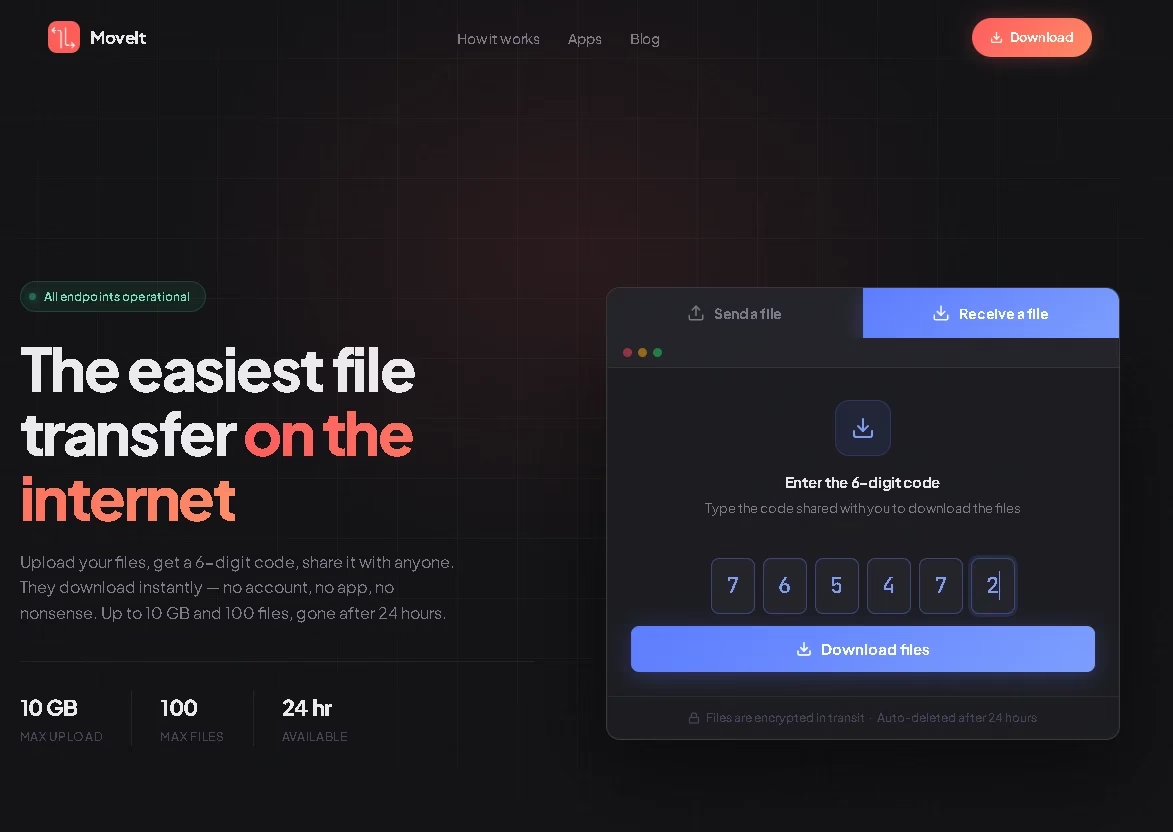
- Share the code—once the upload completes, MoveIt generates a unique 6-digit code that you can share via SMS, email, instant messaging, or even verbally over a phone call. A QR code is also generated for quick sharing to a smartphone.
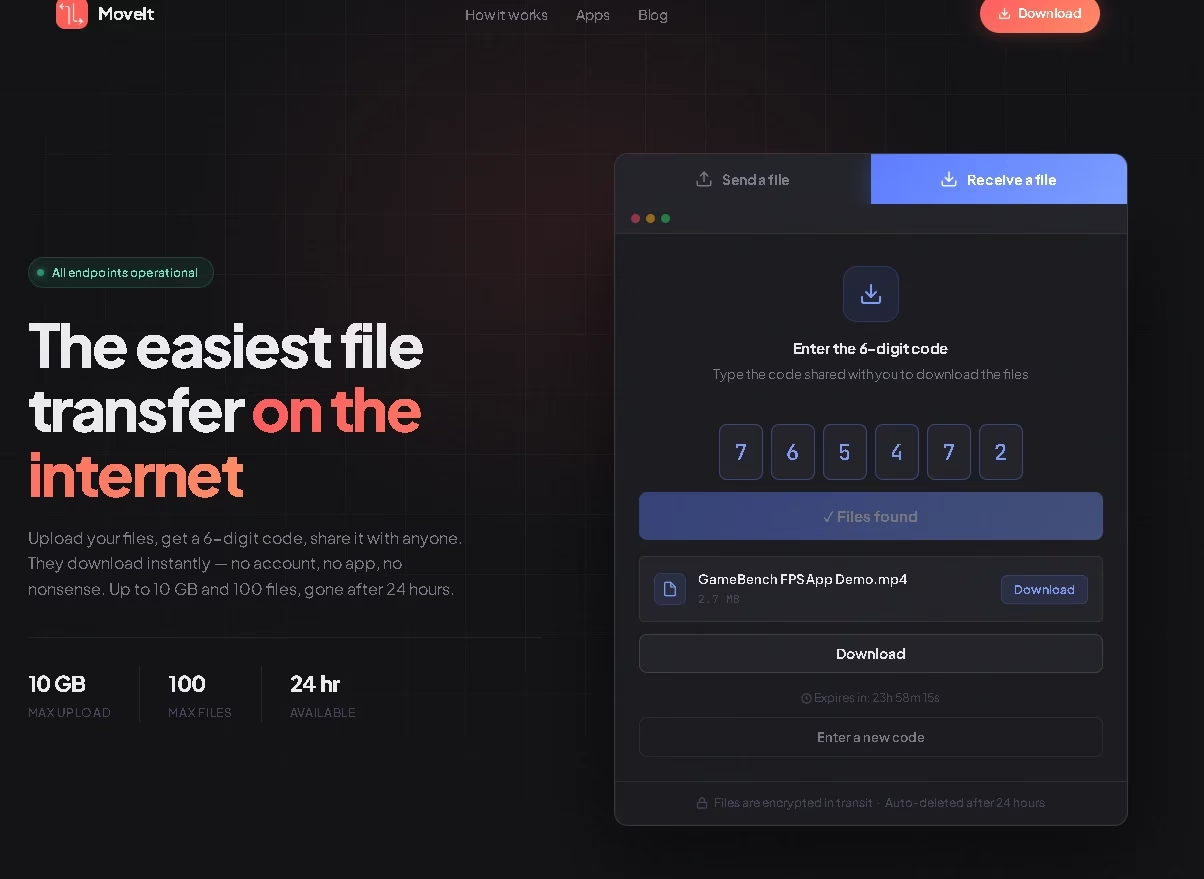
- Recipient downloads—your recipient enters the code in the Receive a file tab of the desktop app, or goes to moveit.click from any browser, types the code, and downloads the files. No account creation needed on their end either.
That’s the entire experience. There’s no link to copy, no “your file is ready” email — just a short code that works across any device.

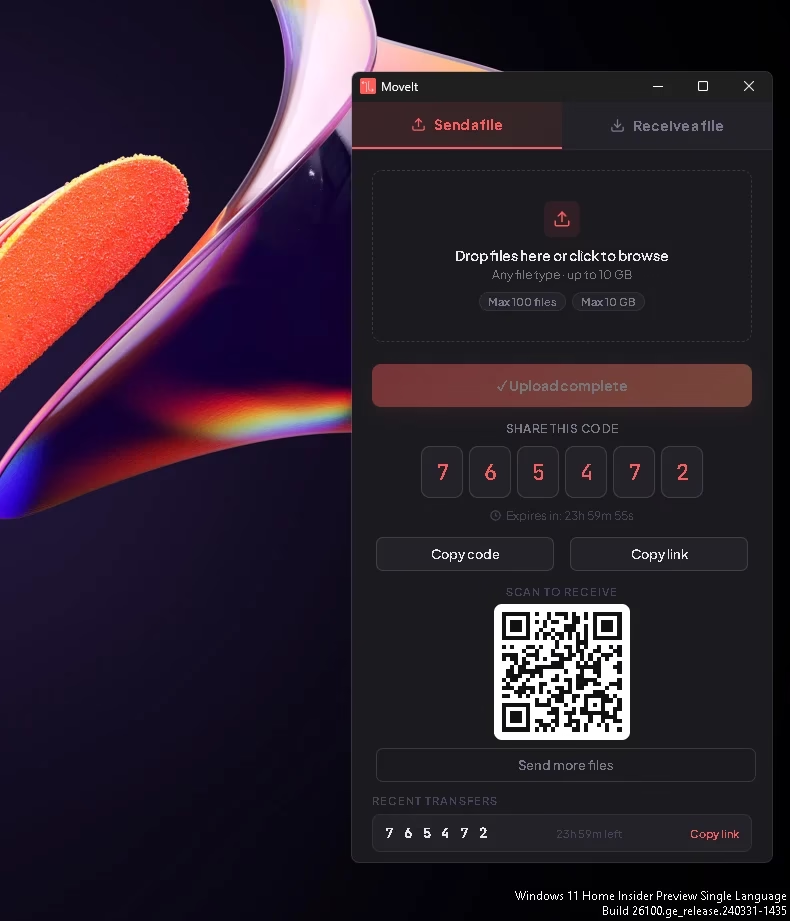
A desktop app for Windows and Linux
MoveIt isn’t limited to the web interface. A desktop application is available for Windows 10 and 11 via the Microsoft Store or as a direct installer from the official download page.
On Linux, users of Ubuntu, Debian, and derivatives can install it via a single-command script:
curl -fsSL https://moveit.click/install-moveit.sh | sudo bashA .deb package and AppImage are available too if you prefer not to pipe a script straight into sudo bash. The desktop app has the same features as the web version, with the bonus of quick access from the system tray and native drag-and-drop directly from File Explorer or Files.

What are the limitations of MoveIt?
The main limitation concerns the transfer lifespan: 24 hours, no more. If your recipient hasn’t downloaded the files within that window, you’ll have to upload them again. There’s also no way to delete a file immediately after sending or downloading it — for early deletion, you have to email the developer with the 6-digit code.
Furthermore, there are no iOS or Android apps yet. Mobile users have to fall back on the web interface, which works but isn’t as polished as a native app would be.
Other things to keep in mind:
- No password protection on transfers (the 6-digit code is the only gate).
- No transfer history or “recent files” view — once a code is gone, it’s gone.
- No team or branding features (this isn’t aimed at businesses).

Is MoveIt really private?
The privacy policy is short, clear, and free of unfair clauses. MoveIt does not collect your name, email address, or any other personal information. Only your IP address is recorded — solely to limit abuse — and it’s automatically deleted after 24 hours.
Files are transmitted over an encrypted TLS connection and are only accessible with the 6-digit code generated at upload. According to the Terms of Service, no files are read, scanned, or indexed.
That said, this is a solo project run by a student. There is no independent security audit, and only one person has technical access to the infrastructure. That’s not a criticism so much as something to be aware of when deciding what to send through it.
If you have genuinely sensitive files to transfer, the safest approach is the same one that applies to any free file transfer service: encrypt them locally before uploading (using 7-Zip with a password, Cryptomator, VeraCrypt, or similar). That way, even in the unlikely event of unauthorized access to the server, the contents remain unreadable.
Who is MoveIt for?
MoveIt is the right tool when you want to:
- Send a one-off large file (video, design files, photo dump, install image) to a friend, client, or colleague.
- Avoid the “sign up to download” friction that most free transfer services have started layering on.
- Transfer between your own devices quickly without setting up cloud sync.
- Share a file with someone who isn’t technical — reading out a 6-digit code over the phone is hard to mess up.
It’s not the right tool for ongoing business workflows, files that need to live longer than 24 hours, or anything requiring access controls and audit logs.
Recommended ★★★★☆
MoveIt nails the one thing it set out to do: get a large file from point A to point B with the least possible friction. The 6-digit code is genuinely clever — it’s a UX improvement over copy-pasting a long URL, and it works just as well over a voice call. For everyday personal transfers up to 10GB, it’s hard to beat.
- Truly no account, no email required
- Generous 10 GB / 100-file limit
- 6-digit codes are friction-free to share
- Native Windows & Linux apps
- Clean, no-ads, no-tracking interface
- Auto-deletion after 24 hours
- 24-hour window can be too short
- No iOS or Android app yet
- No password protection option
- No independent security audit
- Solo-developer project (bus factor of 1)
Bottom line: Bookmark moveit.click for the next time you need to send something too big for email. For confidential material, encrypt locally first — sound advice for any free transfer service, MoveIt included.
Frequently Asked Questions
Is MoveIt really free?
Yes. MoveIt is completely free with no paid tier, no ads, and no “premium” upsell. The developer covers hosting costs himself.
Do I need to create an account to use MoveIt?
No. Neither the sender nor the recipient needs an account. You don’t even have to provide an email address.
What is the maximum file size on MoveIt?
You can transfer up to 10 GB per upload, with a maximum of 100 files in a single transfer. If you need to send more, you can simply create another transfer.
How long are files kept on MoveIt’s servers?
Files are stored for 24 hours after upload, then automatically deleted. Your recipient must download them within that window.
Where are MoveIt’s servers located?
MoveIt’s servers are located in Sweden, which puts the service under European Union–style data protection norms.
Is MoveIt safe for confidential files?
Files are transferred over an encrypted TLS connection and are only accessible with the unique 6-digit code. However, the service has not undergone an independent security audit, and it is run by a single developer. For sensitive files, encrypt them locally (e.g., with 7-Zip + password or VeraCrypt) before uploading.
Is there a MoveIt app for Android or iPhone?
Not yet. MoveIt is currently available as a web app and as desktop applications for Windows 10/11 and Linux. Mobile users can use the website in any browser in the meantime.
How is MoveIt different from the enterprise “MOVEit Transfer”?
They share a name but are unrelated. The MoveIt covered here is a free consumer service at moveit.click built by Arman Ispiryan. MOVEit Transfer is a paid enterprise managed-file-transfer product from Progress Software — a different company, a different audience, and very different pricing.
Final Thoughts
In a market where “free” usually means “free until we ask for your email,” MoveIt feels refreshingly unfussy. It does one thing — move a big file from A to B — and does it without making you jump through hoops. The 24-hour limit and lack of mobile apps will rule it out for some use cases, but for the everyday “can you send me that video?” moment, it’s about as smooth as file transfer gets.
Try it once at moveit.click and you’ll likely keep it bookmarked.