
O&O DiskImage 20 Pro is a robust backup tool that replicates your operating system or selected files and folders. You’ll be relieved to have this backup when your system crashes or you accidentally delete some files.
Do you need trustworthy imaging and backup software to safeguard your data? There’s nothing better than O&O DiskImage Pro.
Keep your data safe with this robust program offering disk imaging, file backup, and recovery.
What’s even better? There is a new O&O DiskImage 17 Pro license giveaway where you can get a free copy of the software.
Contents
What is O&O DiskImage 20 Pro?
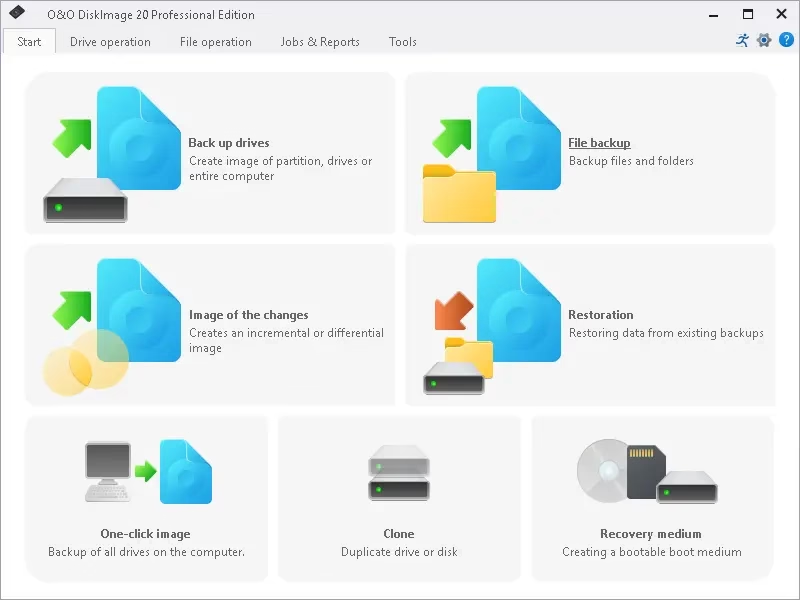
With O&O DiskImage 20 Pro, you can create a full system backup, including all of your files, settings, and applications, using disk imaging technology.
We can create a system image or individual files and folders with this Windows program. And you don’t even have to turn off your computer to do it; you can back it up while it’s still booted up and running.
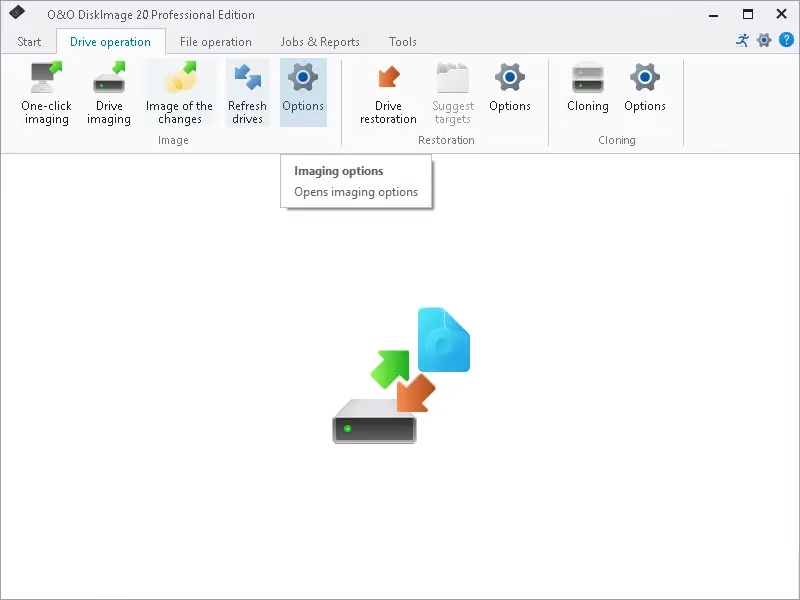
The program offers support for a wide variety of file systems, features straightforward setup and configuration wizards, and provides automatic notifications to keep you informed about the status of your backups, all of which make it easy to safeguard your vital information with this powerful tool.
Scheduled backups, as well as differential and incremental backups, along with real-time synchronization, are all available options.
Additionally, O&O DiskImage 20 provides a variety of recovery options, such as the ability to create bootable media, recover partitions, and restore individual files. The software provides comprehensive data security features, which include protection against malware and advanced encryption.
The highlights of O&O DiskImage 20 Pro:
- You can create full and incremental backups of your entire hard drive, as well as individual files and folders.
- To help you save space and maintain data security, the program provides state-of-the-art compression and encryption tools.
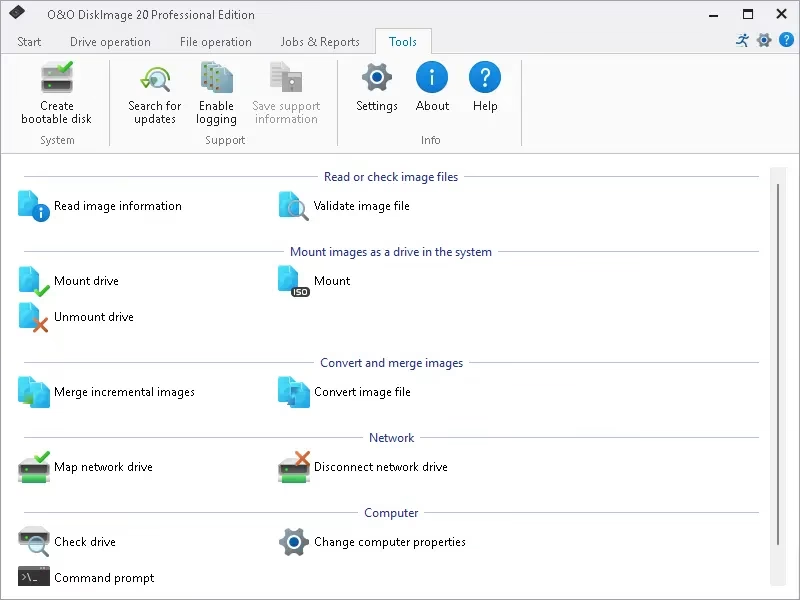
- By using O&O DiskImage 20 Pro’s image mounting functionality, you can access your data through a virtual drive without needing to restore the entire backup.
- Whenever there is a change in the status of the backup, you will receive an automatic notification.
- You can back up your data to an external drive, a network drive, or the cloud.
- The program supports dynamic disks and RAID systems.
For more information about the software, visit https://docs.oo-software.com/en/oodiskimage-20
How to Get a Free License for O&O DiskImage 20 Pro?
- Visit this giveaway page or this giveaway page.
- The giveaway page will be in German, so please submit your email address and click the “Kostenlose…” (Request Free License) button. (Request Free License) button.

- You will receive a confirmation email shortly. Click the confirmation link in the O&O Software email that you received.
- Soon, O&O Software will send you another email that contains the license key and activation instructions. They attach the license key and activation instructions to this email.
- Download the installer from: https://www.oo-software.com/en/download/
- Install the software once you’ve downloaded the installer [direct link].
Note: During installation, we should disregard the option to download the most recent version. - Launch the software and activate it using the activation details that were provided in the O&O email.


Discover more from Techno360
Subscribe to get the latest posts sent to your email.