

Do lag, frame rate drops, and background processes negatively affect your gaming experience? There is a deal available today for PC gamers who want to get the most out of their systems.
Smart PC Utilities is giving away one year’s worth of PC Game Booster Pro 7 (formerly known as Game Fire) for free. Grab a 1-year license for free! Normally, it retails for $17.95!
With a single click, this powerful software can help you create a gaming experience that is smoother and lag-free.
Contents
What is PC Game Booster Pro?
PC Game Booster Pro is a full-featured optimization tool made just for gamers by Smart PC Utilities.
The software does more than just free up RAM; it also optimizes your system’s resources so that your games run faster. To make sure your CPU and GPU are fully dedicated to rendering your game, it temporarily disables background services and programs that aren’t necessary.
No matter the age of your laptop or the power of your gaming rig, this program will help you maintain a consistent frame rate (FPS) and minimize frame rate drops.
Key Features
- Real-Time Optimization: In contrast to standard boosters, it keeps tabs on your system and makes real-time adjustments to resource distribution to avoid lags even while gaming is at its peak.
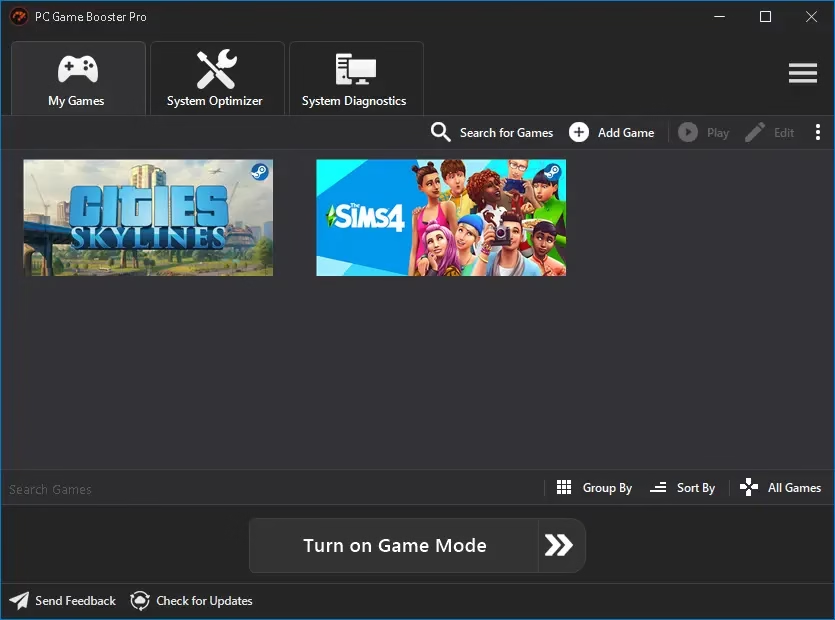
- Game Mode: Free up RAM and CPU resources with a single click in “Game Mode,” which disables Windows features and background apps that aren’t necessary.
- Unified Game Manager: The software provides an easy-to-use interface for managing all of your games, both local and online (including Steam and Ubisoft Connect).
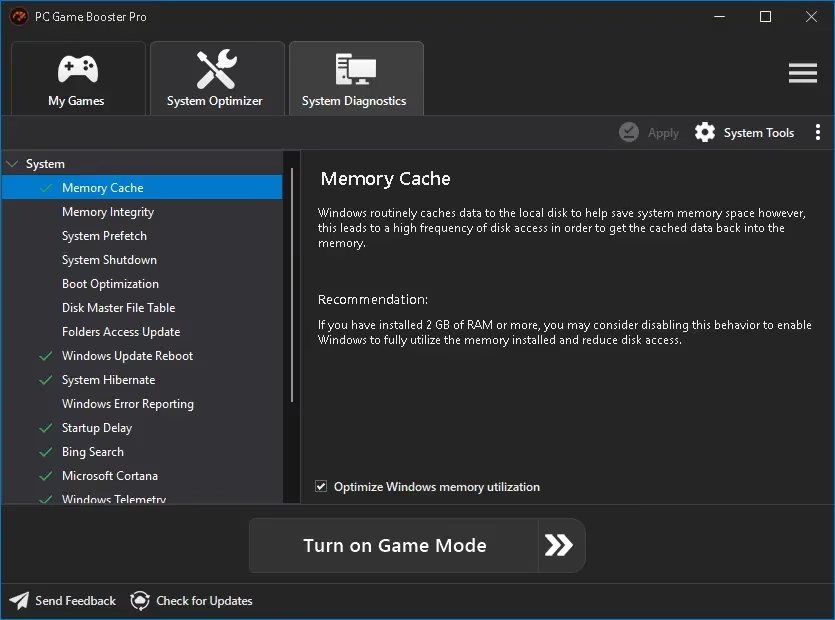
- System Tweaking: System enhancements that go deep into Windows settings to boost performance and stability.
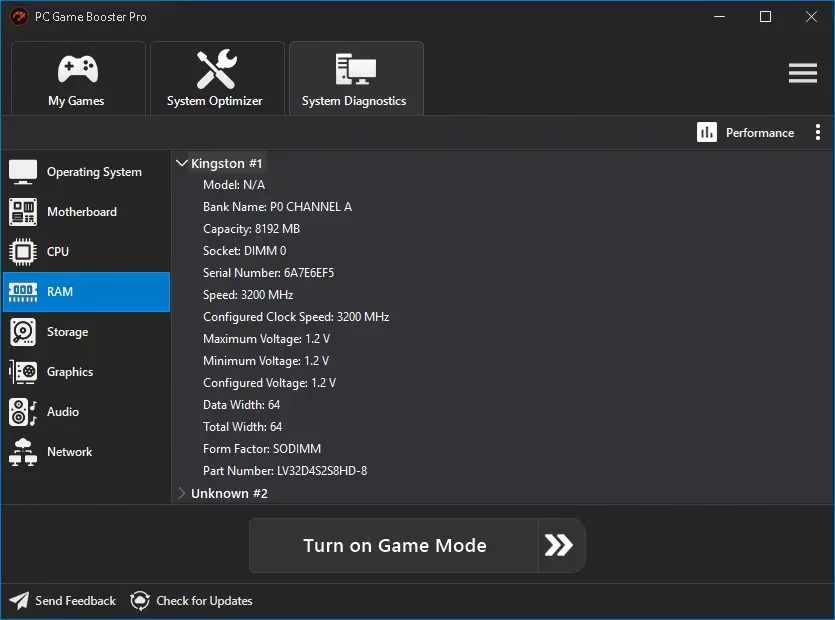
- FPS & Hardware Monitor: Monitors the status of your computer in real time by monitoring the temperature and clock speed of your central processing unit and graphics processing unit.
- Safe & Reversible: No overclocking risks. The software makes modifications that are only temporary and can be undone right away when you leave Game Mode.
How to Get PC Game Booster Pro 7 for Free?
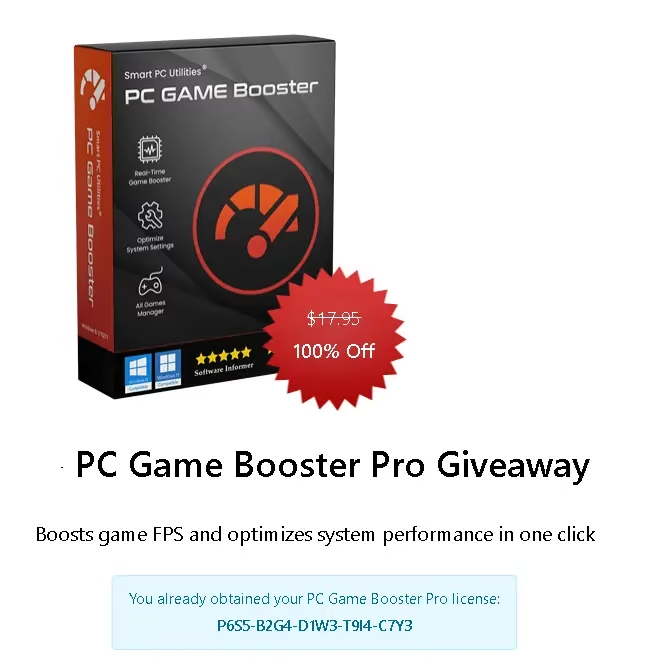
- Visit the Giveaway Page: Go to the official Smart PC Utilities Giveaway Page.
- Complete the captcha for the license code: Just complete the reCAPTCHA and click the “Get Free License” button to view the license code.
- Download & Install: Download the installer from the official website: Download PC Game Booster.
- Activate the software: After installation and launch, go to the app’s main window and click “Register.” Next, in the window that appears, input your name, email address, and the license key you received. This will get you access to the Pro features for an entire year.
Hurry! Limited Time Offer
This giveaway is only good for a short time (6 days). Don’t miss this chance to turn your PC into a gaming station for free.


Discover more from Techno360
Subscribe to get the latest posts sent to your email.
You must be logged in to post a comment.