
🎨 The wallpaper from Microsoft’s RTX Spark stage, plus four siblings
Five Windows 11 backgrounds, each 5000 × 2813 pixels, traced to Microsoft’s retail demo PCs and design site. Microsoft hasn’t announced them as an official set.
⚡ Quick Read
- What: five Windows 11 wallpapers named after Microsoft’s five PC categories, including the one seen on RTX Spark laptops at the 7 October 2026 event.
- Quality: 5000 × 2813 pixels each, in one ZIP of about 109 MB (114.3 MB in decimal units).
- Catch: Microsoft owns the artwork and hasn’t confirmed this set as an official release. The files are named .jpg but contain PNG data.
- Works on: any device that can open a PNG image at this size. You don’t need RTX Spark hardware.
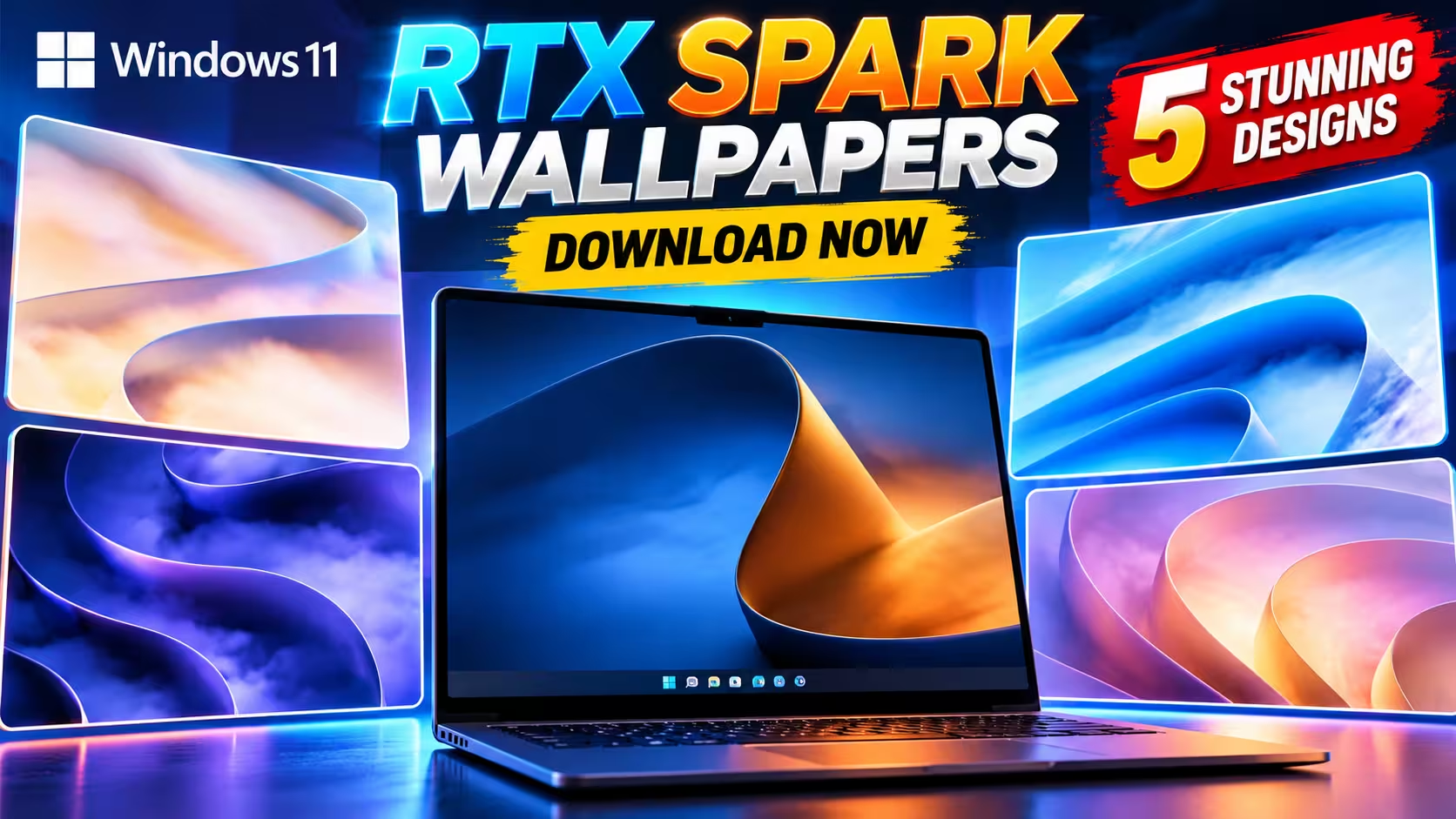
Creator Pro on the laptop, with Core Essentials, Power Gaming, Everyday Productivity and Premium Performance around it.
If you watched Microsoft’s Windows and Surface event on 7 October, you probably noticed the wallpaper on the RTX Spark laptops lined up on stage. It wasn’t available anywhere. Now the RTX Spark wallpapers have surfaced, and there are five of them, not one.
Below you’ll find where they came from, what each one looks like, and two download mirrors for the original full-size files.
Where these Windows 11 wallpapers came from
Microsoft and NVIDIA used the 7 October event to launch the first RTX Spark laptops from ASUS, Dell, HP, Lenovo, Microsoft Surface and MSI. The on-screen slide said the laptops were available to preorder that day. PCWorld’s launch list puts prices between $2,600 and $7,000, depending on model and configuration.
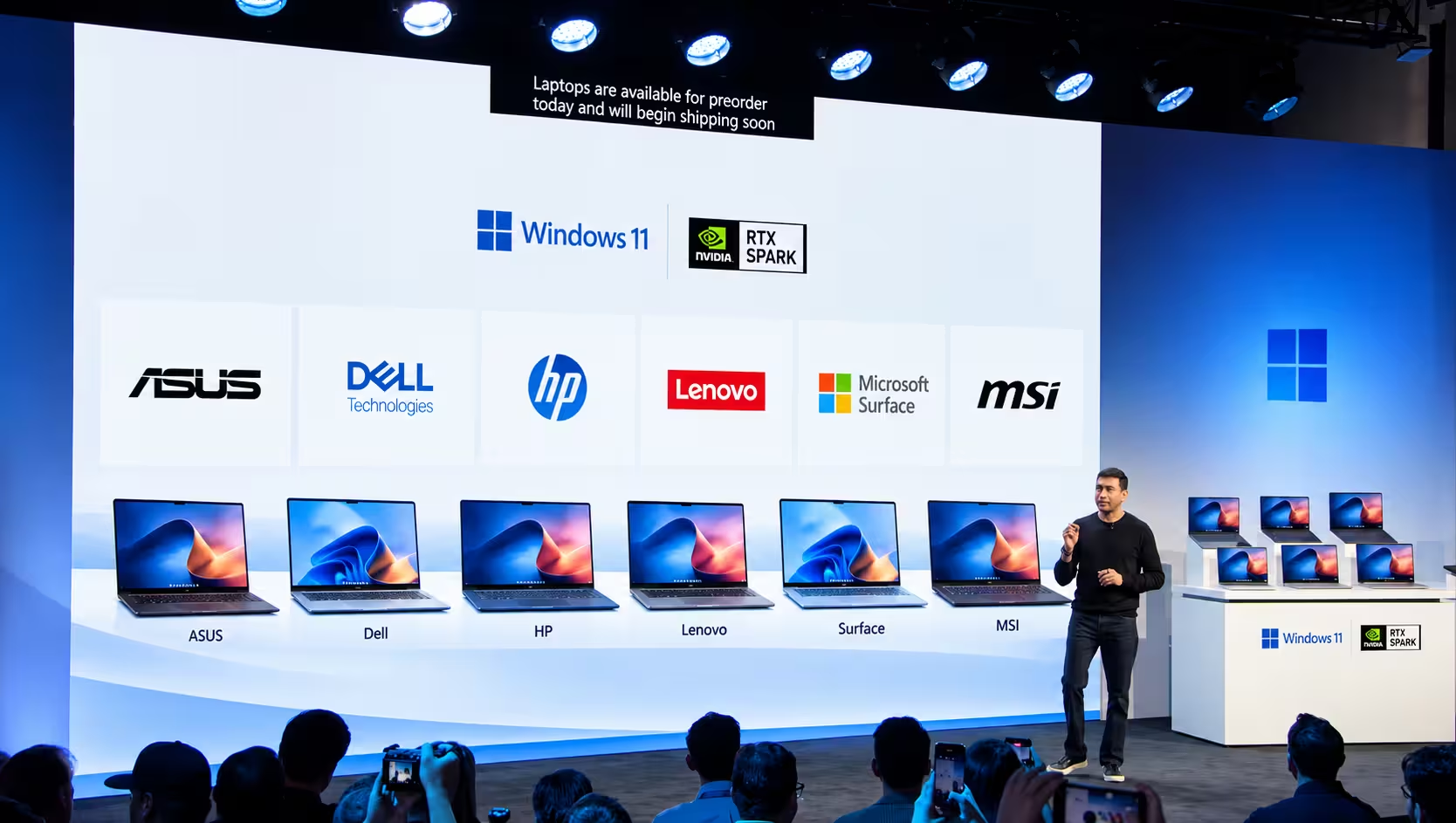
The launch slide listed six laptop makers. The demo laptops on the right show the wallpaper. (Source: Microsoft event stream)
Microsoft didn’t publish the wallpaper. The day after the event, Windows Central reported that fans were making AI recreations because the real file wasn’t available.
On 22 October, Windows Central reported that a Discord user, TechosaurusRex, had found the image in the app files of Microsoft’s Retail Demo Experience. That’s the software that runs on display PCs in shops. The report’s headline says even a $5,000 RTX Spark laptop won’t get you this wallpaper, and it notes that the Surface Laptop Ultra store listing shows a blacked-out version.
A few days later, a post on r/Windows11 shared a set of five, including the one from the stage. Le Crabe Info also reported the post. According to that report, the poster found the files elsewhere online and believes they came from a PC sold in stores.
Update, 28 October 2026: Windows Central updated its report on 27 October. It now links to a OneDrive folder, shared by Reddit user Ok-Compute-2282, that holds the full-resolution event wallpaper and a few other Windows 11 wallpapers. The folder has the same name as the files in our ZIP: Windows-FY27-CONS-C2-Wallpaper. Windows Central also says some of the images came from the Microsoft Design wallpaper site and others from retail units. It doesn’t say which. Microsoft hasn’t confirmed this five-wallpaper set as an official release.
The five wallpapers and Microsoft’s PC categories
Every file name starts with Windows-FY27-CONS-C2-Wallpaper. “FY27” probably means Microsoft’s 2027 financial year, which began on 1 July 2026. Each name ends with one of the five “PC collections” on Microsoft’s Windows device page:
| File suffix | Microsoft’s category description | Look |
|---|---|---|
| CreatorPro | “For advanced apps, creation, and design” | One curve, deep blue against orange |
| CoreEssential | “For browsing, email, and streaming” | Soft pastel peach, lilac and sky blue |
| EverydayProductivity | “For everyday projects, school, and multitasking” | Bright blue folds, closest to classic Bloom |
| Gaming | Power Gaming: “For immersive gaming and beyond” | Dark indigo ribbons, best for dark mode |
| PremiumPerformance | “For all-day work performance with gaming power” | Layered violet, pink and gold |
The file names suggest Microsoft made one wallpaper for each PC category. That would explain why each image has its own colours. Microsoft hasn’t confirmed this, though.
Creator Pro: the one from the stage
Windows Central described the event wallpaper as similar to Bloom, but with a single curve and contrasting colours. Of the five files, Creator Pro is the one that fits that description, and it also looks like the blue-and-orange screens visible on the stage laptops. A blue wave rises on the left and curls over into a glowing orange inner face on the right.
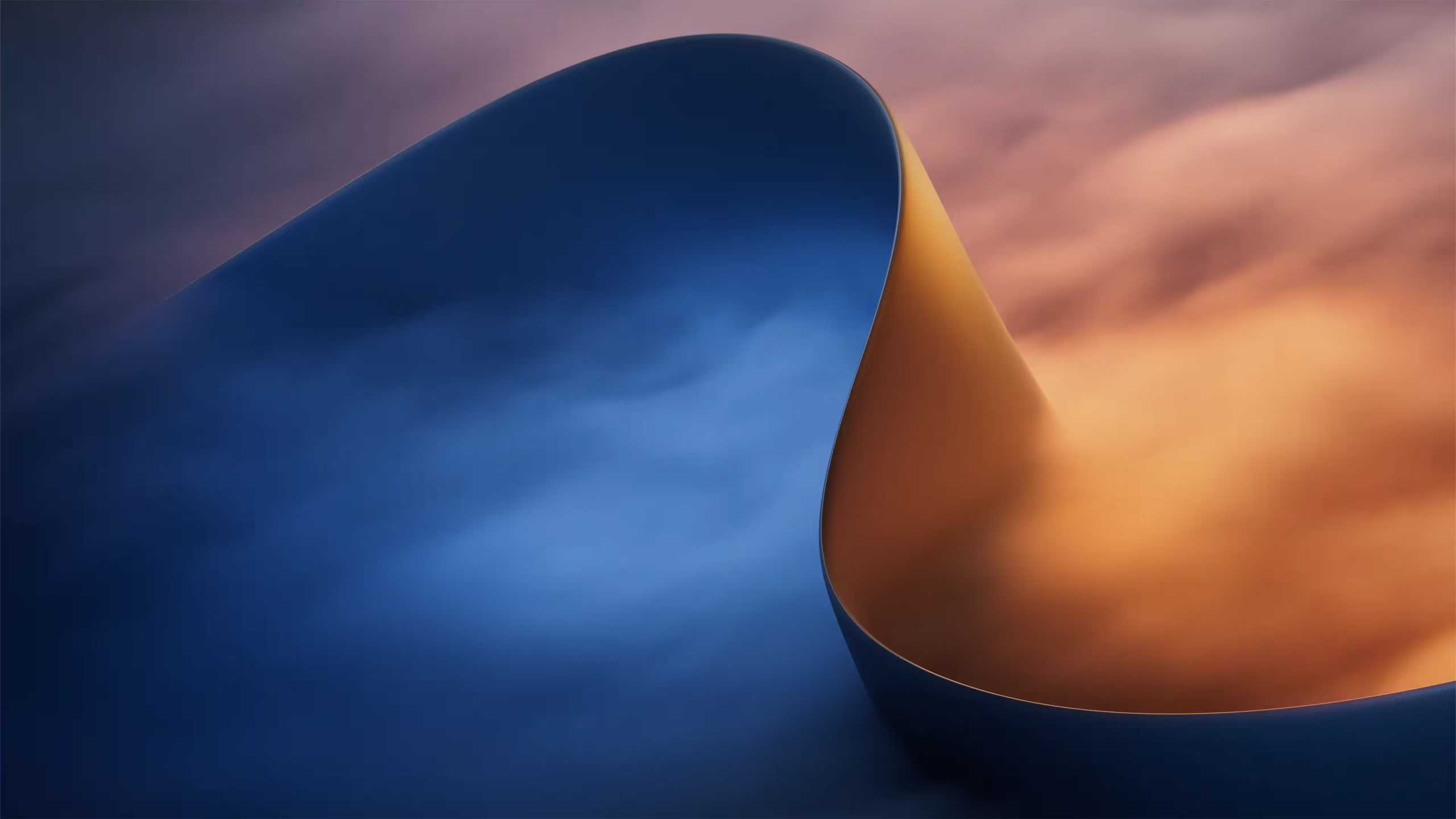
Creator Pro (compressed preview). This appears to be the wallpaper shown at the 7 October event.
Core Essentials and Everyday Productivity
These two are the lightest of the set. Core Essentials uses warm pastels, so icons and text stay easy to read in light mode. Everyday Productivity uses Windows 11’s familiar bright blue.
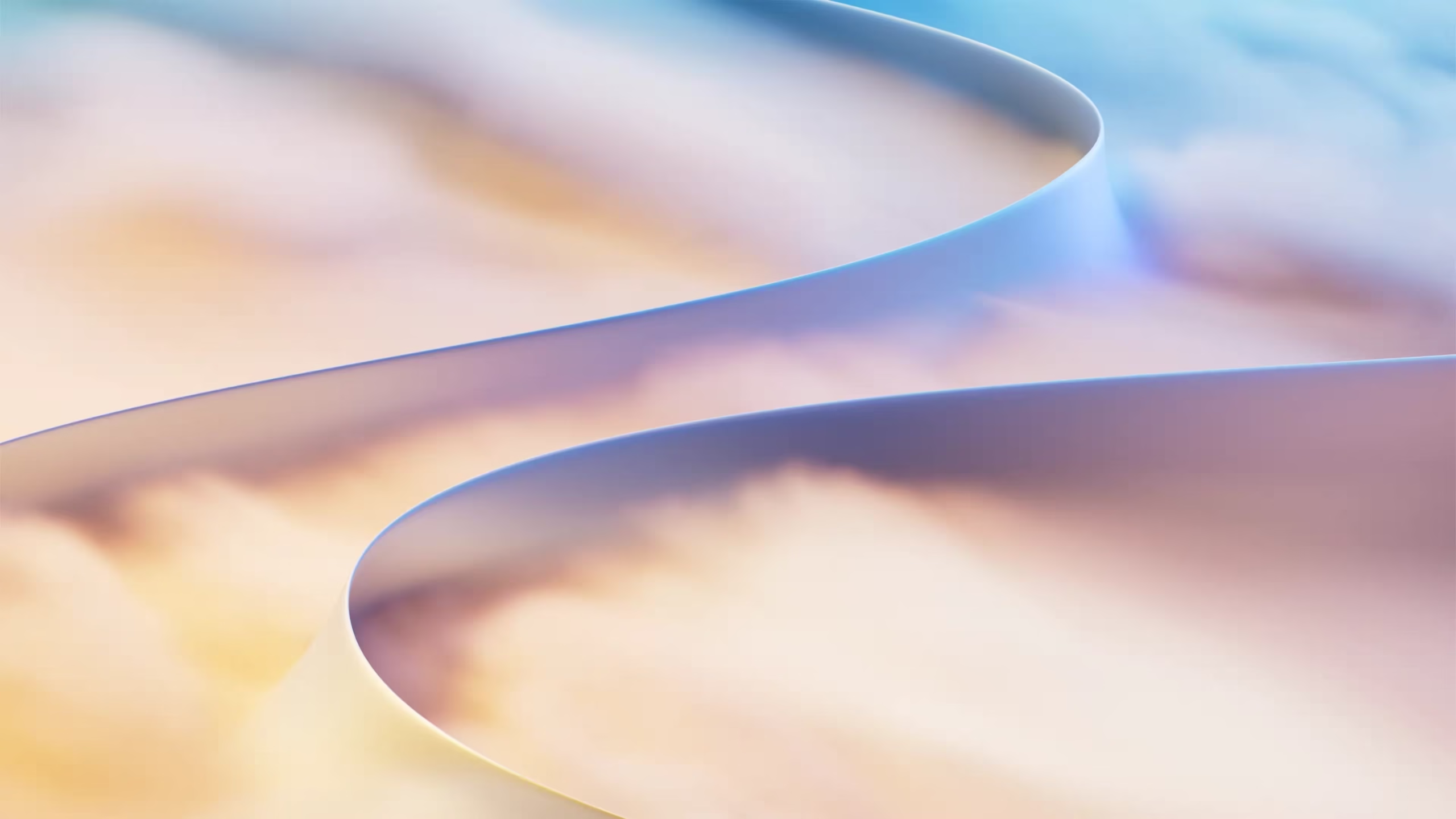
Core Essentials (compressed preview)
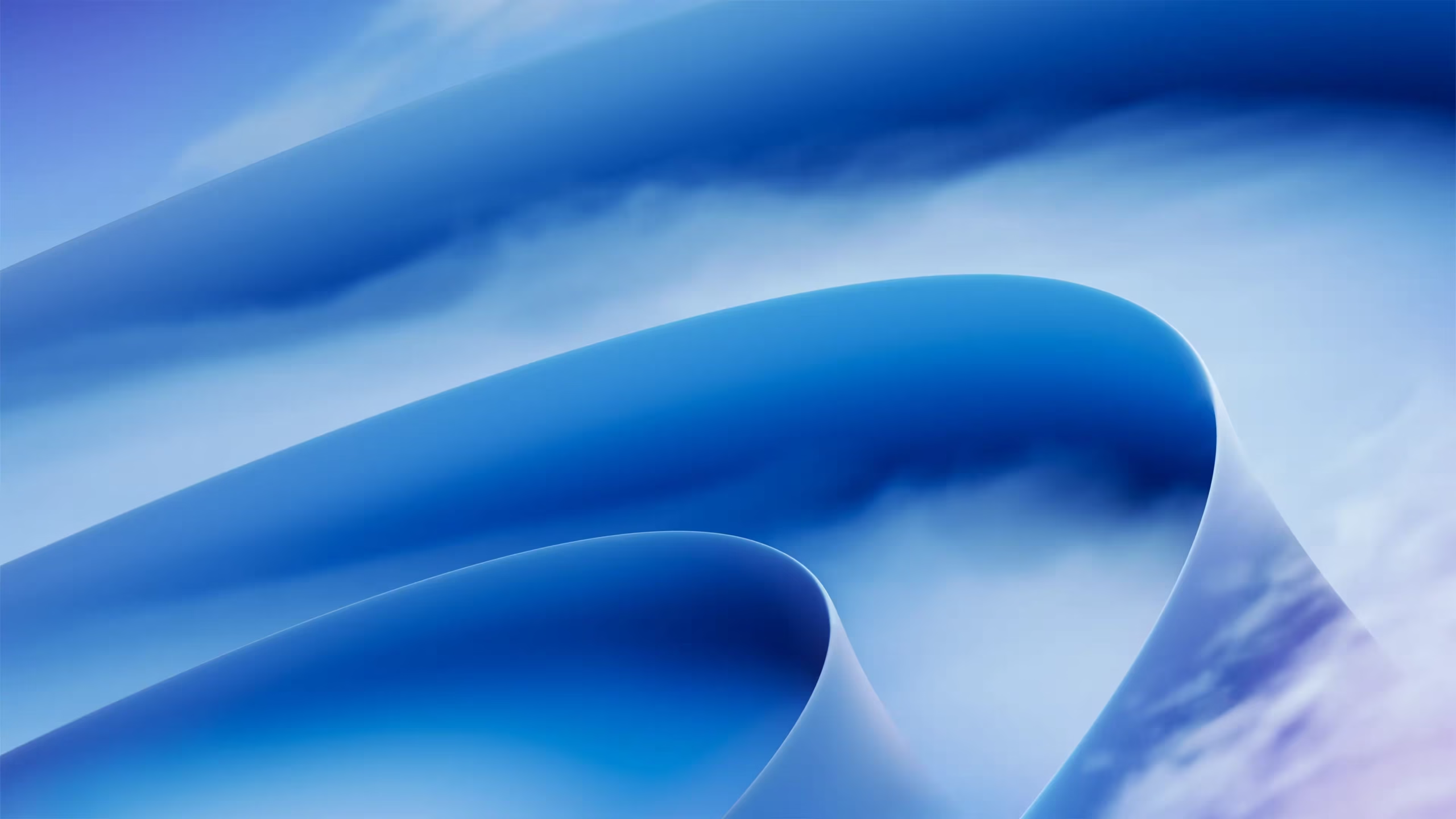
Everyday Productivity (compressed preview)
Power Gaming and Premium Performance
Power Gaming is the darkest. Its indigo ribbons go well with dark mode and RGB keyboards. Premium Performance stacks violet, pink and gold layers, and it’s the most colourful of the five.
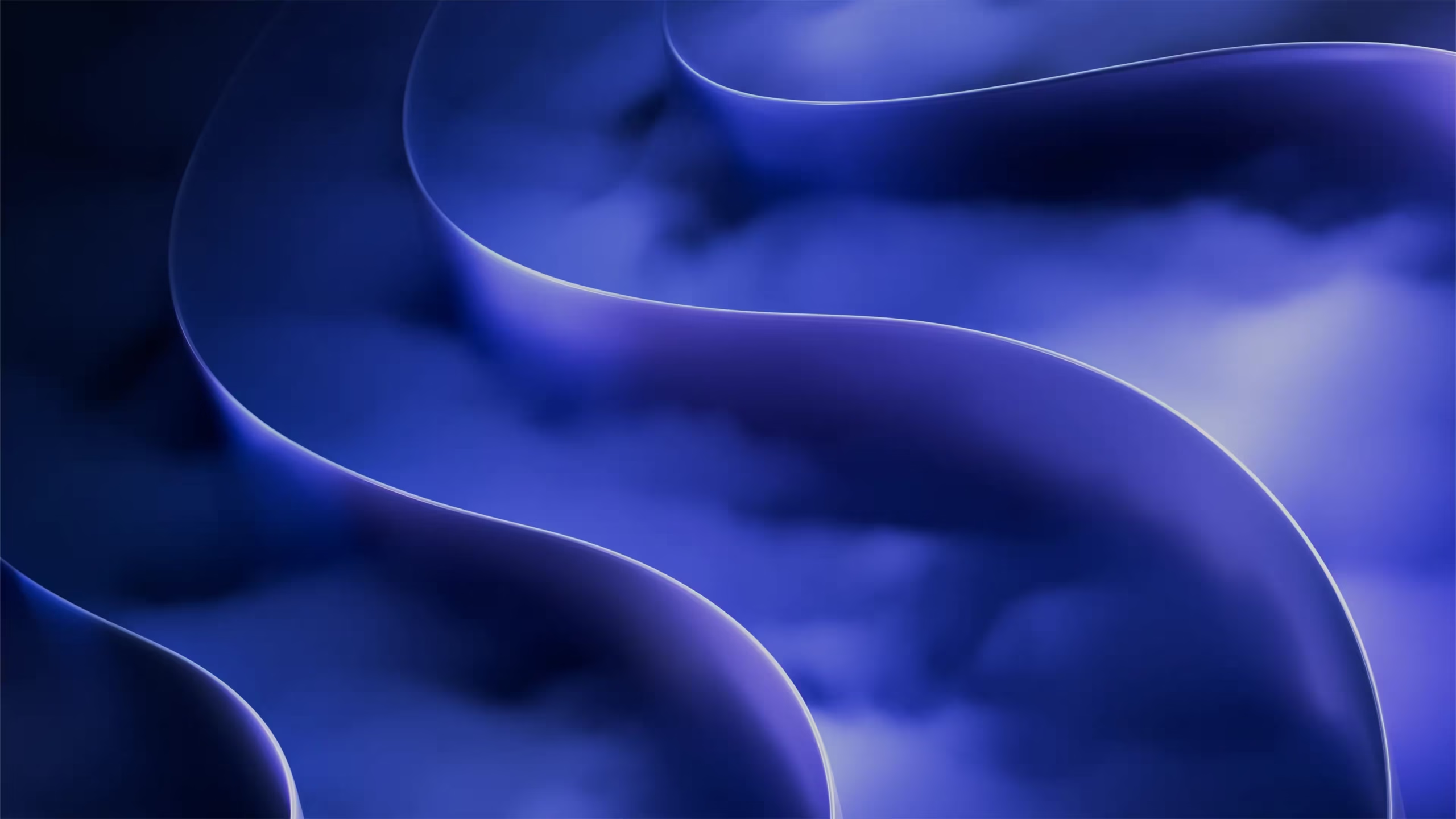
Power Gaming (compressed preview)
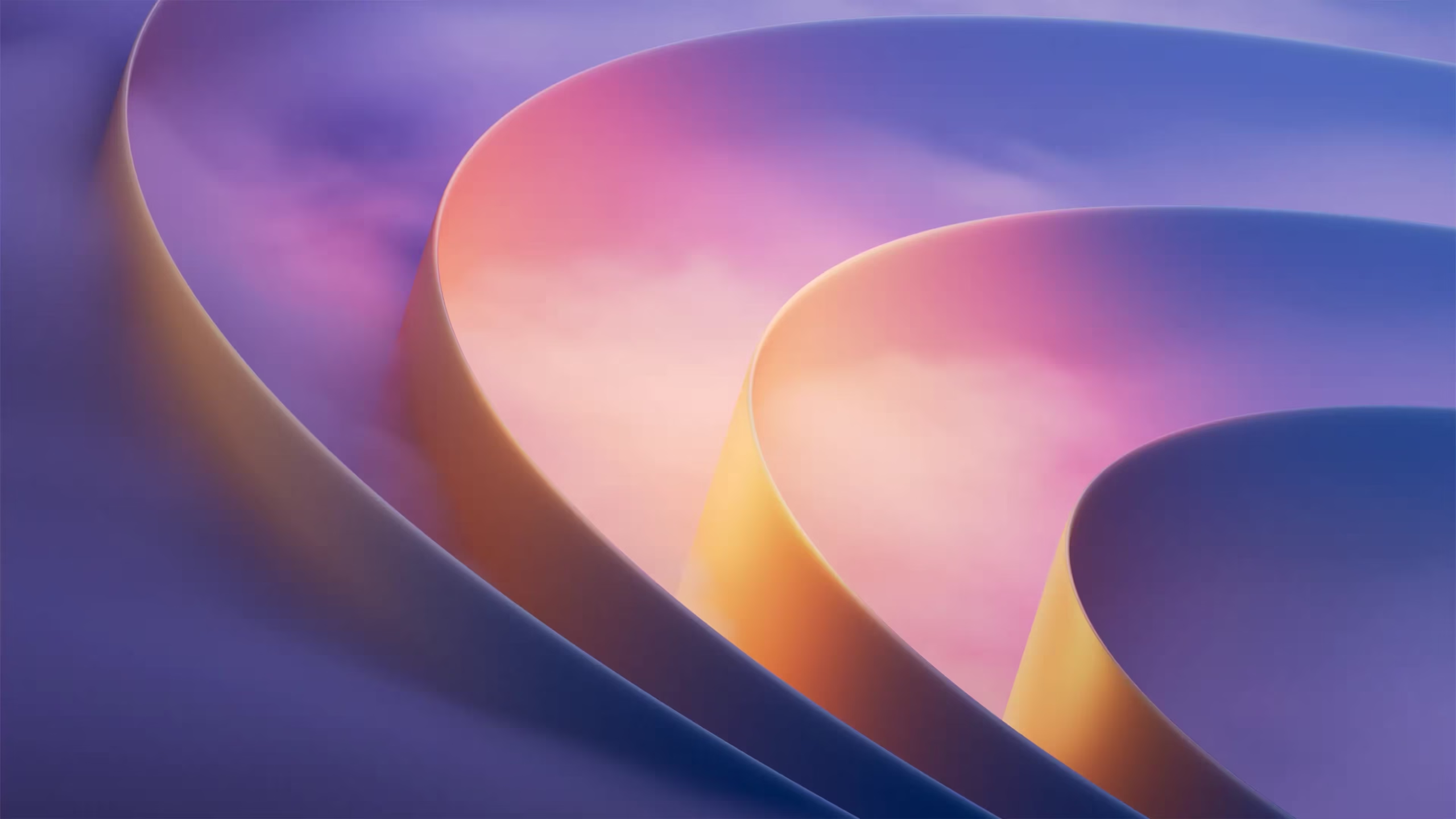
Premium Performance (compressed preview)
How to download the RTX Spark wallpapers
The previews above are compressed so this page loads quickly. For the original files, I’ve packed all five, unmodified, into one ZIP. It’s on two mirrors, and both hold the same archive.
📦 What you’re downloading: one ZIP with five wallpapers, each 5000 × 2813. It’s 114,290,075 bytes, which File Explorer shows as 1,11,612 KB (about 109 MB) and some browsers show as 114.3 MB. Format note: the files end in .jpg but contain PNG image data. Windows previews them normally. If another viewer or device won’t open one, make a copy and change its extension to .png.
⬇️ Download from Dropbox ⬇️ Download from Box
- Open either link and download
Windows-FY27-CONS-C2-Wallpapers.zip. - Right-click the ZIP and choose Extract All.
- Go to Settings > Personalization > Background. Set “Personalize your background” to Picture, then click Browse photos and pick a file.
- Set “Choose a fit for your desktop image” to Fill.
Or, in File Explorer, select an image and click Set as background in the toolbar.
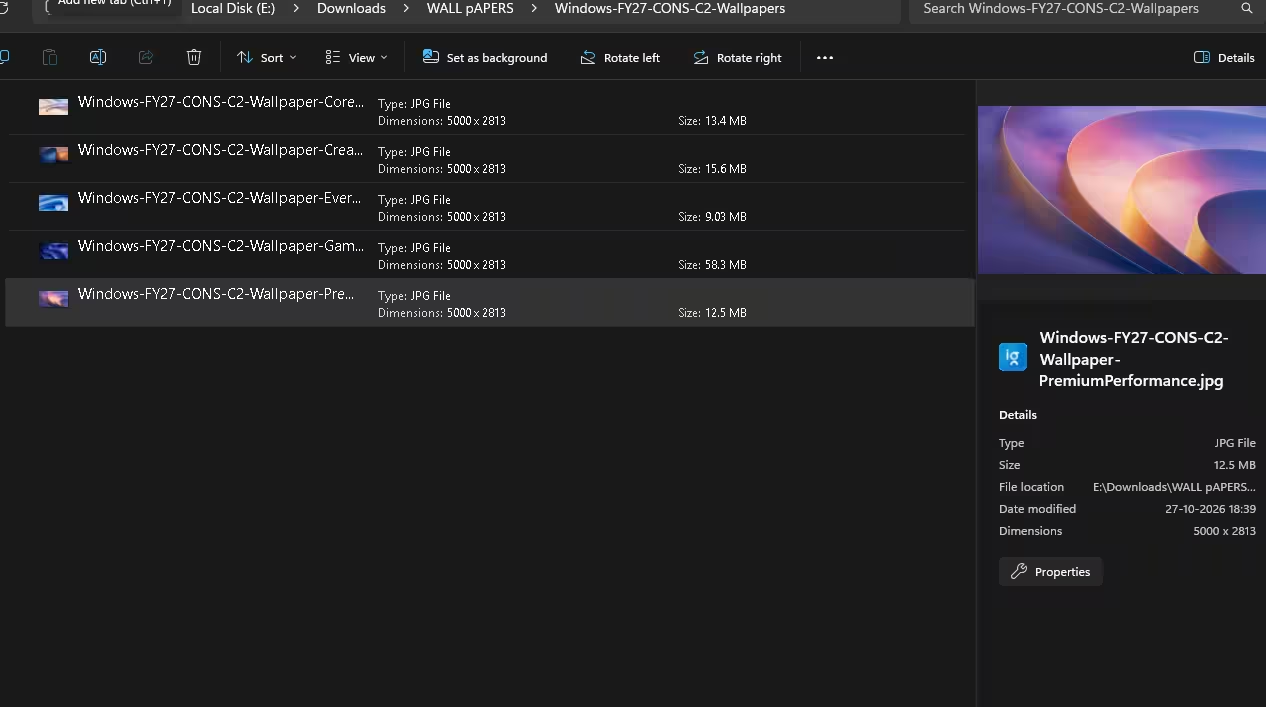
The five extracted files in File Explorer. All are 5000 x 2813, and Windows lists them as JPG files because of their extension.
Know before you download
- Named .jpg, stored as PNG. File Explorer lists all five as JPG files because Windows goes by the extension, but the data inside each file is PNG. When I extracted the ZIP, File Explorer previewed all five normally.
- Power Gaming is the largest file at 58.3 MB in File Explorer. The other four range from 9.03 MB (Everyday Productivity) to 15.6 MB (Creator Pro).
- 16:10 screens crop a little. The images are roughly 16:9, so Fill trims the sides on 16:10 laptop panels. At 5000 pixels wide, they stay sharp on 4K and 5K displays.
- Microsoft owns the artwork. Microsoft hasn’t confirmed this set as an official release, and we don’t claim any licence from Microsoft. Use the wallpapers on your own devices only. Don’t resell or repackage them.
Want more? We previously shared the Surface Laptop Ultra wallpapers in 4K, which come from the same RTX Spark hardware generation, and the Microsoft 50th Anniversary wallpapers. To rotate backgrounds automatically, see our Backiee review. Our wallpapers section has the full collection.
FAQ
Do I need an RTX Spark laptop to use these wallpapers?
No. They’re ordinary PNG images, so any device that can open a PNG at this size can use them. Rename a file to .png if your device won’t open it. Windows Central reported that even buying an RTX Spark laptop won’t get you the stage wallpaper.
Which wallpaper was shown at the Microsoft event?
It appears to be Creator Pro, the single blue-and-orange curve. It matches Windows Central’s description and the screens visible on the stage laptops. Microsoft hasn’t named it.
Are these available on Microsoft’s official wallpaper site?
It’s not clear. Windows Central says some images in the shared collection came from the Microsoft Design wallpaper site and others from retail units, but it doesn’t say which ones. Microsoft hasn’t announced these five as an official set.
What resolution are the RTX Spark wallpapers?
Each one is 5000 × 2813 pixels. That’s wider and taller than a standard 4K UHD image (3840 × 2160), so they stay sharp on 4K monitors.
Is it safe to download the ZIP?
The archive we checked contains five image files and nothing else. There are no installers or scripts. Both mirrors serve a file of the same name and exact size. If you see an .exe file in a ZIP that claims to hold these wallpapers, it didn’t come from us. Delete it.
👍 Verdict
Creator Pro is the one most people are looking for, and it’s worth the download. Its blue-and-orange contrast stands out next to Windows 11’s stock Bloom. Power Gaming is the pick for dark mode, and Core Essentials suits light mode. All five are high-resolution and free. Microsoft hasn’t confirmed them as an official release, and that was still the case when we published.