


Stellar Drive Monitor is an all-in-one drive monitoring software that constantly checks the overall performance of the storage drive. Any anomaly on the hard drive or SSD is detected and reported to the user.
You may use this monitoring program to keep tabs on the condition of your hard drives and perform various types of analyses on them. The software keeps a close eye on things like hard disk temperature, performance, and health and notifies the user immediately if anything goes wrong.
When thinking about your PC’s health, you need to consider more than just the standard optimization and cleaning methods; hardware, in particular, can play a significant role.
Stellar Drive Monitor is designed to help you monitor your hard drives’ health and status over time. You can rest assured that it closely monitors the health of your drives thanks to its various tools.


Because the design of the app is so simple, it is easier to get to its features. Having the main tools listed in the side panel can make it easier to find the right tool for the job.
Also, the on-screen selector for the available disks makes it easy to switch between the different drives, as long as the PC has more than one hard drive with partitions for each drive.
Key Features of the Stellar Drive Monitor:
- Stellar operates continuously in the background, providing real-time information about the condition of the hard disks.
- The application provides basic information about the hard disk, such as the serial number, model number, partition information, etc.
- It gives information about different hard disk features and shows how healthy they are.
- This tool allows you to check for and view faulty sectors on hard drives.
- It enables users to ‘clone’ their hard drives, essentially creating a replica of a disk.
- The software supports the testing of PATA/SATA drives, USB drives, and solid-state drives.
- Extremely user-friendly and doesn’t slow down the system.
- Users can store Smart Status reports and see a visual depiction of each metric.
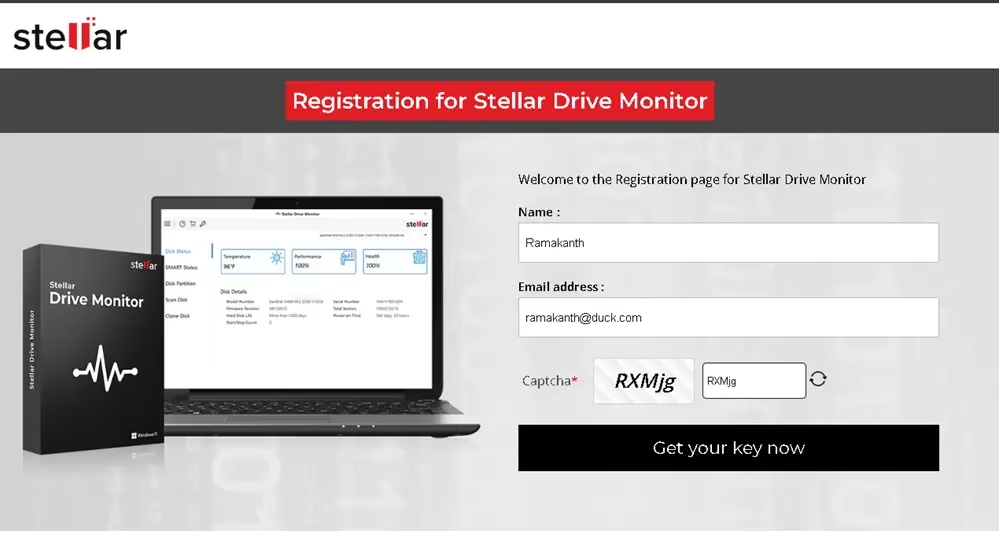

Stellar Drive Monitor Giveaway:
Visit this giveaway page: https://www.stellarinfo.com/registration
Type in your name, email address, and captcha, and then click “Get your key now.”
Check your email for a verification message from stellarinfo.com. Click the confirmation email to confirm your email address.
After that, within a few seconds, you’ll get another email from Stellar Info. A license key or activation code is included in this email.
Note: Check your spam folder if you didn’t get an email.
Download the software from the developer page: https://cloud.stellarinfo.com/
After installation and launch, go to the main window and look for the “Key” icon; click it. Then, enter the license code, and finally, click the “Activate” button.


