


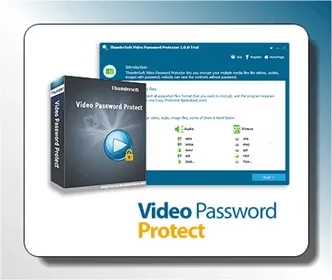
ThunderSoft Video Password Protect is an intuitive solution for protecting your video files with a password.
You can use this Windows program to encrypt your media files, making them inaccessible to anyone without the correct password. The supported file formats are GEM and EXE.
The output will keep the original quality, and it supports a variety of audio and video formats. It doesn’t require any time to open or decompress before playing back.
Protect your video files on the selected drive with copy protection technology that exports as a .exe file.


What is the GEM format?
GEM is one of the output formats offered by ThunderSoft Video Password Protect, a video encryption program. GEM files are encrypted video files. Always use the highly secure Advanced Encryption Standard (AES). Since this format is incompatible with most video players, your video data will be safe in it.
The sole player capable of playing files in the GEM format is ThunderSoft GemPlayer. Even after installation, the required player still needs a password to unlock.

Key Features:
- Put media files (video, music, or images) inside an encrypted, password-protected folder.
- You can create a single encrypted file by merging many files.
- Secure your media files with the industry-leading Advanced Encryption Standard (AES).
- Among the many video, music, and image formats supported by the program are MP4, AVI, MKV, WMV, MTS, RMVB, MXF, VOB, FLV, MPEG, TS, MP3, AAC, AC3, OGG, WMA, JPG, BMP, PNG, and many more.
- You have the choice to export as either GEM or EXE files, and you can open the latter directly without installing a video player first. The only free video player that can play GEM files is ThunderSoft GemPlayer.
- Technology for copy protection: save encrypted media files to a designated disc.
ThunderSoft Video Password Protect Free License:
Download the giveaway version installer from any of these two links: [Link 1 / Link 2]
Following installation, run the program and, on the home screen, select “Register.”
Please input your email address together with the license code that is supplied below in the subsequent box. Click the “Register” button to finish.


