


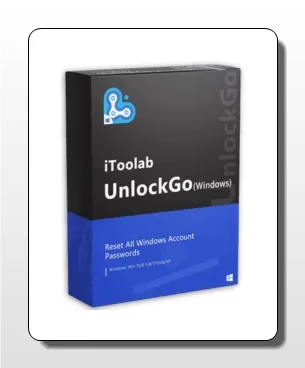
Is resetting the password to your Windows laptop or desktop PC something you’re having trouble with? Losing access to your account or forgetting your password is a very frustrating situation. Resolve your Windows password issues with the help of iToolab UnlockGo Windows Password Recovery!
About iToolab UnlockGo Windows Password Recovery:
UnlockGo Windows Password Recovery is an all-inclusive Windows password recovery program.
This strong and flexible solution allows users to reset passwords on locked desktop PCs and laptops. Without reinstalling your system or risking the loss of data, UnlockGo can swiftly restore your access if you have forgotten your password or your account has been disabled.
You can quickly and easily retrieve your forgotten Windows password. It allows you to erase, reset, or bypass Windows passwords, so you can keep all of your vital data safe.
If you’ve forgotten the password to any Windows account—local, admin, etc.—resetting the password takes simply three easy steps. Plus, it has a built-in feature that lets you make a fresh Windows account without having to remember a password.


Key Features:
- Change or reset passwords for any account type, including local, administrator, and Microsoft.
- To make the recovery procedure easier and faster, you can make a password reset disk using a USB drive, CD, or DVD.
- Aside from fingerprint and face recognition locks, UnlockGo can change or reset Windows pins as well.
- The built-in Windows account delete/remove tool can eliminate local, administrator, visitor, Windows domain admin, and Microsoft accounts, among others.
- Allows you to create an account for both local and domain administration.
- UnlockGo is compatible with a wide variety of Windows versions, including the most recent Windows 11, as well as Windows XP and Vista.
UnlockGo Windows Password Recovery Giveaway:
Visit this giveaway page: https://itoolab.com/sales-promotion/
On the promotion page, click one of the gift boxes.


To access the iToolab UnlockGo—Windows Password Recovery freebie, click on each box until you reach it. Once you receive the reward, the registration form will appear.
Please input your email address before clicking the “Submit” button. The next step is to look for a message from iToolab in your inbox. The installation and licensing key is included in this email.
Download the software from https://itoolab.com/
Once you have installed and launched the software, navigate to the main interface and select the “Register” button. After that, input your email address and the license code you received, and eventually, click the “Register” button.

