


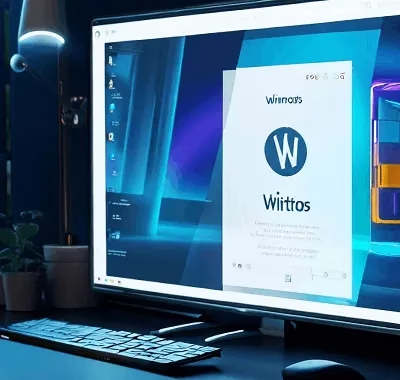
Wintoys is a collection of tools that enable you to debloat your system, optimize its performance, tweak its settings, and fix any underlying issues that are causing problems.
Though Windows 11 is already a solid OS for the vast majority of users, advanced users may wish to de-bloat it by eliminating unused features, turning off services, removing apps that aren’t easily removable, and so on.
A new tool called Wintoys may be useful if you believe you can extract more performance out of your system with some tweaking.


About Wintoys:
This is a free app available in the Microsoft Store that allows power users to easily and safely tweak, service, and debloat Windows 11.
The user interface of the app is modern and minimalist, similar to that of Windows 11. However, its visual design takes a backseat to the app’s primary purpose – providing essential functionality for your computer.
The program makes Windows 11 repairs, tweaking, and debloating easier and more secure. It allows you to access Windows services with detailed descriptions of their functions and a simple toggle switch to activate or deactivate them.
Wintoys can quickly and accurately identify which services are running, which aren’t necessary, and which are provided by third-party vendors, as well as many other helpful functions.
The ability to uninstall or reset applications, even ones that Microsoft does not permit deleting, is another fantastic feature of the app.


Last but not least, there are a plethora of “health”-related tools and tweaks available to help you maximize your computer’s potential and keep it in peak condition, no matter what it may be.
The Wintoys program organizes the various system preferences and controls found in several locations and presents them in a single, straightforward interface.
You will have access to excellent ads and privacy controls, as well as some additional features that are not available in the Settings app or Control Panel.

Key Takeaways:
- Enhances Windows computers’ performance by removing unneeded applications and implementing essential setup adjustments.
- Provides access to Windows Services, enables the removal and reinstallation of permanently installed applications, and includes health-related features and tweaks for improved functionality and upkeep.
- While most tweaks provide thorough explanations, certain advanced commands don’t explain things well. If you do them wrong, they could harm your OS.
- It’s free, and it might help older devices that have a hard time running many services at once.
Download Wintoys from the .