

Abelssoft SSD Fresh 2026 is a simple Windows tool that lets SSD users extend the life of their drives. Solid-state drives (SSDs) are considerably quicker than conventional hard disks, but SSDs may be accessed even quicker and live much longer with programs like SSD Fresh.
Contents
Abelssoft SSD Fresh 2026 Plus:
Since SSDs provide significantly quicker access times, they let your computer perform at its maximum capability. With only one click, your files and programs will start up in no time.
Solid-state drives (SSDs) replace magnetic metal platters with directly addressable digital memory cells. Unfortunately, your number of available read/write actions is finite.

However, the SSD Fresh utility can help keep SSD drives running for much longer by limiting the number of read and write operations. This can slow down the data access of many Windows built-in utilities and tools.
The application also offers features such as Windows logging, system recovery, and the ability to store short folder and file names.
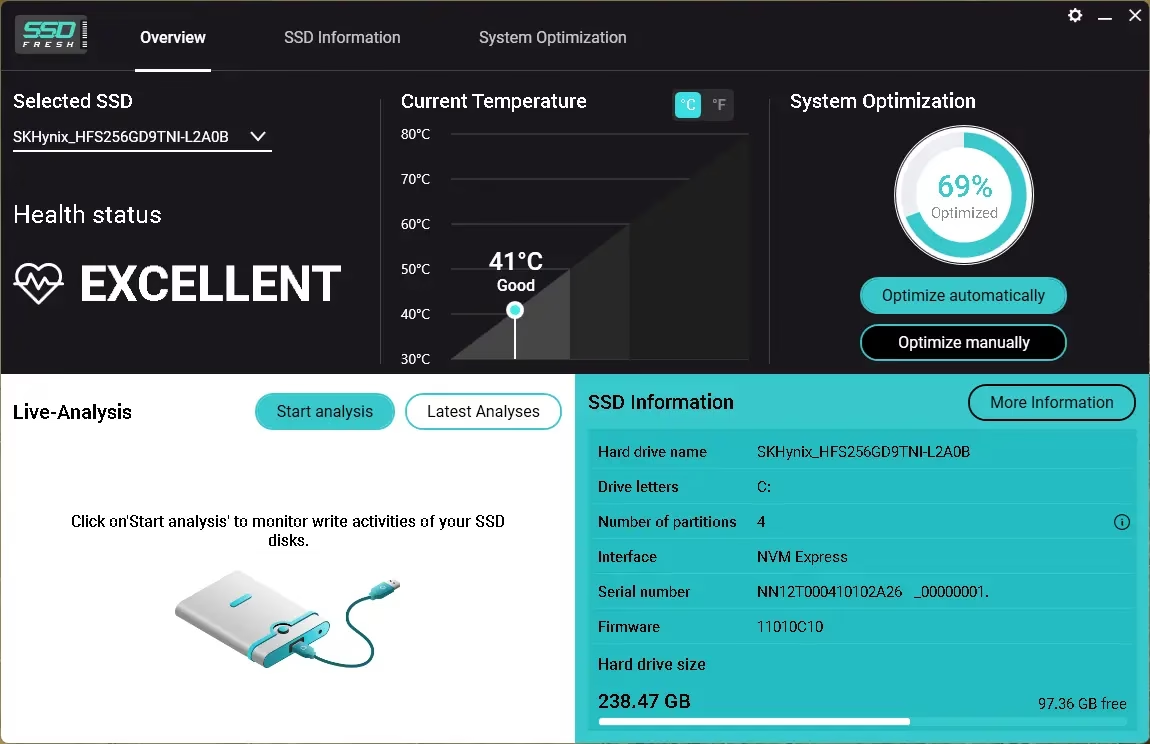
When you launch Abelssoft SSD Fresh Plus, it will show you a summary of your system drives, including the model, name, capacity, number of partitions, file system, and free and used space.
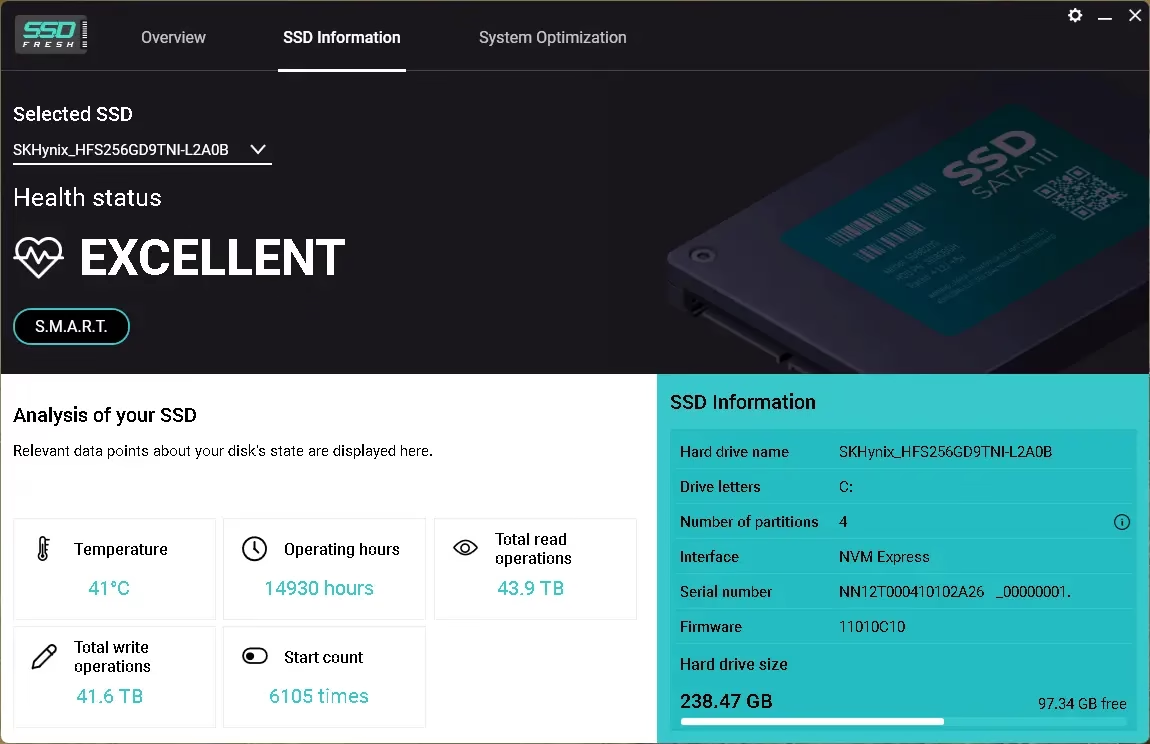
Clicking “S.M.A.R.T. data” button will display error counts, spin-up time, temperature, and additional information. If the value is abnormally high or rising, it may indicate an impending drive failure.
“Optimization” is the major selling point of SSD Fresh. This function provides quick access to a wide variety of advanced settings that can reduce the longevity and performance of your SSD.
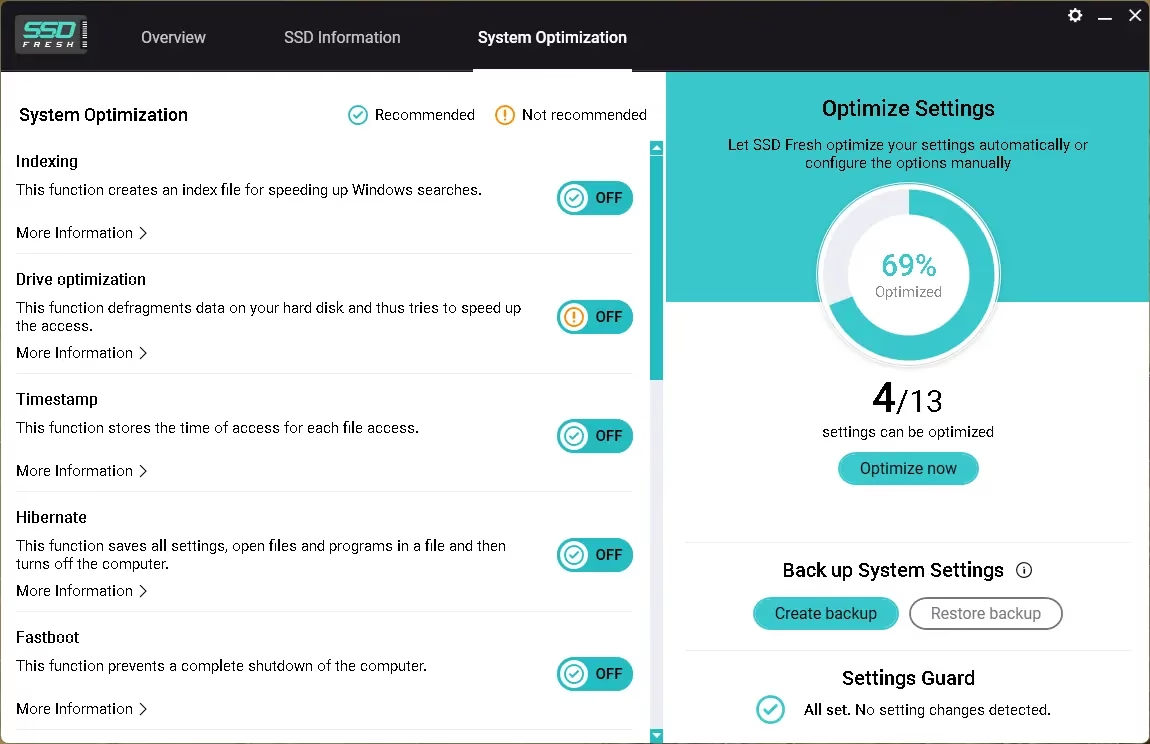
For example, Windows automatically defragments your hard drive at set intervals, which is beneficial for traditional hard disks but not for SSDs. You may save resources and prevent unwanted disk writes by turning this option off, which will help your SSD last longer.
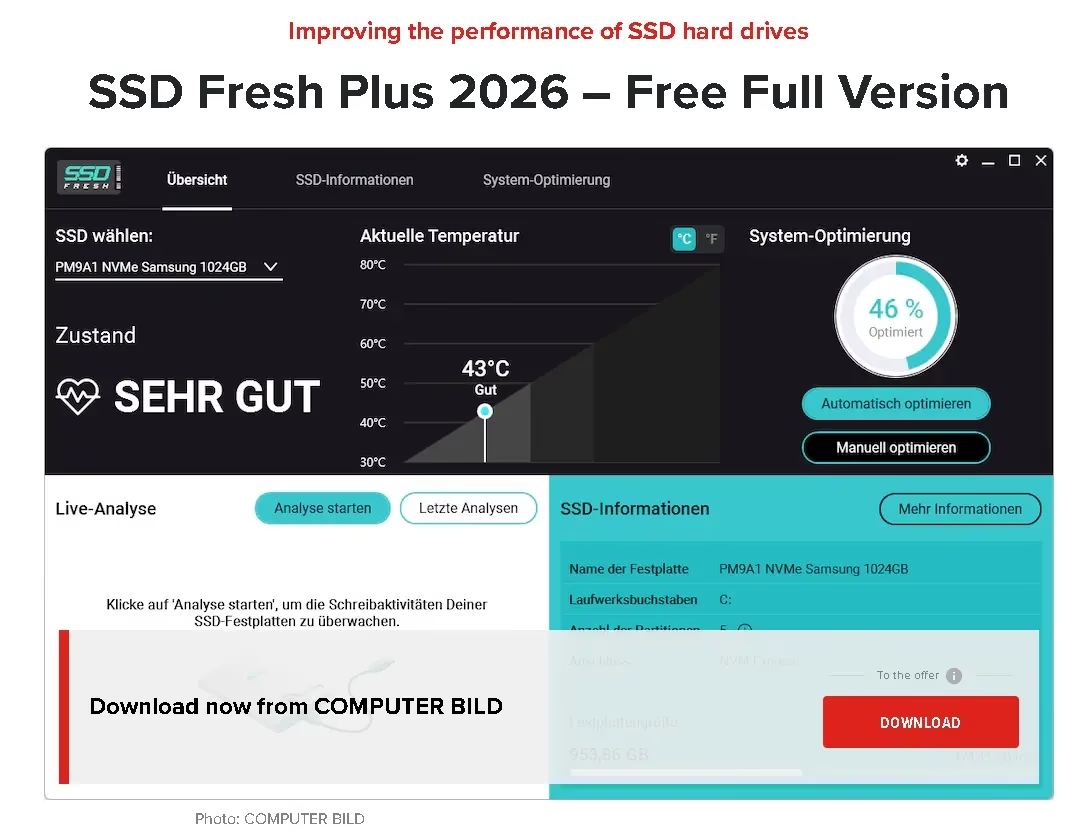
Get Abelssoft SSD Fresh 2026 Plus for Free:
Download the giveaway version installer from any of these links: [Link 1 / Link 2 / Link 3]
Once the download is complete, follow the installation wizard to set up the software on your computer.
Enjoy the full version.
For first-time users who haven’t previously installed any Abelssoft software:
When you launch the app, you should locate the “Activation” window.
Please input your first name, last name, and email address in the provided fields. Click the “Get free unlock email now” button to proceed.
Please check your email inbox for a message from Abelssoft (software@abelssoft.net). Click the link provided to confirm your email address.
Congratulations! You now have the full version of the software installed.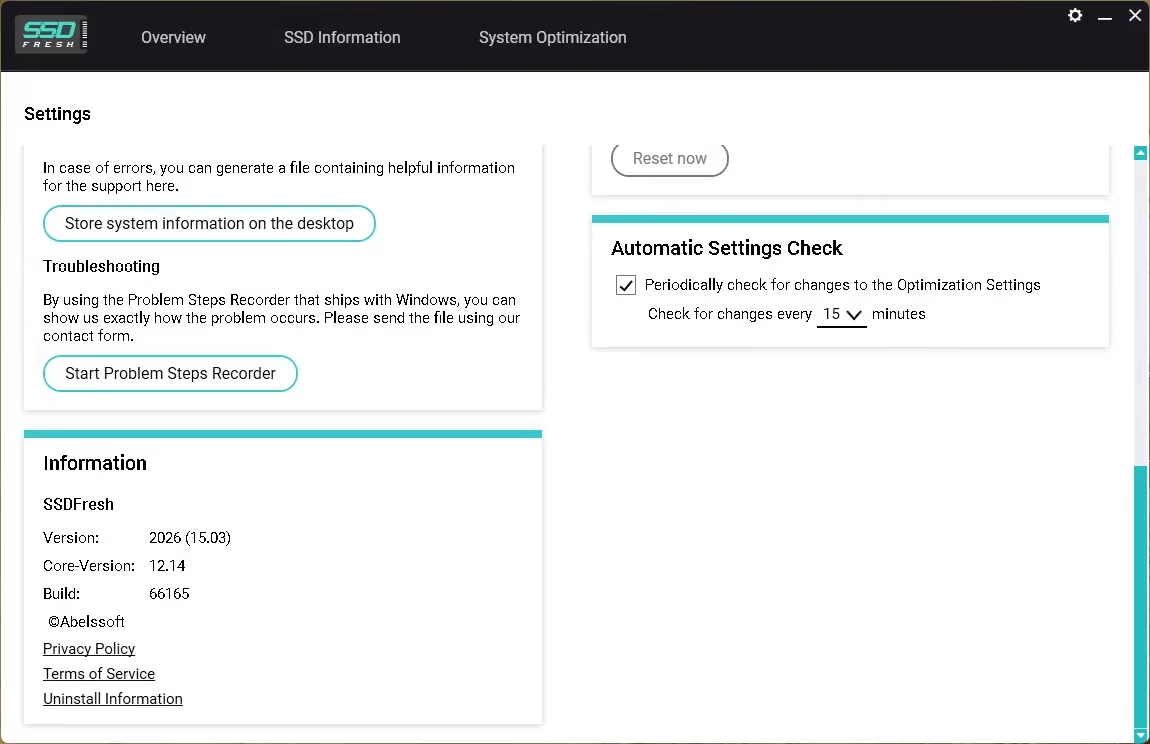


Discover more from Techno360
Subscribe to get the latest posts sent to your email.