
Audials Radio 2026 SE is a specialized edition of the latest 2026 version of the popular radio recording software from Audials, focused on capturing and managing radio content.
Contents
About Audials Radio 2026 SE:
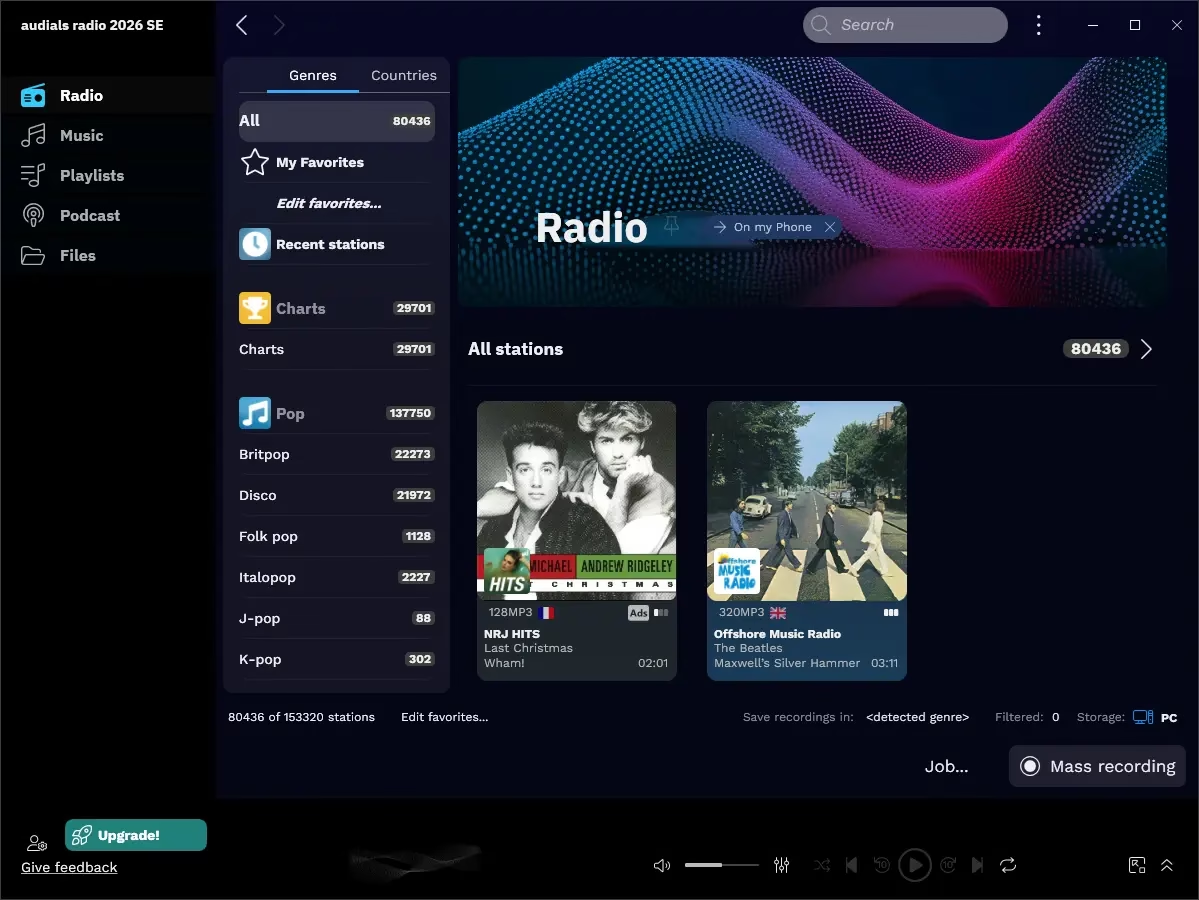
This software allows music lovers to download MP3 music files from more than 100,000 Internet radio stations worldwide.
Record music losslessly, and download podcasts with advanced features like automatic song separation and AI enhancements for audio quality. This version emphasizes high-fidelity recordings up to 96 kHz or higher, precise editing, and integration with mobile apps for on-the-go listening
Once users have selected their genres or favorite artist, Audials Radio will detect and deliver the chosen artist’s or genre’s songs that are playing on web radio stations.
Users can listen to or record them to MP3s alternately. They can transfer to their portable MP3 player. Music enthusiasts can also use this streaming audio software to look for song lyrics and album artwork.
Key Features:
1.Listen to and Record Radios
There are over 100,000 international, national, and even regional internet radios from 120 music categories to choose from, listen to, and record.
2.Get Tons of Music as MP3
Simply select a music genre and Audials will do the rest
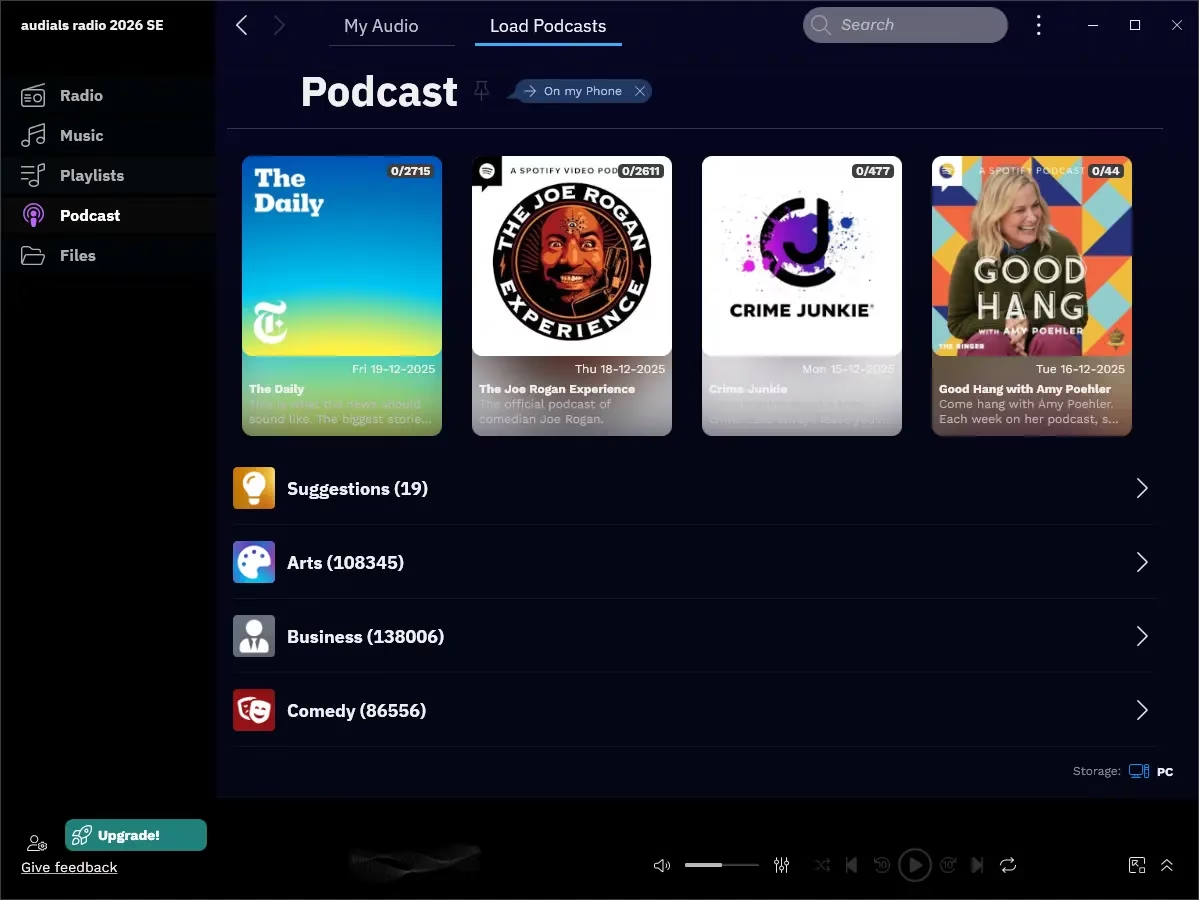
3.More than 350,000 podcasts
4.Many Extras for Free
The largest podcast database included in Windows software brings additional entertainment.
5.The Audials Radio Edition records automatically, cut out the songs from the streams, normalizes the volume of the piece of music, and then stores the pieces of music in perfect music shop quality as MP3 with all ID3 tags and album images on the hard disk.
6.Radio Enjoyment Without Advertising
Some of the radio stations show an ad at the beginning of the play. These are now marked with the note “ads”. So you can avoid annoying advertising and rather enjoy what matters: the best music!
Get Audials Radio 2026 SE for Free:
Download the new giveaway version from any of these links:
[Link 1] / [Link 2] / [Link 3]
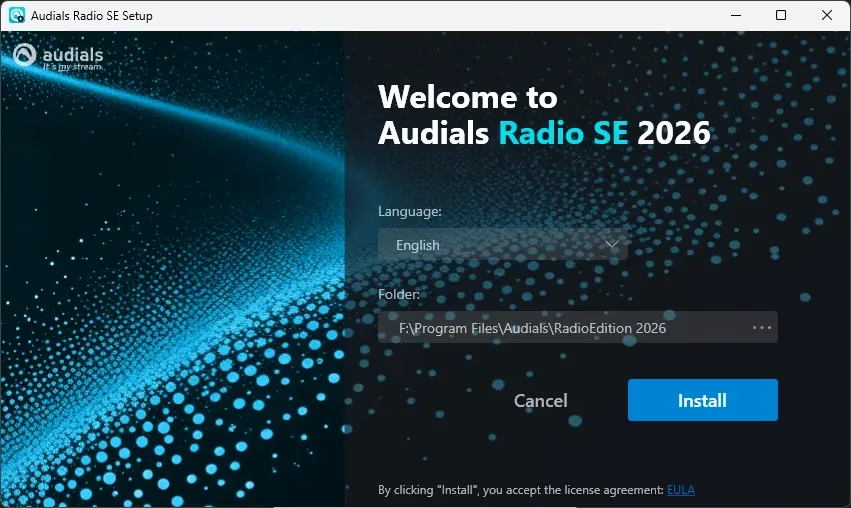
Please proceed with running the installer and completing the installation process.
When you launch the Audial Radio app for the first time, you will notice the “Activation” window.

Enter your name, sign in with your Audials account credentials, or create a new one.
That’s it; hit the “Activate” button.


Discover more from Techno360
Subscribe to get the latest posts sent to your email.