
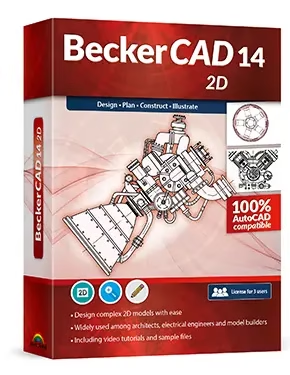
BeckerCAD 14 2D by Market+Technik is an advanced computer-aided design (CAD) program suitable for beginners as well as professionals.
The Windows software facilitates accurate and scalable two-dimensional design for modeling, electrical engineering, mechanical engineering, and architecture.
Among its many features is the ability to generate both partial and detailed views; it also comes with a number of pre-made templates.
The program works flawlessly with AutoCAD and can read and write popular file formats, including DWG and DXF. Users can also customize their workflow by saving their own toolbars and views.
Version 14 has been optimized for Windows 11 and has various enhancements. A single license of the product is valid for up to three computers indefinitely.
As part of the 2025 Advent calendar promotions, heise.de is providing a full-version license of BeckerCAD 14 for free (value $20).
Contents
About BeckerCAD 14 2D:
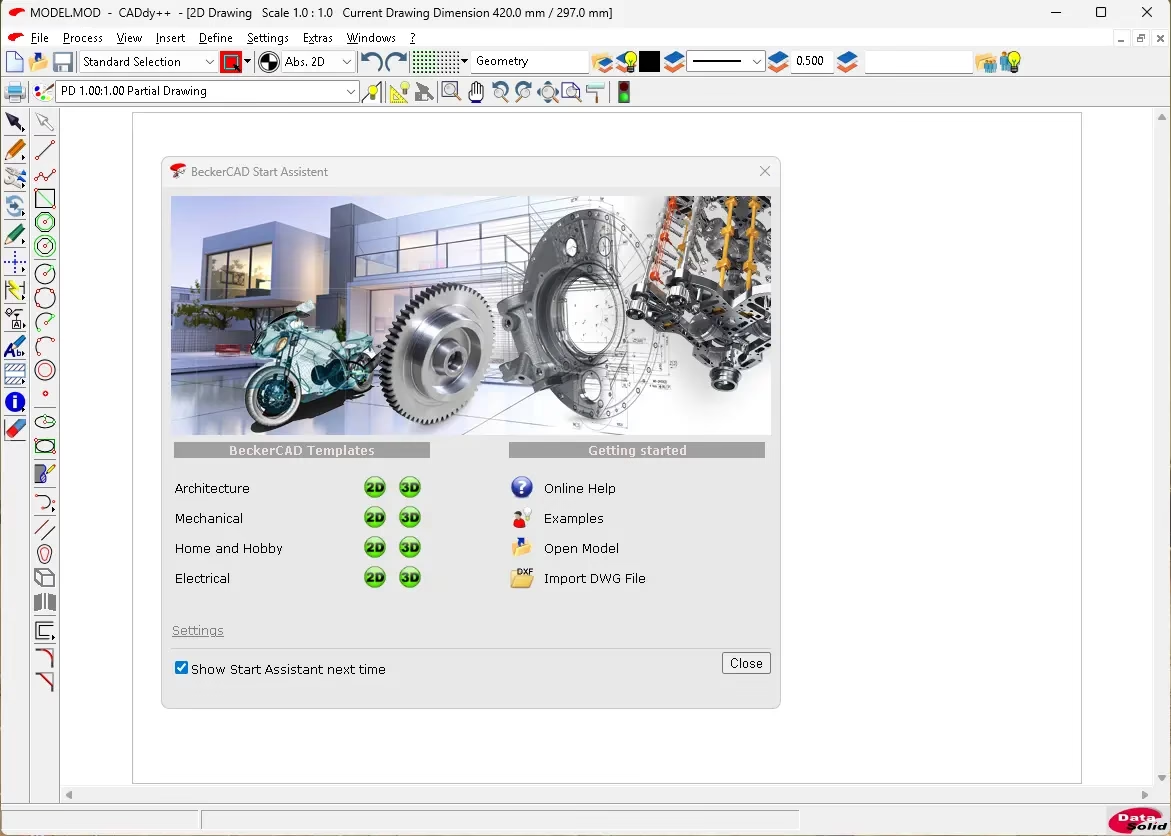
DataSolid’s CADdy++ platform was rebranded and simplified with the release of BeckerCAD 14 2D, a 2D-focused edition of the BeckerCAD range. Its emphasis on traditional 2D drafting tools makes it well-suited for technical drawings that do not require 3D rendering, such as building plans, floor plans, wiring diagrams, mechanical sketches, and so on.
Since subsequent versions of the software are based on the same CAD engine that supports both 2D and 3D, the 2D version takes after its more advanced counterpart in terms of its user interface, professional plotting tools, and compatibility with standard CAD file formats.
If you’re looking for a “serious” drafting program but don’t want to pay for complete 3D modeling, then BeckerCAD 14 2D is a viable option.
Key features for 2D drafting:
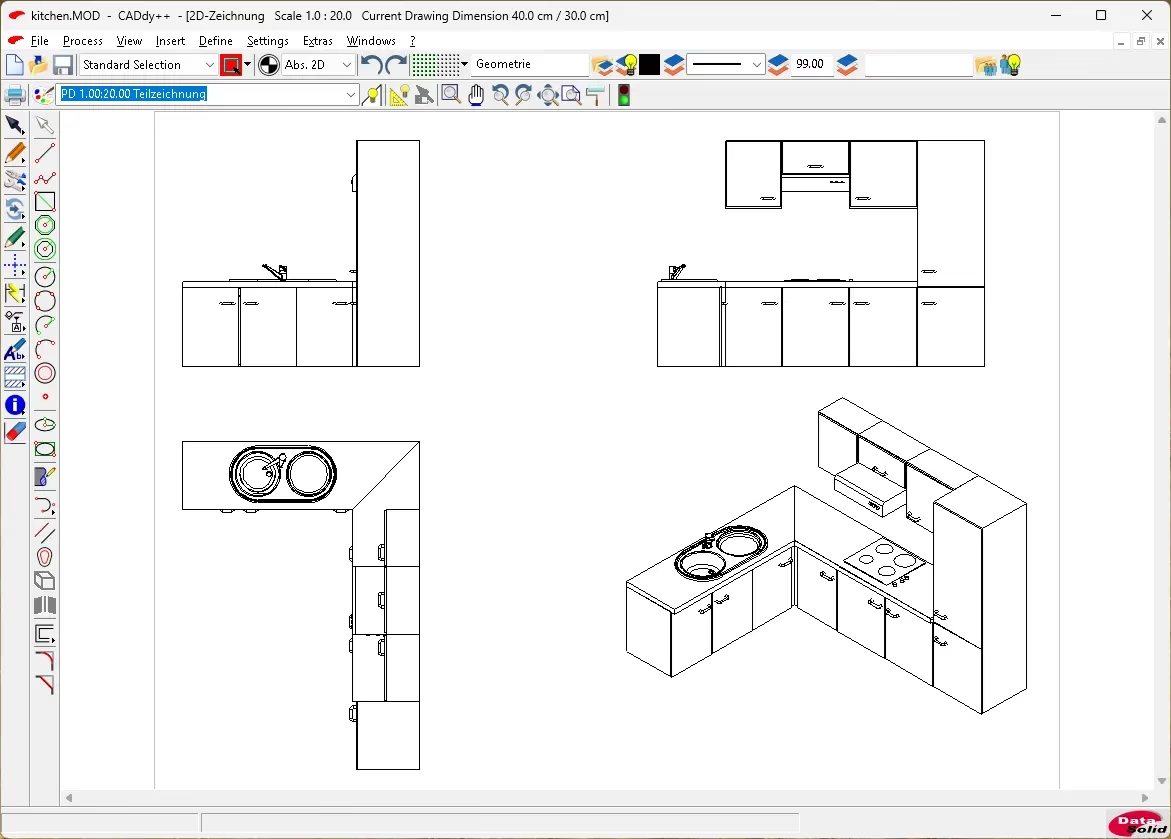
Lines, arcs, circles, polylines, hatching, measurements, and text are all part of the standard 2D drafting toolbox in BeckerCAD 14 2D. With object snaps and grid/snap support, precise creation is made easy.
Create production-ready technical documentation by organizing drawings in layers, using symbol or block libraries, and annotating with measuring and labeling tools.
If you often trade designs with people who use AutoCAD or other CAD programs, you’ll be pleased to know that this tool can import and export files in common CAD formats like DWG and DXF.
Get your layout sheets ready for printing or plotting with the help of the viewport controls. Add title blocks, scaled views, and clean output for PDF or hardcopy output.
System requirements and platform
The Windows-only application BeckerCAD 14 2D is compatible with the latest Microsoft operating systems, including Windows 10 and 11, and it also has backward compatibility with Windows 8.1, according to numerous listings.
Typically, all you need is a basic x86 PC, a current processor, some RAM, and enough disc space for the installation and project files; however, larger designs do better with more RAM and a better CPU. These are the minimum hardware requirements for a CAD program.
The program is compatible with conventional Windows printers and plotters, so you may set up your output devices using regular Windows printer drivers instead of a proprietary system.
Like other desktop CAD applications, installation is typically done using a standard setup executable, and administrator rights are normally necessary for both installation and removal.
Get BeckerCAD 14 2D for Free:
[New Giveaway]:
To grab your free copy, visit this giveaway page: https://www.snapfrog.de/dph/adventsdeal22-2025#dl
[Previous Giveaway—Still Working]
Enjoy a full edition of BeckerCAD 14—worth $20—for free with heise.de’s 2025 Advent calendar deal.
Visit this giveaway page: https://software.mut.de/f/220549-419598/
Enter your email address, recaptcha and “Anmelden” button (Register).
You will then receive a confirmation email from Markt und Technik (info@mut.de); click the confirmation link in that email, and you will instantly receive an email with a link to download the installer (Zip file) and registration code.

Download the Zip file (1.5 GB) from https://we.tl/t-uRywQERQUs
After you’ve extracted the zip file, open the “Setup_1_BeckerCAD-14-2D_MuT.exe” file by double-clicking on it.
In the next window, type in your registration code and hit the “OK” button. Choose between English and German in the following box, and then finish installing the software.


Discover more from Techno360
Subscribe to get the latest posts sent to your email.