
⚡ Quick Answer (No Time to Read?):
🥇 Best Free Overall: Bitwarden (unlimited devices)
🔒 Best for Privacy: Proton Pass (email alias feature)
🖥️ Best Offline: KeePassXC (100% local control)
👶 Best for Beginners: NordPass (simple UI)
👉 If you just want one recommendation: Go with Bitwarden.
🔐 Why You Need a Password Manager in 2026
Cybercrime is accelerating. According to IBM’s Cost of a Data Breach Report, the average data breach in 2025 cost organizations over $4.88 million. For individuals, compromised passwords remain the number-one cause of account takeovers.
Here’s the problem with how most people manage passwords today:
- ❌ Reusing the same password across multiple sites
- ❌ Using weak, guessable passwords (“password123”, “qwerty”)
- ❌ Storing passwords in plain-text notes or browser autofill
- ❌ Forgetting passwords and constantly using “Forgot Password”
A password manager solves all of this automatically. It generates strong random passwords, stores them in an encrypted vault, and fills them in whenever you need them — across all your devices.
🧪 How We Tested These Password Managers
We evaluated each password manager based on:
- 🔐 Security architecture (encryption, zero-knowledge)
- 📱 Cross-device compatibility
- ⚡ Autofill accuracy and speed
- 🧩 Features available in the free plan
- 🔍 Transparency (open-source, audits)
- 💡 Ease of use for beginners
Each tool was tested on Windows, Android, and Chrome browser environments.
📊 Quick Comparison: Best Free Password Managers (2026)
| Password Manager | Free Unlimited Passwords | Free Multi-Device Sync | Encryption | Open Source | Best For |
|---|---|---|---|---|---|
| 🥇 Bitwarden | ✅ Yes | ✅ Yes | AES-256 | ✅ Yes | Most users |
| 🥈 Proton Pass | ✅ Yes | ✅ Yes | AES-256 GCM | ✅ Yes | Privacy-first users |
| 🥉 NordPass | ✅ Yes | ⚠️ 1 device at a time | XChaCha20 | ❌ No | Beginners |
| RoboForm | ✅ Yes | ⚠️ 1 device at a time | AES-256 | ❌ No | Form filling |
| KeePassXC | ✅ Yes | ⚠️ Manual/self-hosted | AES-256 / ChaCha20 | ✅ Yes | Privacy power users |
| Keeper | ⚠️ 10 records limit | ❌ Mobile only | AES-256 | ❌ No | Mobile security |
| Norton Password Manager | ✅ Yes | ✅ Yes | AES-256 | ❌ No | Norton users |
🏆 Best Free Password Managers in 2026 — Detailed Reviews
1. 🥇 Bitwarden — Best Free Password Manager Overall
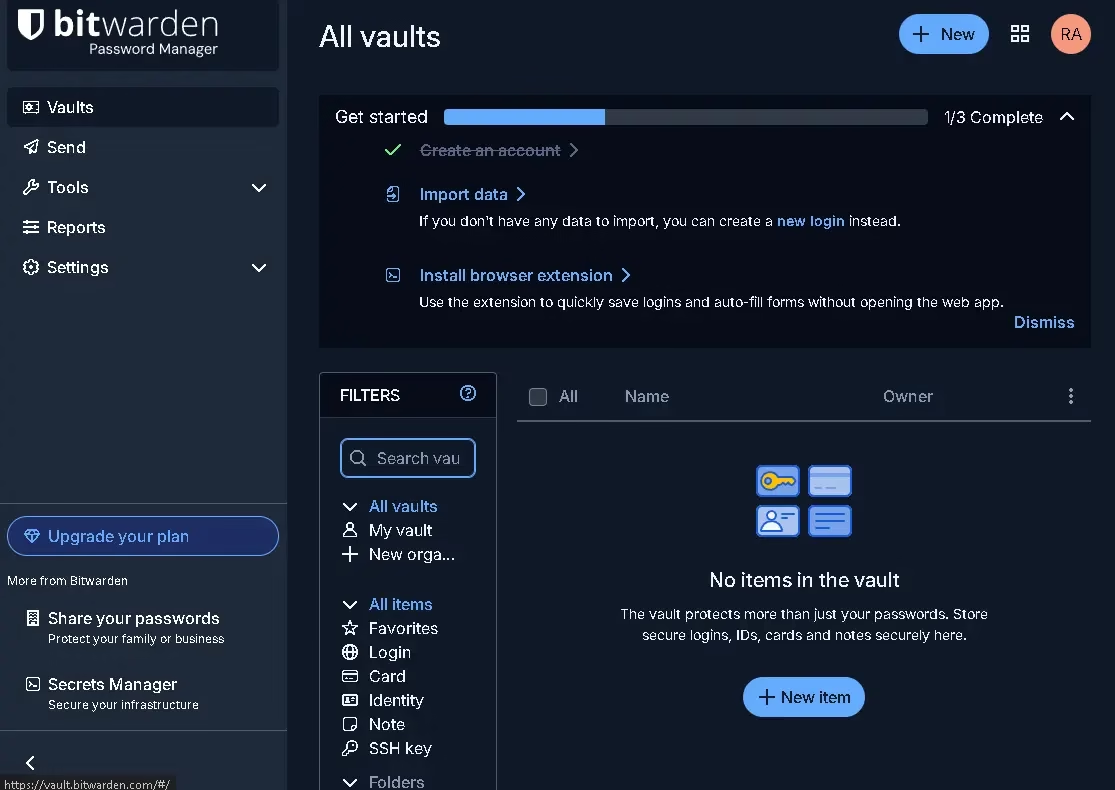
Bitwarden is the gold standard for free password management in 2026. It’s the only major password manager that gives you truly unlimited everything on the free plan — unlimited passwords, unlimited devices, and unlimited vault entries.
What makes Bitwarden genuinely special is that it’s 100% open source. Its entire codebase is publicly available on GitHub and has been independently audited by third-party security firms. This means you’re not just trusting a marketing claim — you can verify the security yourself (or trust that thousands of security researchers already have).
✅ Free Plan Highlights
- Unlimited passwords stored in an encrypted vault
- Unlimited device sync — Windows, macOS, Linux, iOS, Android, and all major browsers
- AES-256 bit encryption with zero-knowledge architecture
- Password generator for creating strong, random passwords
- Password sharing via “Organizations” (up to 2 users)
- Browser extensions for Chrome, Firefox, Safari, Edge, Brave, and Opera
- Secure Notes for storing sensitive text
- Two-factor authentication (2FA) support
⚠️ Free Plan Limitations
- No encrypted file attachments (Premium only)
- No Emergency Access feature
- No built-in 2FA code generator (TOTP)
- No Dark Web monitoring
💰 Premium Plan
Bitwarden Premium costs just $10/year (~₹840/year) — the cheapest premium upgrade in the industry. It adds TOTP, emergency access, encrypted file attachments, and security reports.
Platforms: Windows · macOS · Linux · iOS · Android · Web · Browser extensions
Our Verdict: If you want one password manager that does everything for free, with no strings attached, Bitwarden is the answer. It’s transparent, audited, and genuinely free — not “free with an asterisk.”
2. 🥈 Proton Pass — Best Free Password Manager for Privacy
Proton Pass is built by the same Swiss-based team behind Proton Mail and Proton VPN — widely regarded as the gold standard in privacy-focused internet tools. It brings that same privacy-first philosophy to password management.
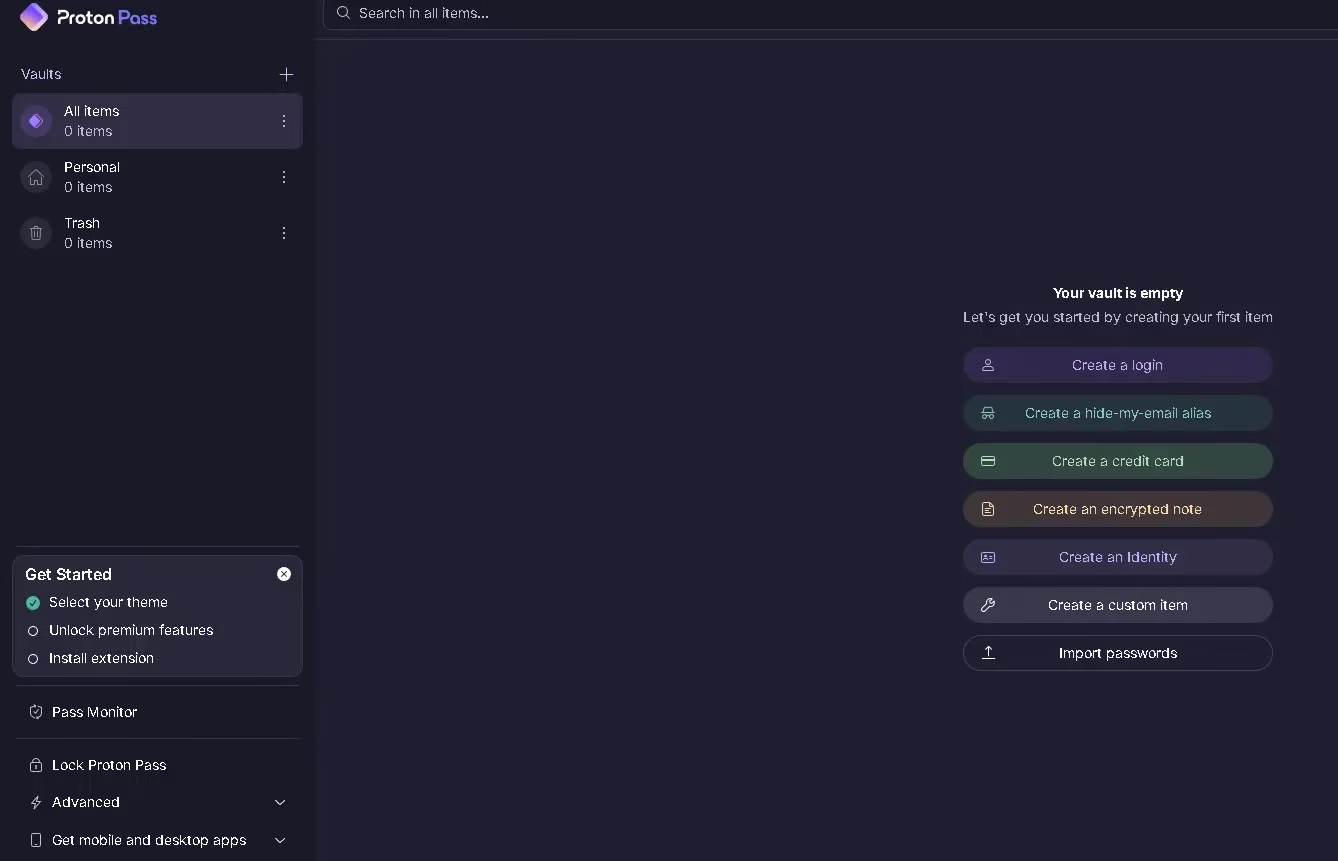
What sets Proton Pass apart from every other free password manager is its built-in email alias feature, powered by SimpleLogin (which Proton acquired). You get 10 free hide-my-email aliases — real, functional email addresses that forward to your inbox — helping you sign up to websites without revealing your real email address.
✅ Free Plan Highlights
- Unlimited passwords across unlimited devices
- 10 email aliases for spam protection and privacy
- AES-256 GCM + Argon2 + bcrypt encryption stack
- Zero-knowledge architecture — Proton cannot read your vault
- Open source and independently audited by Cure53
- Secure Notes and Identity storage
- Breach alerts and password health monitoring
- Password generator and autofill
⚠️ Free Plan Limitations
- Offline access requires Premium
- Built-in 2FA authenticator is Premium only
- No dark web monitoring on free plan
- Custom domain aliases require upgrade
💰 Premium Plan
Proton Pass Plus starts at $3.99/month (~₹330/month) or is bundled with Proton Unlimited for even better value.
Platforms: Windows · macOS · Linux · iOS · Android · Chrome · Firefox · Safari · Edge · Brave
Our Verdict: If online privacy is a top concern — and it should be — Proton Pass is the most privacy-respecting free password manager available. The email alias feature alone makes it worth trying.
3. 🥉 NordPass — Best for Beginners & Simplicity
NordPass comes from Nord Security, the team behind the immensely popular NordVPN. It inherits the same polish, design quality, and security pedigree — making it one of the most approachable password managers for beginners.
NordPass uses XChaCha20 encryption — a modern algorithm that’s faster than AES-256 and is trusted by companies like Google for protecting highly sensitive data. Combined with a zero-knowledge architecture, your vault is inaccessible to anyone but you.
✅ Free Plan Highlights
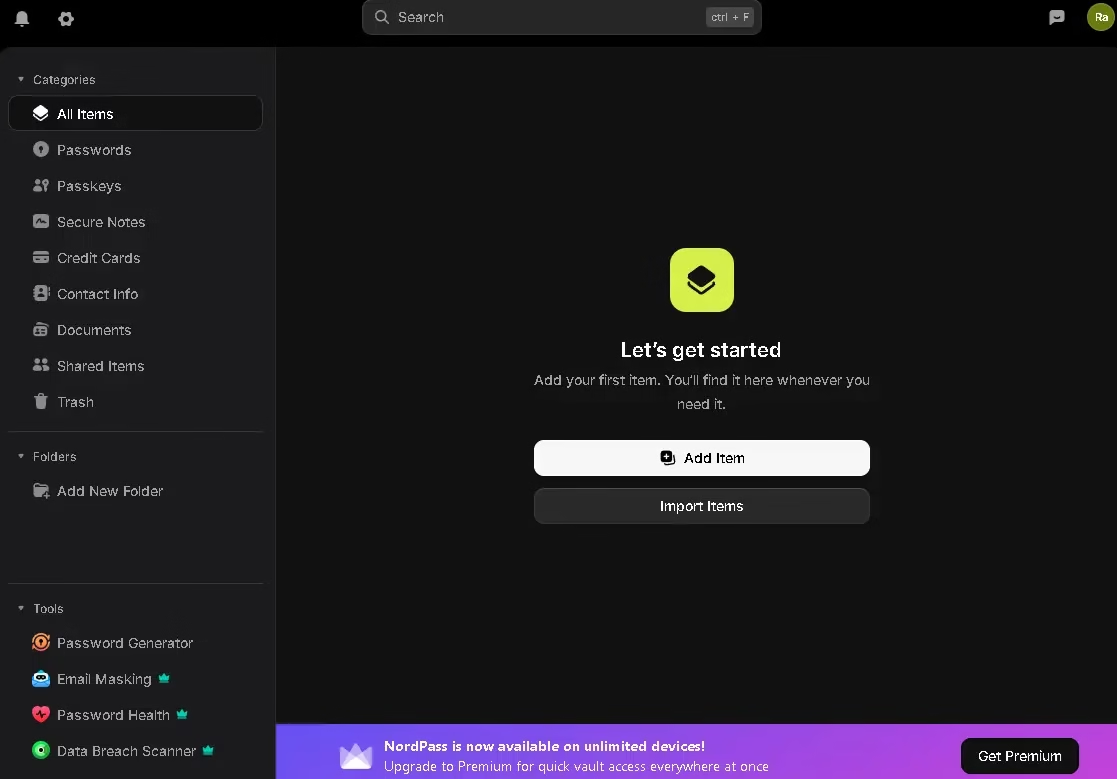
- Unlimited passwords and passkeys
- XChaCha20 encryption with zero-knowledge policy
- Password generator and autofill
- Available on all major platforms and browsers
- Recently added: improved passkey support and faster autofill engine
- Clean, beginner-friendly interface
⚠️ Free Plan Limitations
- Only one active device at a time (you must log out to switch)
- No password health reports on free plan
- No secure sharing
- No emergency access
💰 Premium Plan
NordPass Premium costs $1.49/month (~₹125/month) on a 2-year plan. Existing NordVPN subscribers can often get NordPass bundled at a discount.
Platforms: Windows · macOS · Linux · iOS · Android · Chrome · Firefox · Safari · Edge · Opera
Our Verdict: If you primarily work from a single device and want the cleanest, most polished free experience, NordPass delivers. The single-device limitation is the only real compromise.
4. RoboForm — Best Free Password Manager for Form Filling
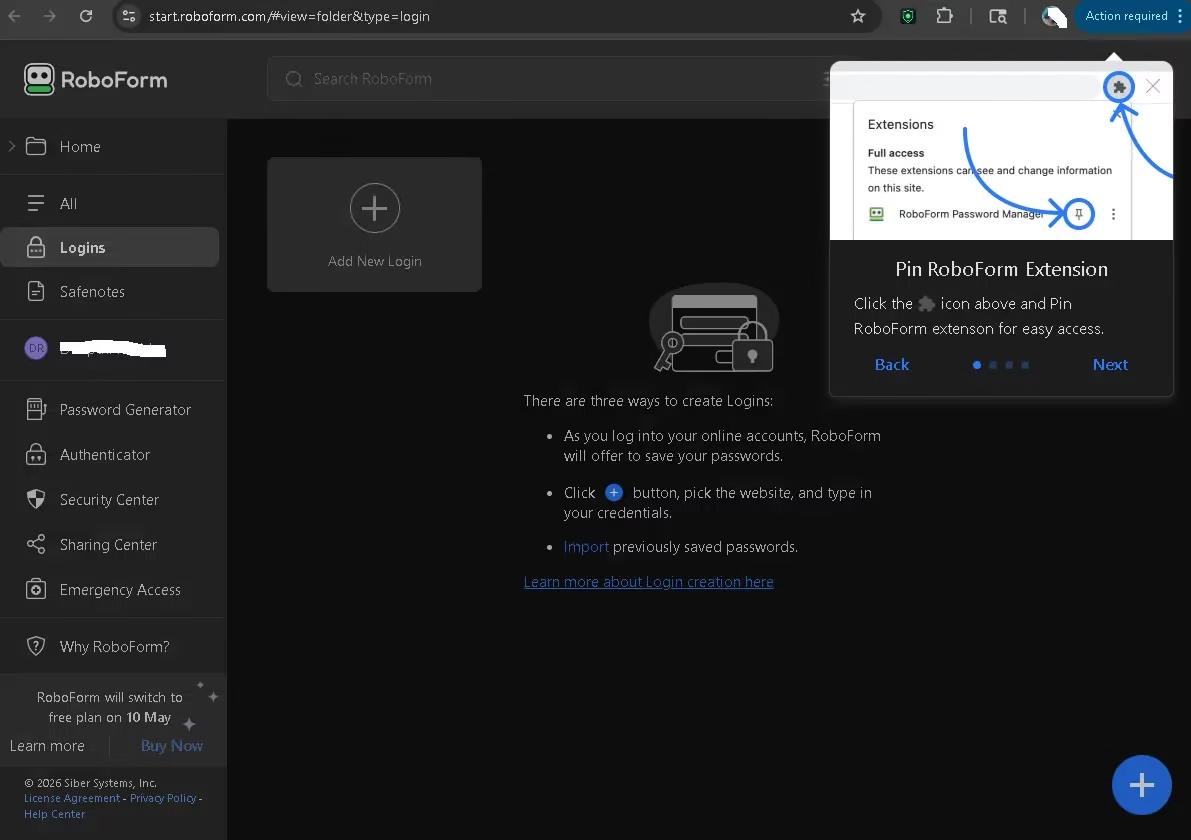
RoboForm has been around for over two decades and pioneered the concept of automatic form filling. In 2026, it remains the absolute best tool for filling out complex web forms — think multi-page registration forms, tax portals, government websites, and checkout flows.
Its free plan is impressively capable: unlimited password storage, the best-in-class form filler, AES-256 encryption, and offline access — all for free. Several independent tests in 2026 ranked RoboForm as one of the top overall free password managers.
✅ Free Plan Highlights
- Unlimited passwords stored securely
- Industry-best autofill for complex web forms
- Offline vault access — works without internet
- Secure Notes and Identity storage
- AES-256 encryption + zero-knowledge policy
- Two-factor authentication support
- Available on Windows, macOS, iOS, Android, and browsers
⚠️ Free Plan Limitations
- One active device at a time (no multi-device sync)
- No cloud backup on free plan
- No password sharing
- No emergency access
💰 Premium Plan
RoboForm Everywhere costs $1.99/month (~₹165/month), billed annually— a great value for multi-device users.
Platforms: Windows · macOS · iOS · Android · Chrome · Firefox · Safari · Edge · Opera
Our verdict: If you frequently fill out lengthy web forms—or just want a rock-solid, no-fuss password manager that’s been battle-tested for 20+ years—RoboForm Free is an excellent choice.
5. KeePassXC — Best Offline / Local Password Manager (100% Free)
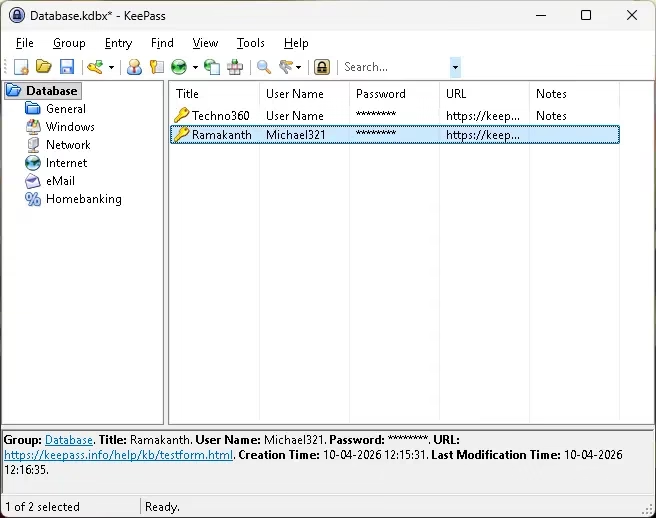
If cloud-based password managers make you nervous and you prefer 100% local control over your data, KeePassXC is the answer. It’s the modern, user-friendly fork of the legendary KeePass project — with a cleaner interface, browser extensions, and active development.
Your password vault is stored as a single encrypted database file (.kdbx) on your device. You can optionally sync it via your own cloud (Dropbox, Google Drive, OneDrive, or iCloud)—but your data never touches KeePassXC’s servers because there are no servers. It’s entirely local.
✅ Key Features (Completely Free)
- Unlimited passwords, no account required
- Vault stored locally — zero cloud dependency
- AES-256 and ChaCha20 encryption options
- Browser extensions for Chrome, Firefox, Edge, and Brave
- Password generator, TOTP (2FA codes), and Secure Notes
- Open source with an active community
- Compatible with KeePass database format
- Available for Windows, macOS, and Linux
⚠️ Limitations
- Mobile sync requires third-party apps (KeePassDX for Android, Strongbox for iOS)
- Manual cloud sync setup required
- Steeper learning curve for non-technical users
Platforms: Windows · macOS · Linux (desktop-focused; mobile via third-party)
Our Verdict: KeePassXC is the best option for power users, privacy enthusiasts, and anyone who refuses to store passwords in the cloud. It’s free forever — no upsell, no subscription, no compromise.
👉 Download KeePassXC — 100% Free
6. Keeper — Best Mobile-First Free Option
Keeper has a free plan that’s admittedly limited — you get just 10 records on a single mobile device. But it earns its place on this list because of its exceptional security infrastructure: zero-trust, zero-knowledge, AES-256 encryption, and a sleek, polished app.
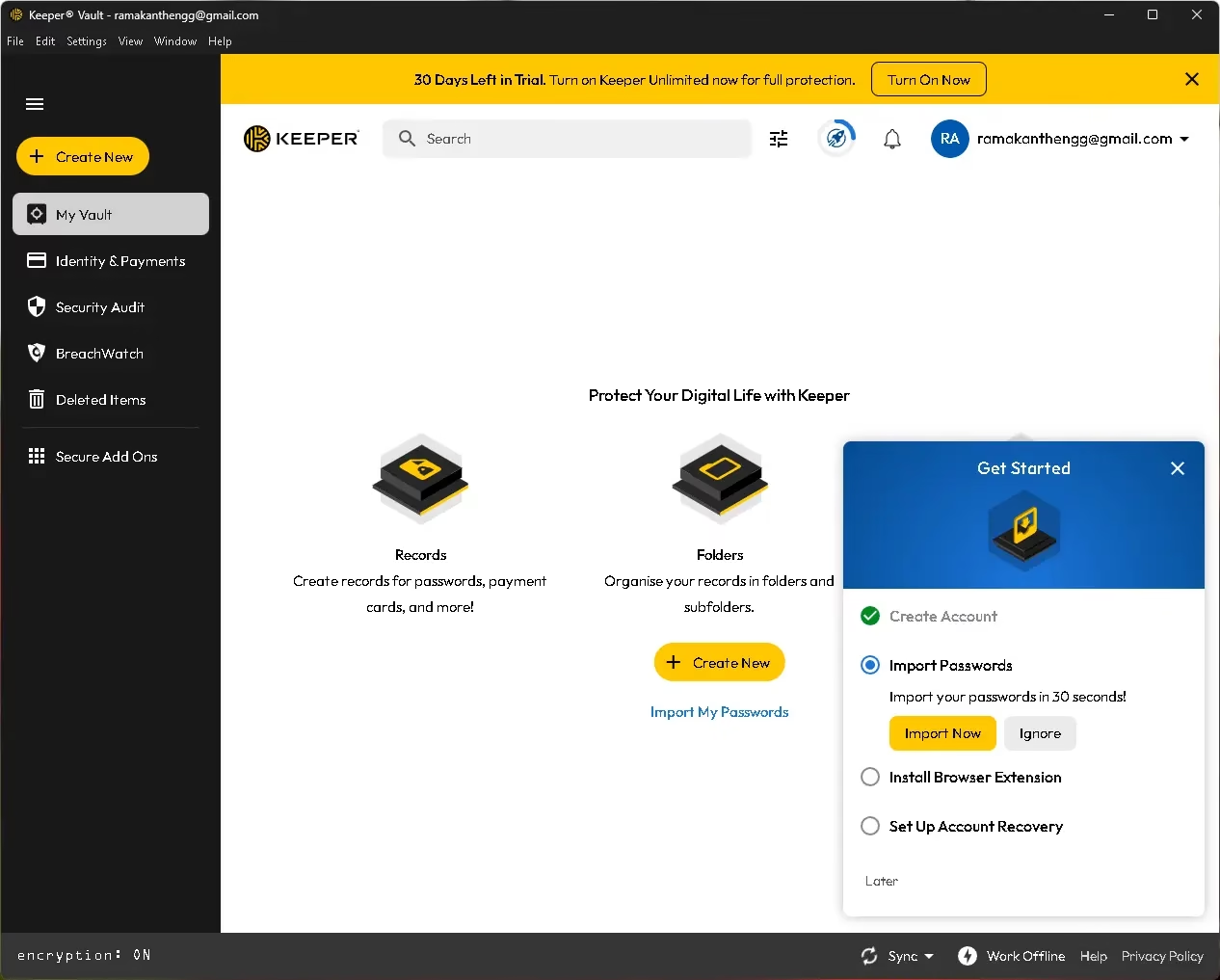
Think of Keeper Free as a long-term trial. If you like the interface and want to upgrade, Keeper’s premium plan adds unlimited devices, dark web monitoring, secure file storage, and emergency access.
7. Norton Password Manager — Best Free Option for Norton Users
Norton Password Manager is completely free, works across unlimited devices, and integrates tightly with Norton’s security suite. It offers unlimited passwords, AES-256 encryption, and a clean mobile experience.
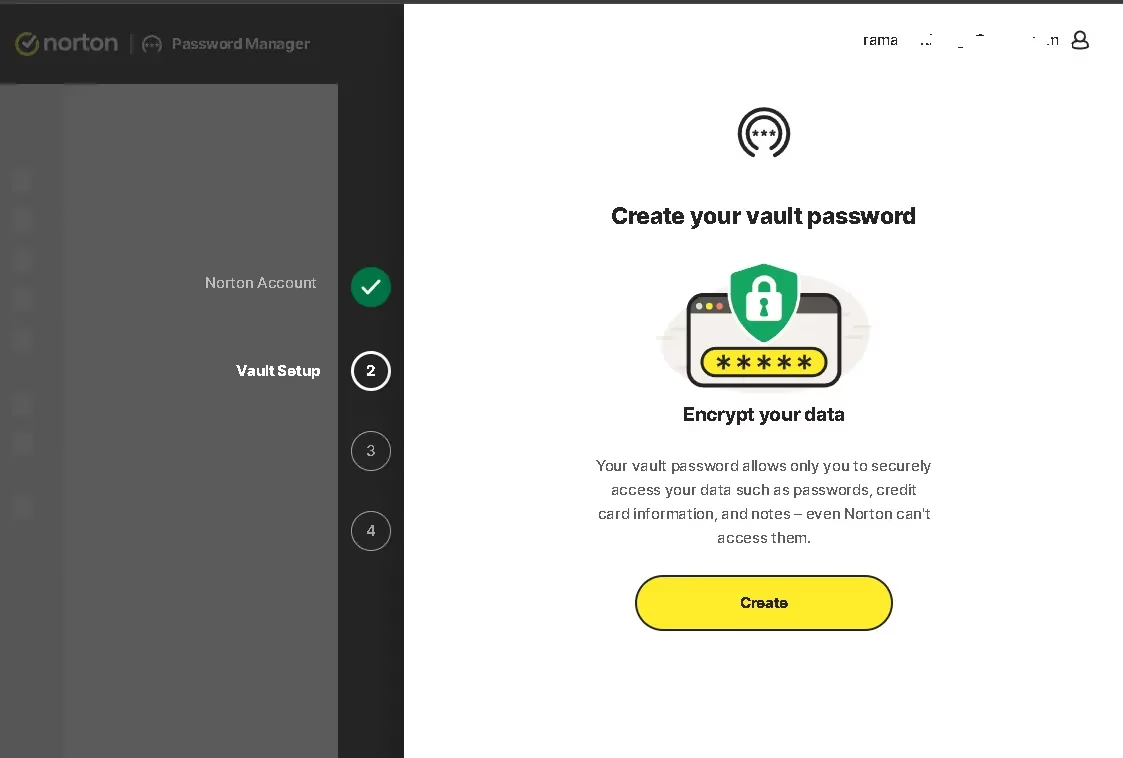
The catch? It lacks password sharing and some advanced features, and it’s best suited for people already in the Norton ecosystem. As a standalone free password manager, Bitwarden offers more — but if you’re already using Norton 360, this is a solid no-cost addition.
👉 Get Norton Password Manager — Free
⚡ Bonus: Built-in Browser Password Managers
Google Chrome, Apple Safari, Firefox, and Microsoft Edge all include built-in password managers. They’ve improved significantly and now support passkeys, breach alerts, and cross-device sync. They’re genuinely useful for casual users.
However, dedicated apps like Bitwarden are superior in these key areas:
- Cross-browser compatibility (your passwords aren’t locked into one browser)
- Independent security audits (browsers are massive attack surfaces)
- Advanced features — secure sharing, notes, TOTP, breach reports
- Portability — switch devices or OS without losing access
Browser password managers are better than nothing — but for serious security, use a dedicated free option from this list.
🔑 Password Managers vs Passkeys (2026 Update)
Big tech companies like Google, Apple, and Microsoft are pushing passkeys—a passwordless login system based on cryptographic keys.
Here’s the reality:
- ✅ Passkeys are more secure than passwords
- ❌ Not supported on all websites yet
- ⚠️ Can lock you into ecosystems (Apple, Google)
Best approach in 2026:
- Use a password manager for most accounts
- Use passkeys where supported
Tools like Bitwarden and NordPass already support passkeys.
🤔 How to Choose the Right Free Password Manager
With so many options, picking the right one depends on your priorities:
- 🔁 Need multi-device sync for free? → Bitwarden or Proton Pass
- 🔐 Privacy is your top priority? → Proton Pass (Swiss-based, open source, email aliases)
- 👶 Just getting started, want simplicity? → NordPass
- 📋 Fill out lots of web forms? → RoboForm
- 🖥️ Want 100% local control, no cloud? → KeePassXC
- 📱 Mobile-focused and plan to upgrade later? → Keeper
- 🛡️ Already using Norton antivirus? → Norton Password Manager
💸 Free vs. Paid Password Managers: What Do You Actually Miss?
Free plans from reputable managers cover everything most individuals need. Here’s what’s typically locked behind a paywall:
| Feature | Free Plans | Paid Plans |
|---|---|---|
| Unlimited passwords | ✅ (most) | ✅ |
| Multi-device sync | ✅ Bitwarden, Proton Pass | ✅ All |
| TOTP/2FA Code Generator | ❌ Most | ✅ |
| Dark Web Monitoring | ❌ | ✅ |
| Secure File Storage | ❌ | ✅ |
| Emergency Access | ❌ | ✅ |
| Password Sharing (family) | ⚠️ Limited | ✅ |
| Priority Support | ❌ | ✅ |
⚠️ Who Should NOT Use Free Password Managers?
- Businesses managing team credentials
- Users needing advanced sharing & auditing
- People who want built-in 2FA generators
In these cases, upgrading to a paid plan is worth it.
Bottom line: For individual use, the free plan from Bitwarden or Proton Pass is more than enough. If you want to share passwords with family or need advanced 2FA, a paid upgrade makes sense — and even the paid plans are affordable.
🛡️ Password Security Tips for 2026
Using a password manager is a great start — but combine it with these habits for maximum protection:
- Use a strong Master Password — Make it long (16+ characters), use a passphrase, and never reuse it anywhere. This is the one password you must memorize.
- Enable Two-Factor Authentication (2FA) on your password manager account and on every critical account (email, banking, social media). Apps like Aegis Authenticator (Android) or Raivo OTP (iOS) work well.
- Check for breached passwords using HaveIBeenPwned.com — enter your email to see if your credentials have been exposed.
- Use a VPN on public Wi-Fi — Cybercriminals on unsecured networks can intercept unprotected traffic. Use a trusted VPN like Proton VPN (free).
- Keep your password manager app updated — Security patches are released regularly to address vulnerabilities.
- Only sign in on HTTPS sites — Look for the padlock icon in your browser before entering credentials.
❓ Frequently Asked Questions
What is the best completely free password manager in 2026?
Bitwarden is the best completely free password manager in 2026. It offers unlimited passwords, unlimited device sync, AES-256 encryption, open-source transparency, and browser extensions — all at zero cost.
Are free password managers safe to use?
Yes — reputable ones like Bitwarden, Proton Pass, and NordPass are extremely safe. They use military-grade AES-256 encryption, zero-knowledge architecture (meaning they cannot see your passwords), and undergo independent third-party security audits.
Can I use a free password manager on multiple devices?
Bitwarden and Proton Pass offer true unlimited device sync for free. NordPass and RoboForm’s free plans grant access on all devices, but restrict you to signing in on one device at a time.
Is KeePass really free?
Yes. Both KeePass and its modern fork KeePassXC are 100% free and open-source with no paid tiers. They store your vault locally on your device, giving you full control. You have the option to manage cloud sync entirely on your own.
Should I stop using my browser’s built-in password manager?
Browser password managers (Chrome, Safari, Firefox) have improved significantly, but dedicated managers like Bitwarden are better for cross-browser portability, stronger security audits, and advanced features like secure sharing and TOTP generation.
✅ Final Verdict: Which Free Password Manager Should You Use?
In 2026, there’s no excuse not to use a password manager — and the free options are genuinely excellent. Here’s the quick summary:
- 🏆 Bitwarden → Best overall free password manager — unlimited everything, open source
- 🔒 Proton Pass → Best for privacy — Swiss-based, open source, email aliases
- ✨ NordPass → Best for beginners — clean, polished, easy to use
- 📋 RoboForm → Best for form filling — unbeatable autofill accuracy
- 🖥️ KeePassXC → Best for offline/local control — 100% free, no cloud required
Our top recommendation is Bitwarden for most people. It’s free, it’s open source, it’s audited, and it works everywhere. If privacy is your priority, switch to Proton Pass—its email alias feature and Swiss-based jurisdiction make it a class apart.
Pick one, set it up today, and stop reusing weak passwords. Your digital security depends on it.
📌 Disclosure: Some links in this article may be affiliate links. If you click through and purchase a paid plan, Techno360 may earn a small commission at no extra cost to you. Our recommendations are always based on independent testing and editorial judgment.


Discover more from Techno360
Subscribe to get the latest posts sent to your email.
You must be logged in to post a comment.