

Soft Organizer is a Windows utility from ChemTable Software designed to install, monitor, and completely uninstall programs, including leftovers and traces that regular uninstallers often miss. It targets users who want cleaner software removal, update checking, and control over installed applications on Windows 7–11.
Contents
What Soft Organizer does?
Displays all installed programs in a clean interface and lets you remove them with enhanced scanning for residual files, folders, and registry entries.
Can monitor application installations (“tracked installs”) so that later uninstall removes every recorded change, including files, registry keys, services, and startup items.
Searches for leftovers of apps that were uninstalled earlier, helping clean orphaned traces from the system.
SOFT ORGANIZER UI & Working:
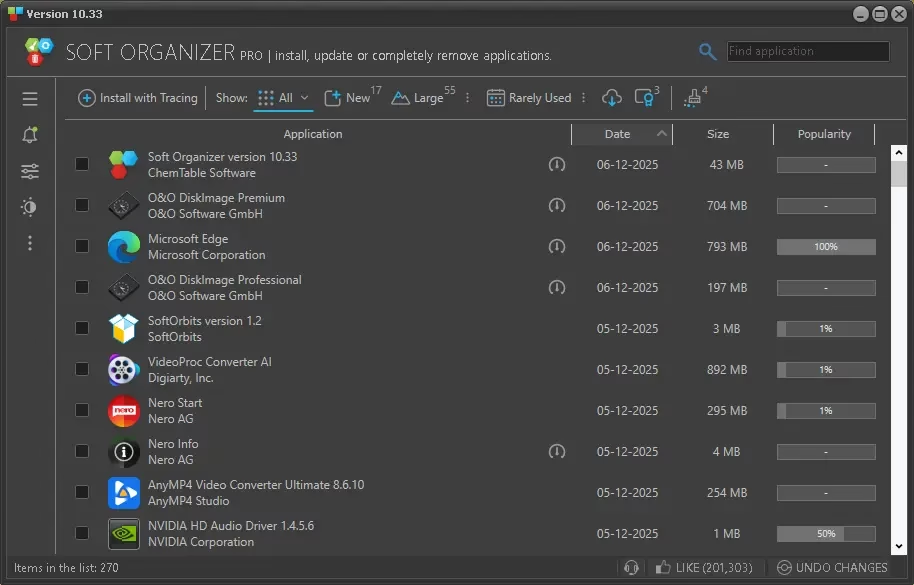
SOFT ORGANIZER features an intuitive and user-friendly layout that lets you do all operations in a few clicks. The utility looks like a simple list of installed programs, where a user merely needs to select a program and click “Uninstall”.
At the same time, the tool features the entire range of capabilities that even programs with much more complex interfaces have. (Most of those programs look like a space shuttle cockpit with many gauges, meters, and obscure instruments.)
If you want to quickly find and uninstall a certain program from your system, then you can use the built-in search function.
If you wish to uninstall an application, select it from the list in the application uninstaller tool window, then click the Uninstall Application button in the upper part of the window. You can also remove a program simply by double-clicking it in the list. A confirmation dialogue will be shown before actual uninstallation.
Soft Organizer seeks and eliminates all traces left by the program in the system registry and on disks during the application’s operation. If traces were found, it will first show information about them.
Another key feature of Soft Organizer is, that it allows you to view the traces left by the apps in the Windows registry and file system.

The app’s main highlight is that it can quickly uninstall programs from your system leaving no traces.
It works very faster when compared to the Iobit uninstaller or other similar applications. Furthermore, the app also informs you about updates or new versions of the software installed on your system, so you can also keep the software up-to-date with this app.
Key Features:
Removal of regular desktop apps and Microsoft Store (UWP) apps, with deeper cleanup than the standard Windows uninstaller.
Quick search and sorting of the installed-app list by name, install date, tracking status, and more for easier management.
Optional update checker (mainly in the Pro edition) that detects new versions of many installed programs and offers one‑click updating.
Versions and licensing
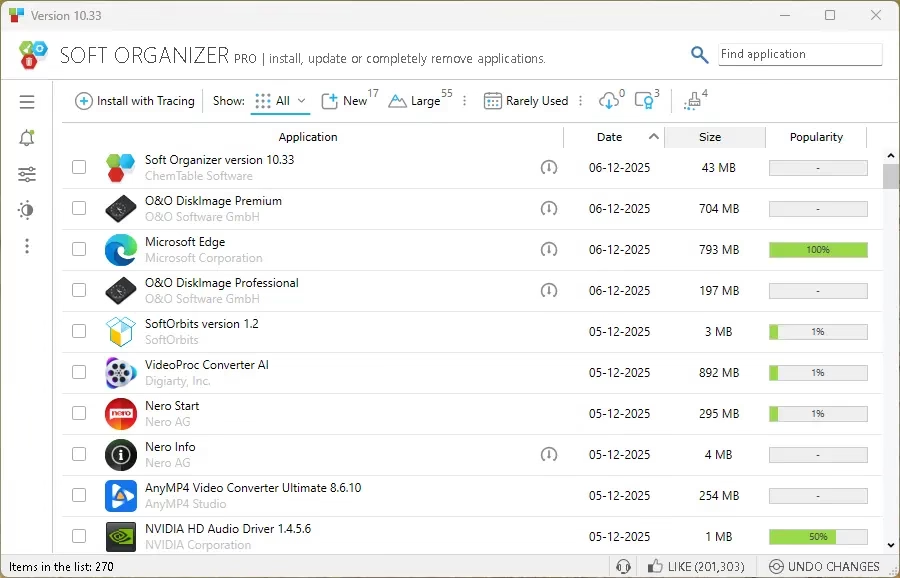
Available as a free edition and a Pro edition, with Pro adding advanced features such as extended update management and more flexible tracing options.
Current stable branch is around version 10.x, with recent builds like 10.33 adding smarter background notifications and improved tracing and cleanup logic.
Overall, Soft Organizer is a tiny tool and a must-have Windows utility to organize applications on your system. This tool allows you to completely remove the unwanted applications and lets you keep the installed applications up-to-date by informing the latest updates.
Get Soft Organizer V10 for Free:
In general, this software sells for $19.95 and now you can use the app without paying anything.
All you need to download the installer from the developer page: https://www.chemtable.com/files/setup.exe
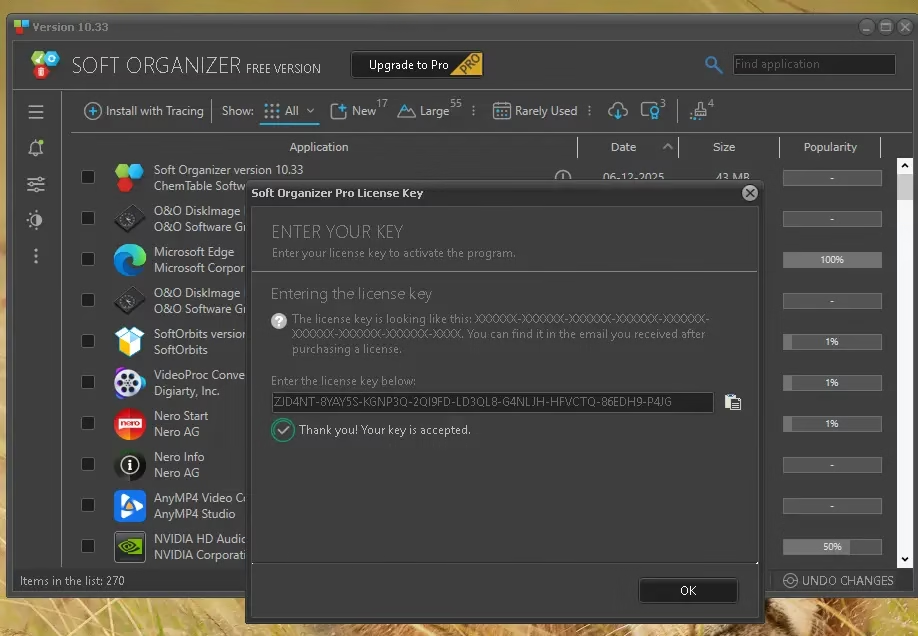
Install and launch the software. On the app’s primary interface, click “Upgrade to Pro” and enter the below code.
ZJD4NT-8YAY5S-KGNP3Q-2QI9FD-LD3QL8-G4NLJH-HFVCTQ-86EDH9-P4JG


Discover more from Techno360
Subscribe to get the latest posts sent to your email.
You must be logged in to post a comment.