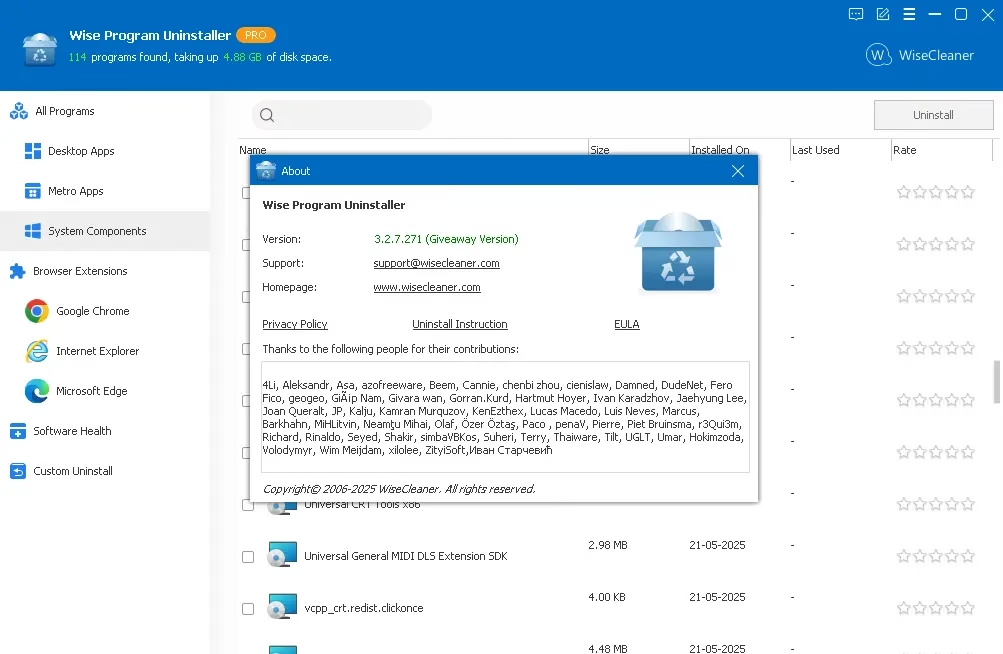
Uninstalling programs on Windows should be simple, yet many applications leave behind junk files, registry entries, and background services even after removal. Over time, this clutter slows down your PC and causes conflicts. That’s where Wise Program Uninstaller stands out as a lightweight, powerful, and free uninstallation tool designed to remove software completely and safely

What is Wise Program Uninstaller?
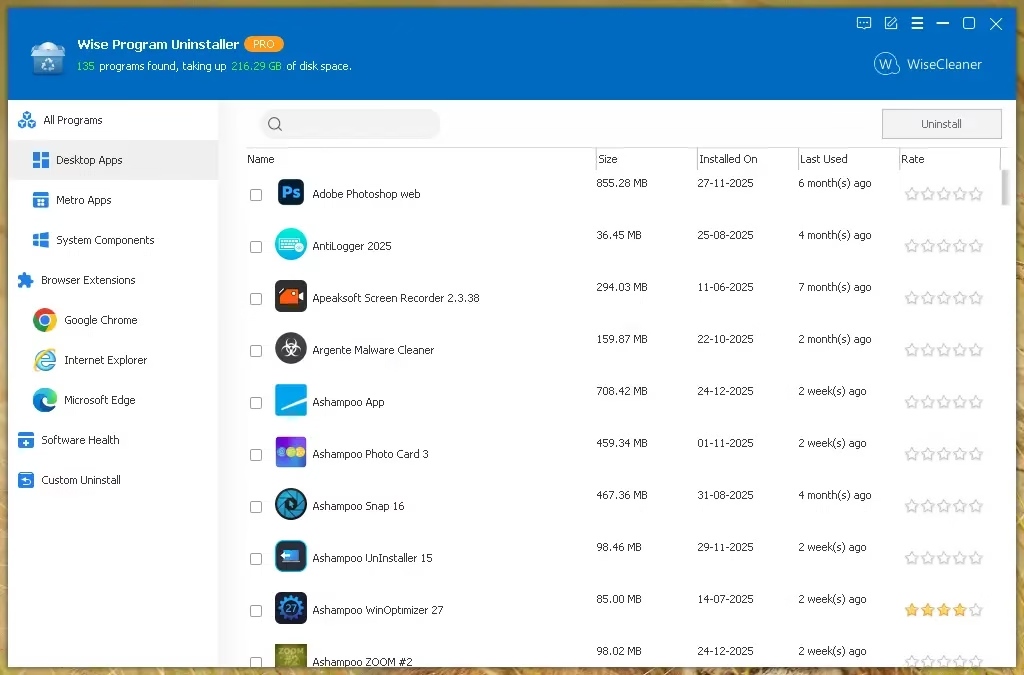
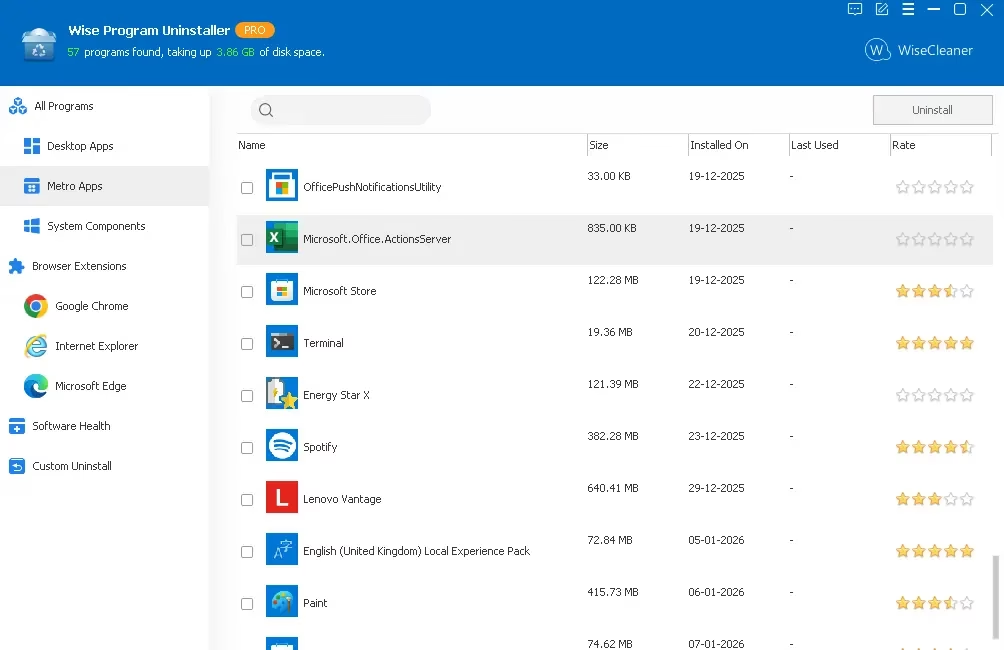
Wise Program Uninstaller is a professional-grade utility designed to help you remove unwanted software, browser extensions, and Windows built-in apps.
Unlike the default Windows uninstaller, Wise doesn’t just run the program’s own uninstaller; it performs a deep scan to find and destroy every trace the software left behind.
Key Features:
- Portable and lightweight uninstaller: No installation is required; just run the executable and start removing programs, which is handy when testing tools or working from USB drives. The current version is 3.2.7 with a download size of about 10.6 MB.
- Clean & deep uninstall: After a standard uninstall, Wise Program Uninstaller scans for leftover files, folders, and registry entries to fully erase traces of the program.
- Force Uninstall for stubborn apps: If an app refuses to uninstall or its uninstaller is corrupted, the Force Uninstall mode performs a deeper scan and wipes all associated items as if the app was never installed.
- Custom Uninstall for hidden programs: Some apps never show up in “Programs and Features” or Settings > Apps; Custom Uninstall lets you point to the installation folder and remove everything tied to that directory.
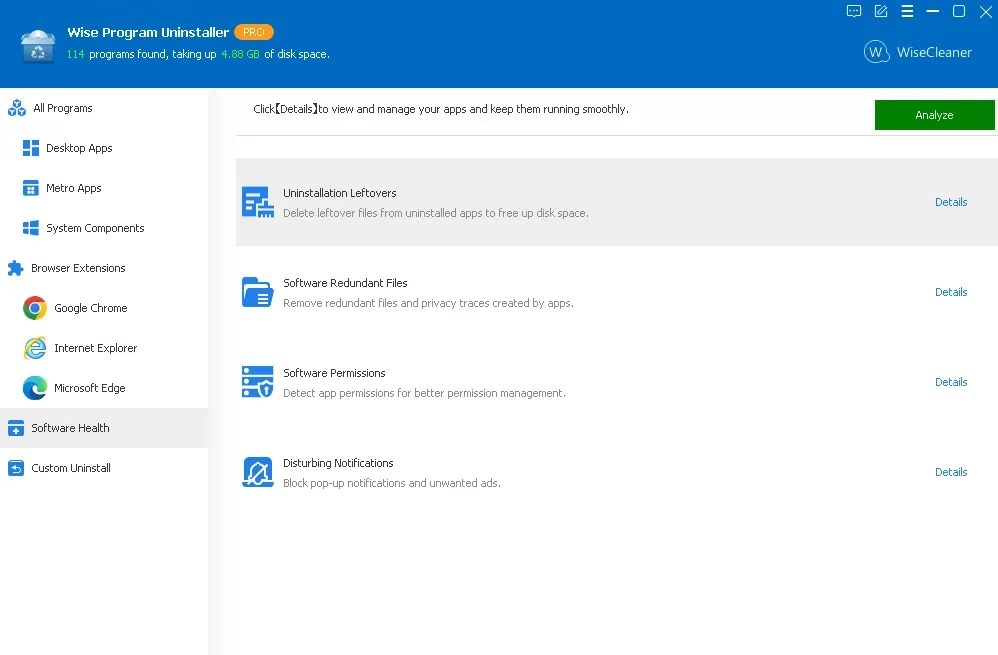
- Software Health module: This part checks the software you have installed and the ones you’ve removed before, cleaning up leftover files, temporary files, and privacy traces while also managing startup items, services, scheduled tasks, and the context menu.
- Browser extension cleanup (batch): It can list and batch‑remove extensions, toolbars, and BHOs from Chrome, Edge, Firefox, and Internet Explorer, helping speed up browser startup and reduce tracking risk.
- Context menu integration: Right‑click any desktop shortcut and choose “Uninstall with Wise Program Uninstaller” for a one‑click uninstall workflow.
- Windows 11 compatibility: Fully supports both 32-bit and 64-bit programs on Windows 11, Windows 10, and older versions starting with Windows Vista.

Wise Uninstaller vs Windows Built‑in Uninstall
| Aspect | Windows Apps & Features / Control Panel | Wise Program Uninstaller |
|---|---|---|
| Leftover file cleanup | Basic uninstall only, no deep cleaning | Scans and removes leftover files & registry entries |
| Stubborn app removal | Often fails, leaves broken entries | Force Uninstall with deep system scan |
| Hidden/unlisted apps | Cannot uninstall if app is not listed | Custom Uninstall using install folder path |
| Browser extension management | Not centralized across browsers | Batch removal across Chrome, Edge, Firefox, IE |
| Software optimization | No Software Health analytics | Cleans traces, temp files, and optimizes app footprint |
| Context menu one‑click | Not available | Right-click shortcut > Uninstall with Wise |
For users who install and uninstall software regularly, this difference can translate into fewer errors, faster boots, and more free disk space over time.

Free vs. Pro—What Do You Get?
Wise Program Uninstaller is available in both free and pro editions with a familiar annual license model.
- Free edition
- Secure and complete uninstalls
- Removal of stubborn or unlisted apps
- Browser extension removal
- Software Health analysis
- Basic support channel available via the vendor site and forum
- Pro edition
- Includes everything in Free
- Adds premium technical support and priority assistance
- Licensed annually for up to 3 PCs, with a 60‑day money‑back guarantee and discounted pricing from 19.95 USD to 14.95 USD at the time of writing.
For most home users, the free version is more than enough; power users and IT admins may value the added support and multi‑PC licensing.
✅ Pros, Cons, and Best Use Cases
- Pros
- Portable and easy to use even for non‑technical users.
- Effective at removing stubborn programs and cleaning residual junk.
- Batch extension management for major browsers helps declutter and improve privacy.
- Works reliably on Windows 11 and older versions, making it suitable for mixed‑OS environments.
- Cons
- Force Uninstall requires careful use; removing the wrong folder may break related software.
- Some advanced features and support are locked behind the Pro upgrade.
- Best suited for
- Testers and reviewers who regularly install new software.
- Users cleaning up old, half‑uninstalled apps or corrupted installs.
- Anyone wanting a portable uninstaller to troubleshoot family or client PCs.
Get Wise Program Uninstaller Pro for Free:
For a limited time, you can grab the Pro version of Wise Program Uninstaller for free.
All you need to do is download the giveaway version installer from any of these links:
[Link 1] / [Link 2] / [Link 3]
Run the installer, finish the installation, and open the program; no license key is needed because it is pre-activated.