

Microsoft Safety Scanner is a free, standalone, on-demand security tool from Microsoft. It is designed to identify and eliminate malware, viruses, spyware, and other potentially harmful software from your Windows PC. Keeping your computer safe from online dangers is critical in this day and age.
With this PC security tool, you can protect your data, files, and system. It guards against viruses, spyware, and other harmful software — without needing a full antivirus installation.
Contents
About Microsoft Safety Scanner
This Microsoft security solution provides on-the-fly scanning to detect and eliminate threats. Unlike continuous protection software, it works on demand whenever you need it.
This multipurpose protection program can protect your PC from viruses, spyware, and other potentially undesirable software. No full installation is required.
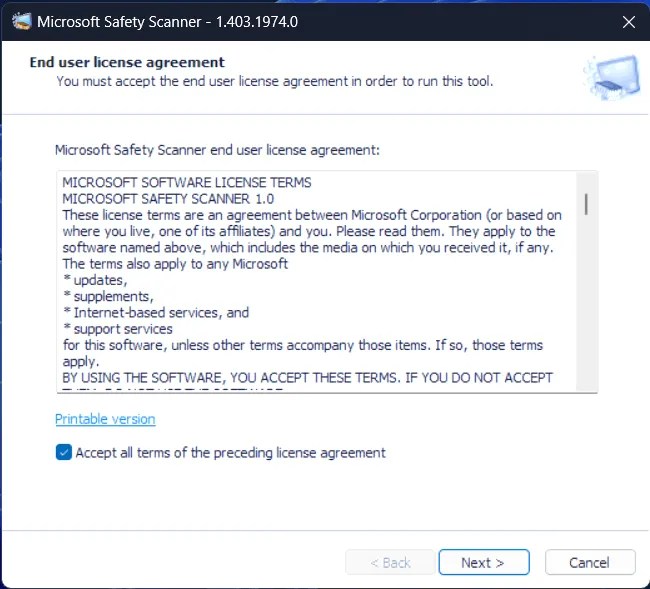
Quick, Full, or Custom Scans: You Choose
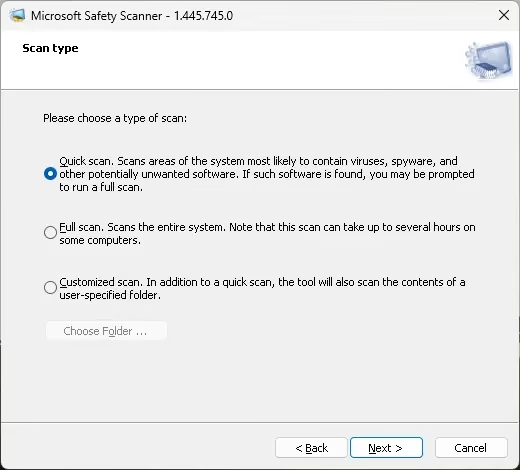
Microsoft Safety Scanner offers three primary scanning options: quick scan, full scan, and custom scan. Users can choose the level of analysis based on their specific needs.
The quick scan identifies potential dangers by focusing on locations where harmful software is most commonly detected.
The full scan takes longer, but it analyzes the entire system thoroughly for complete malware detection.
Users can select specific folders to scan using the custom scan feature. This makes it ideal for targeting potentially dangerous file locations.
Post-Infection Analysis and Reporting
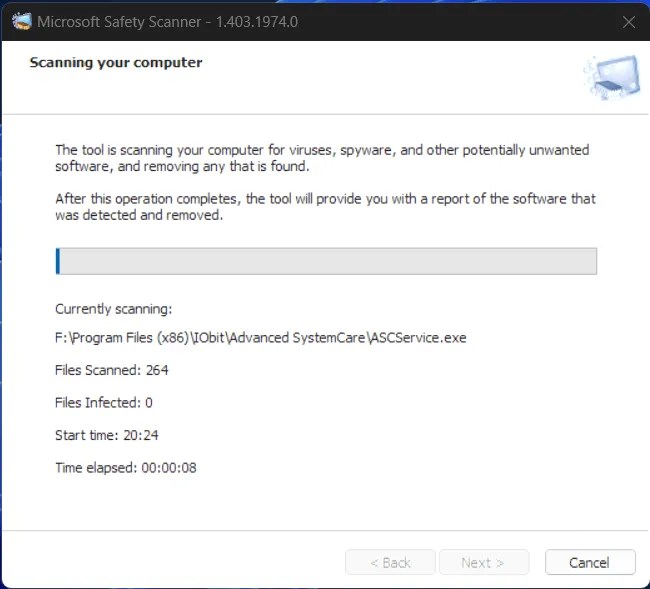
Once scanning is complete, Microsoft Safety Scanner does more than just detect threats. It provides in-depth reports that shed light on your system’s health. These reports help you understand and respond to any identified dangers effectively.
Is Microsoft Safety Scanner a Complementary Security Tool?
This security tool works alongside your existing antivirus programs. It complements them rather than replacing them.
This free security scanner can detect malware and PUPs (potentially unwanted programs). It is not a replacement for a dedicated antivirus program.
It lacks real-time protection and cannot prevent future infections on its own. However, it serves as an excellent supplementary security tool. It is especially useful for quick on-demand scans when you suspect your PC may be compromised.
Download Microsoft Safety Scanner 1.4445.745.0 (March 25,2026) for Windows from microsoft.com
Conclusion
Microsoft Safety Scanner is a powerful tool for detecting and resolving threats quickly. However, it is just one component of a comprehensive security plan.
It adds an extra layer of protection without replacing regular antivirus software. Use it together with a full-time security solution for the best results.


Discover more from Techno360
Subscribe to get the latest posts sent to your email.
You must be logged in to post a comment.