
Abelssoft EasyBackup 2026 is a powerful, user-friendly backup solution designed for Windows users who want to protect their valuable data with minimal effort. Whether you are a beginner or an advanced user, this zero-click backup software makes it incredibly easy to create full backups of your files, folders, and entire system partitions. With the latest 2026 version, Abelssoft has enhanced its features to offer faster backup speeds, improved ransomware protection, and smarter automation.
In this guide, we will cover everything you need to know about Abelssoft EasyBackup 2026, including its key features, system requirements, how to download and install it, and why it stands out among other backup tools.
What is Abelssoft EasyBackup 2026?
Abelssoft EasyBackup 2026 is a comprehensive backup software developed by Abelssoft, a German software company known for creating intuitive Windows utilities. The tool allows users to back up partitions, multimedia files, office documents, emails, and custom folders simultaneously. It uses advanced technologies like incremental backups, hard link generation, and ransomware-safe storage to ensure your data remains protected. Learn more about Windows software tools on our blog.
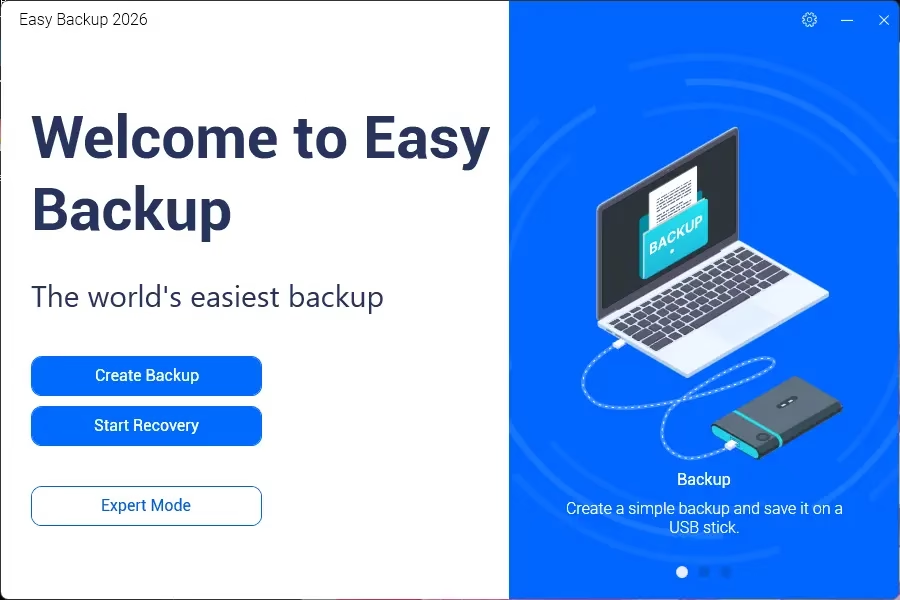
Abelssoft EasyBackup 2026 setup installer with easy-to-use backup configuration interface.
Key Features of Abelssoft EasyBackup 2026
1. Zero-Click Backup Solution
Simply connect your external storage device, and EasyBackup automatically creates a backup within seconds. No technical knowledge required. Disconnect the drive, and your backup is complete.
2. Incremental Backup Technology
After the initial full backup, EasyBackup only saves new or modified files, significantly reducing backup time and storage space. This generation-based approach uses state-of-the-art hard link technologies.
3. Ransomware Protection
Once a backup is completed, EasyBackup physically disconnects the storage medium from the PC. This ensures that in the event of a ransomware attack, your backup data remains untouched and secure.
4. Automatic Backup Reminders
The software automatically reminds you to connect your backup drive at scheduled intervals, ensuring your data is always up-to-date without manual intervention.
5. One-Click Recovery
Restore your data effortlessly with the intuitive recovery calendar view. Simply select a backup point and restore with a single click.
6. Portable Version Available
Abelssoft EasyBackup 2026 comes in a portable version that works on any Windows device without installation. Perfect for use across multiple computers.
7. Password Protection
Secure your backup files with password encryption, adding an extra layer of security to your sensitive data.
8. Backup Multiple Destinations
Back up to local drives, external hard drives, USB flash drives, network drives, or cloud storage locations. Add multiple backup jobs and execute them with a single click.
9. Minimal Memory Consumption
Built with efficient algorithms, EasyBackup uses minimal system resources while delivering fast backup speeds of over 90 MB/s.
10. Beginner-Friendly Design
The program automatically backs up the most important folders by default. No complicated settings needed for first-time users.
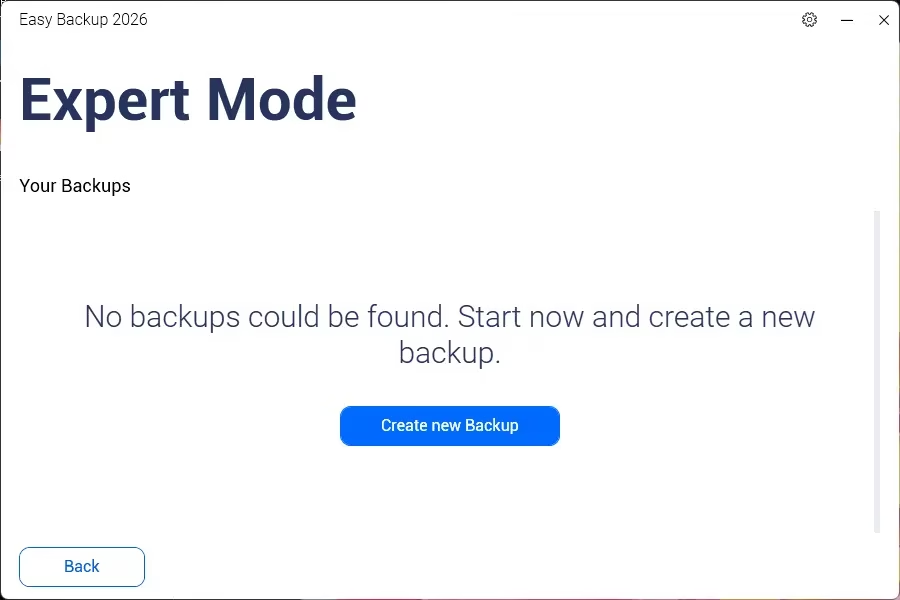
Abelssoft EasyBackup 2026 expert mode with advanced backup configuration and storage options.
Abelssoft EasyBackup 2026 Specifications
| Software Name | Abelssoft EasyBackup 2026 |
| Version | v16.02.72098 |
| Developer | Abelssoft GmbH |
| License | Paid (Free trial available) |
| File Size | ~8 MB |
| Supported OS | Windows 11, Windows 10, Windows 8.1, Windows 8, Windows 7 |
| Language | Multilingual |
| Architecture | 32-bit and 64-bit |
How to Use Abelssoft EasyBackup 2026
Step 1: Install the Software
Download and install Abelssoft EasyBackup 2026 on your Windows PC. The installer is lightweight and completes in under a minute.
Step 2: Select Files and Folders
Choose the files and folders you want to back up. The software pre-selects the most important folders like Documents, Pictures, Music, and Videos. You can also add custom folders.
Step 3: Choose Backup Destination
Select where you want to store your backup. You can choose from local drives, external USB drives, network locations, or removable media.
Step 4: Configure Backup Settings
Set a backup name, enable password protection if needed, and configure the backup frequency (daily, weekly, or monthly).
Step 5: Create Your Backup
Click the backup button and let EasyBackup do the rest. For zero-click backups, simply connect your external drive and the backup starts automatically.
Step 6: Restore When Needed
When you need to restore data, open EasyBackup, select your backup from the calendar view, and click restore. Your files will be recovered within minutes.
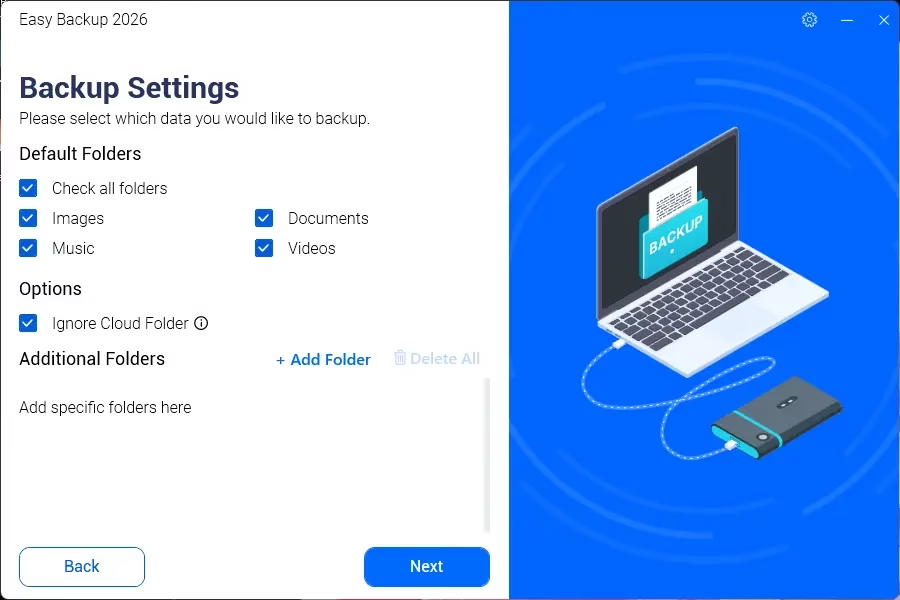
Creating a new backup in Abelssoft EasyBackup 2026 with file selection and destination options.
Why Choose Abelssoft EasyBackup 2026?
This backup solution stands out from other backup tools for several reasons:
- Speed: With backup speeds exceeding 90 MB/s, it is one of the fastest backup tools available.
- Simplicity: No complicated setup or technical knowledge required.
- Security: Ransomware-safe backup with physical disconnection of storage media.
- Flexibility: Supports full, incremental, and differential backup modes.
- Affordability: Priced competitively at around EUR 29.95 with a free trial.
- Made in Germany: Developed by a reputable German company with a focus on data privacy and security.
System Requirements
- Operating System: Windows 11 / 10 / 8.1 / 8 / 7 (SP1)
- Processor: Intel or AMD dual-core processor (1 GHz or faster)
- RAM: 2 GB minimum (4 GB recommended)
- Hard Disk Space: 100 MB free space for installation
- Display: 1024 x 768 resolution or higher
Conclusion
This powerful backup software is an excellent solution for anyone looking to protect their important files without dealing with complex configurations. Its zero-click backup feature, ransomware protection, incremental backup technology, and one-click recovery make it a top choice for both home users and small businesses. Download this backup tool today and enjoy peace of mind knowing your data is always safe and secure. For more information, visit the official Abelssoft website or check out our other backup guides.
Download Abelssoft EasyBackup 2026
Get the latest version of Abelssoft EasyBackup 2026 from the links below. The installer is pre-activated for your convenience.
Installation Instructions:
1. Download the installer from any of the links above.
2. Run the setup file and follow the on-screen instructions.
3. Launch the application and start creating your backups.
4. The software activates automatically if you have used another Abelssoft product before.
New users to Abelssoft:
Launch the app, enter your email, name, and surname. Accept the license terms and click Get free unlock mail now to receive your activation key.
EasyBackup Features Summary:
- Simple zero-click backup solution: just connect and disconnect the storage medium.
- Automated backup reminders ensure you never forget to back up.
- Simple recovery: choose which backup to restore with a single click.
- Quick and easy backup process suitable for users of all skill levels.
- Groundbreaking technology for minimal memory consumption.
- Supports incremental backups to save storage space.
- Password protection for secure backups.
- Portable version available for use without installation.


Discover more from Techno360
Subscribe to get the latest posts sent to your email.