
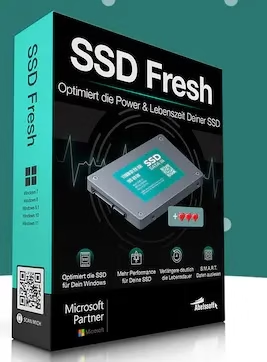
Offer Status: 🟢 ACTIVE (Expires: Limited Time)
Platform: Windows 11 / 10 / 8 / 7
Official Partner: Abelssoft
Disclaimer: This is an official promotional giveaway provided by Abelssoft. We do not host cracked or pirated software. The license provided is strictly for personal, non-commercial use.
Abelssoft SSD Fresh 2026 Plus is a focused Windows utility built specifically to help your SSD last longer and run cleaner. Unlike general-purpose PC cleaners, it targets the one thing that actually shortens SSD lifespan — unnecessary read/write operations. If you have been running Windows on an SSD for more than a year, there is a good chance Windows is quietly burning through write cycles in the background without you realizing it.

Why We Are Featuring This Giveaway
SSDs are genuinely different from old spinning hard drives, and Windows was not originally designed with them in mind. Features like automatic defragmentation, short file name generation, and aggressive logging were built for HDDs — and they quietly eat into your SSD’s limited write endurance every single day.
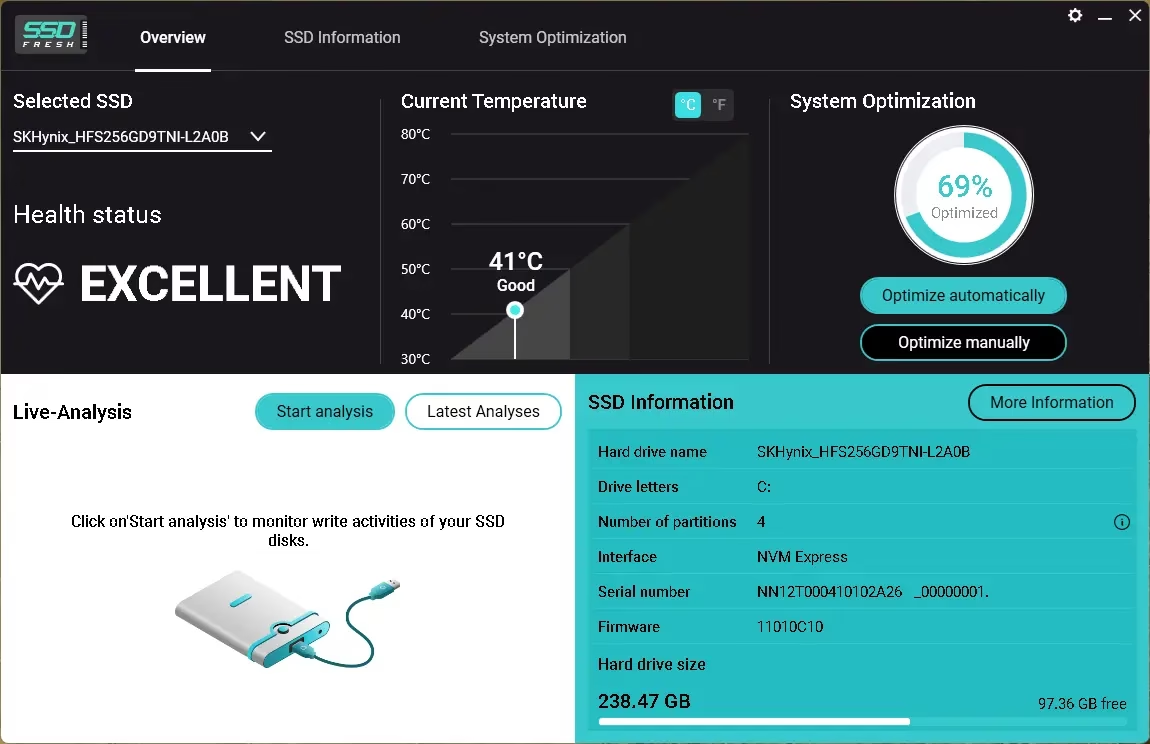
We tested SSD Fresh 2026 Plus on a mid-range laptop running Windows 11 with a 256GB SATA SSD. After running the optimization scan, it flagged four active settings that were adding unnecessary writes — including scheduled defragmentation and Windows logging. Disabling those brought our daily write load down noticeably. If you own a budget laptop with a smaller SSD, this kind of tuning genuinely matters over a 2–3 year period.
If you are already comfortable tweaking Group Policy and the Registry yourself, you may not need this. But if you want a clean, simple interface that handles all of that in one go — and does it safely — this Plus license is worth grabbing while it is free.
Pros & Cons
| What We Liked | What Could Be Better |
|---|---|
| Simple one-click optimization — no technical knowledge needed | No built-in SSD benchmark tool |
| Accurately detects and disables HDD-centric Windows settings harmful to SSDs | The Plus giveaway version is time-limited; the free tier has fewer features |
| Displays real S.M.A.R.T. data — temperature, error counts, health status | UI looks slightly dated compared to newer tools |
| Lightweight — barely any RAM usage in the background | Does not support M.2 NVMe health monitoring on all chipsets |
| Covers multiple drives if you have more than one SSD installed | No automatic scheduled scans — you run it manually |
Key Features of Abelssoft SSD Fresh 2026 Plus
Here is what you actually get with the Plus version of this giveaway:
- SSD Optimization Engine: Identifies and disables Windows processes that cause excessive read/write cycles on your drive — things like auto-defrag, 8.3 filename creation, and system restore logging.
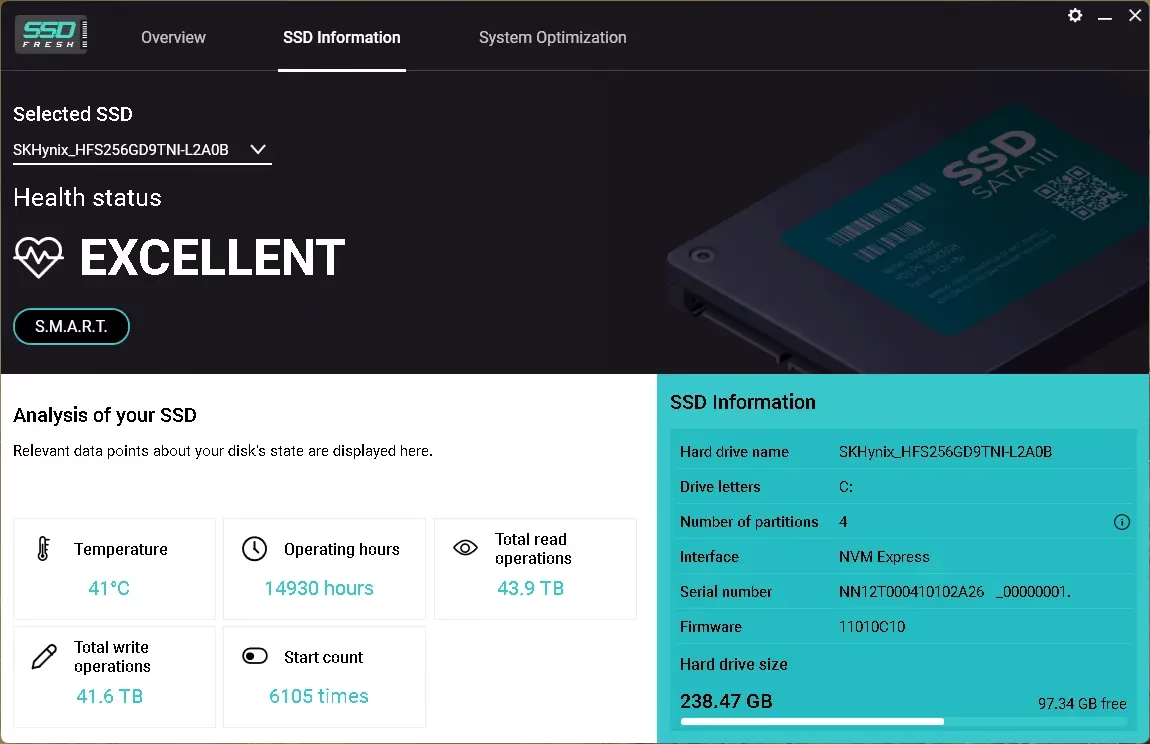
- S.M.A.R.T. Health Monitor: Reads your drive’s built-in health data — including temperature, reallocated sector count, and power-on hours — and flags anything that looks abnormal.
- Drive Summary Panel: Shows your SSD model, total capacity, number of partitions, and file system type at a glance.
- Multi-Drive Support: If your PC has more than one SSD (or a mix of SSD and HDD), SSD Fresh handles each drive individually.
- Windows Integration Tweaks: Safely manages settings like system recovery, Windows logging, and short folder name generation — all of which were designed for spinning drives.
How to Download and Activate Your Free Plus License
Follow these steps carefully. The giveaway version requires email-based activation through Abelssoft directly—there is no serial key to enter manually.
[New Giveaway Version]:
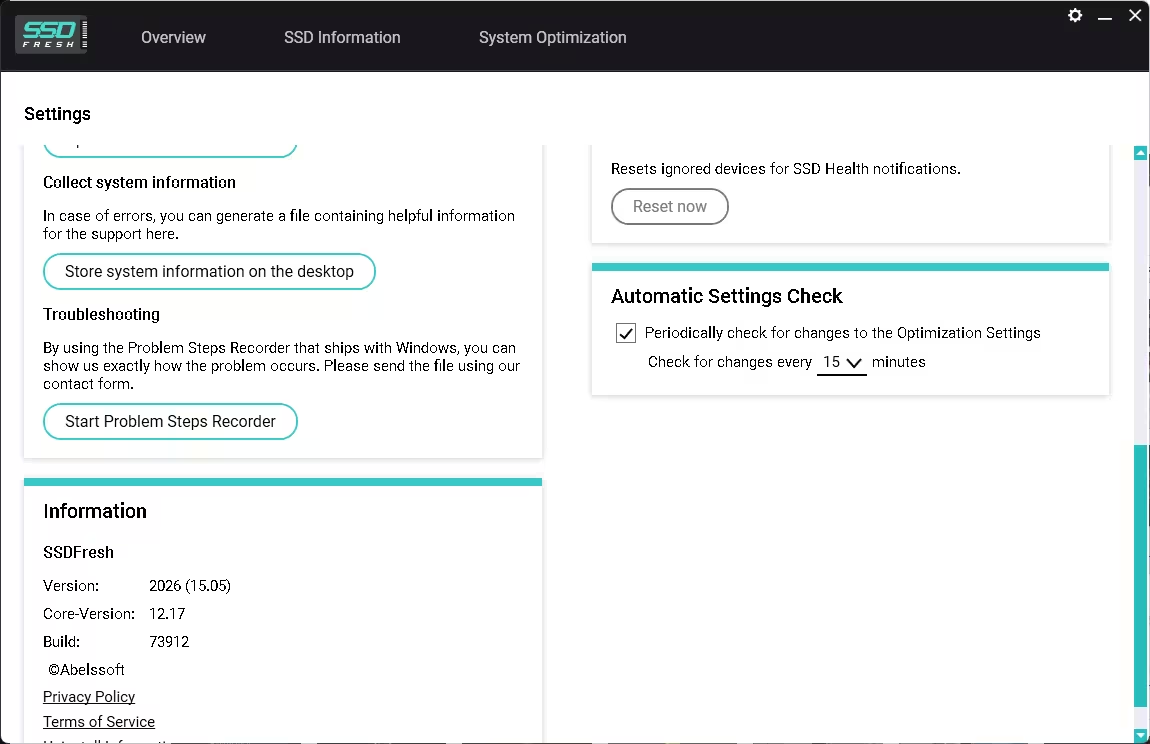
- Download the Installer: Grab the official giveaway build (Build 73912) from here: SSD Fresh Plus 2026-Giveaway_Setup(October).exe
- Run the Installer: Double-click the downloaded .exe file and follow the installation wizard. The setup is straightforward — just click through and let it install.
- Launch SSD Fresh 2026 Plus: Open the application once installation is complete.
- Go to the Activation Window: Inside the app, look for the “Activation” section in the menu.
- Enter Your Details: Type in your first name, last name, and a valid email address.
- Click “Get a free unlock email now”: Abelssoft will send a confirmation email to the address you entered. The sender will be software@abelssoft.net — check your spam folder if you do not see it within a few minutes.
- Confirm Your Email: Click the link in the email. Your copy of SSD Fresh 2026 Plus is now fully unlocked.
SSD Fresh 2026 Plus vs. Free Alternatives
You might be wondering — why use this when Windows already has built-in SSD features? Here is a straight comparison:
| Feature | SSD Fresh 2026 Plus | Windows Built-in Tools | CrystalDiskInfo (Free) |
|---|---|---|---|
| SSD-Specific Optimization | Yes — Automated | Partial (TRIM only) | No |
| S.M.A.R.T. Monitoring | Yes — With alerts | No | Yes — Detailed |
| Disable Auto-Defrag for SSDs | Yes — One click | Manual (buried in settings) | No |
| Drive Health Summary | Yes | No | Yes |
| Multi-Drive Support | Yes | Partial | Yes |
| Ease of Use | Beginner-friendly | Requires technical knowledge | Intermediate |
Bottom Line: If you want detailed technical data and are happy to interpret raw S.M.A.R.T. numbers yourself, CrystalDiskInfo is a solid free option. But if you want something that actually makes changes to protect your SSD — not just reads the data — SSD Fresh 2026 Plus is in a different category, and getting the Plus version free is a good deal.
Frequently Asked Questions
Does SSD Fresh 2026 work on NVMe drives?
Yes. SSD Fresh 2026 Plus supports both SATA and NVMe SSDs. S.M.A.R.T. data availability may vary depending on your motherboard and NVMe controller.
Is this a cracked or unofficial version?
No. This is an official promotional giveaway hosted by Abelssoft. The activation goes through their own servers via email confirmation.
How long does the Plus license last?
The giveaway grants you the Plus version for free. Abelssoft has not published a specific expiry for the activated license — but the download link for this particular build is time-limited, so grab it while it is active.
Will it slow down my PC?
No. SSD Fresh runs its optimization checks on demand, not continuously in the background. It uses minimal resources and does not run as a startup service unless you specifically enable that option.
Is it safe to disable auto-defragmentation on my SSD?
Yes — and it is actually recommended. Windows defragmentation was designed for spinning hard drives. On SSDs, it adds unnecessary write cycles without improving speed. Windows 10 and 11 are supposed to skip defrag on SSDs automatically, but this does not always work correctly, especially on older installations or after upgrades.
Also check out our other free software giveaways — we regularly post verified, legitimate promotions from software developers.
Discover more from Techno360
Subscribe to get the latest posts sent to your email.

You must be logged in to post a comment.