
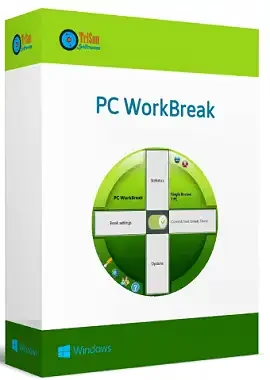
TriSun Soft’s PC WorkBreak is a useful tool that will remind you to take breaks from your computer work so you don’t get repetitive stress injuries.
When you’re working hard on a big task, you might forget to take a break, stretch, or even just drink a cup of water.
PC WorkBreak is a program that reminds you to take breaks and helps you be more productive in the long run.
About Trisun PC WorkBreak:
Using the software’s helpful prompts, you can reduce your chances of developing RSI (repetitive strain injury). Depending on how you use your PC, it can remind you to take a micro-break, stretch, perform eye exercises, or go for a walk. Compliance statistics are provided as well.
If you’re experiencing physical discomfort as a result of prolonged sitting or intensive mouse or keyboard use, a short break may help. You can use a personal image or gif animation as a visual cue to remind you to take a break whenever you like.
UI & Functioning:
To make it easy for anyone to use, the application has a straightforward graphical user interface (GUI).

First, create a list of breaks you want to take and the time intervals when no breaks are needed, then configure the software to run at Windows startup.
When you set up a new break, you should give it a short title that can also serve as a motivating phrase. This way, you won’t be tempted to ignore the reminder that it’s time for a break. You can choose the length of the break (in seconds), how often it happens, or if it happens at a fixed time.
Get PC WorkBreak for Free:
Share this giveaway on any network. One click unlocks the download links and codes below.
A new tab opens to share this page. Come back here — your content unlocks automatically.

Discover more from Techno360
Subscribe to get the latest posts sent to your email.
