
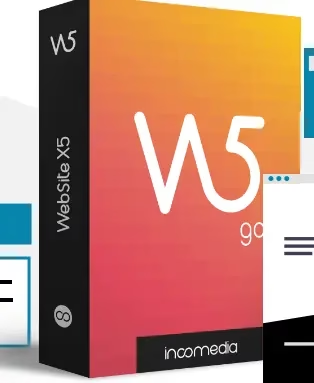
🎁 WebSite X5 Go 2026 free · Windows 10 & 11
Build a website without code: WebSite X5 Go 2026 is free with a lifetime licence
Incomedia’s desktop website builder is free right now in a giveaway build of version 2026.3, the October 2026 release. You get a lifetime licence for two PCs, the GPT-5.1-powered MagicSite AI, and 50 templates. Below are the download link, the activation steps, and the limits of the Go edition you should know before you start.
⚡ Quick Read
- What: WebSite X5 Go 2026, a drag-and-drop website builder for Windows from Incomedia.
- Version: 2026.3 (the giveaway installer is about 158 MB).
- Value: $15, the regular price on the SharewareOnSale giveaway listing.
- Licence: Lifetime, two computers, commercial use allowed. No free upgrades to later versions.
- Activation: Email address plus a validation code. No serial key to copy.
- Deadline: No end date published. The download link was working on 23 October 2026.
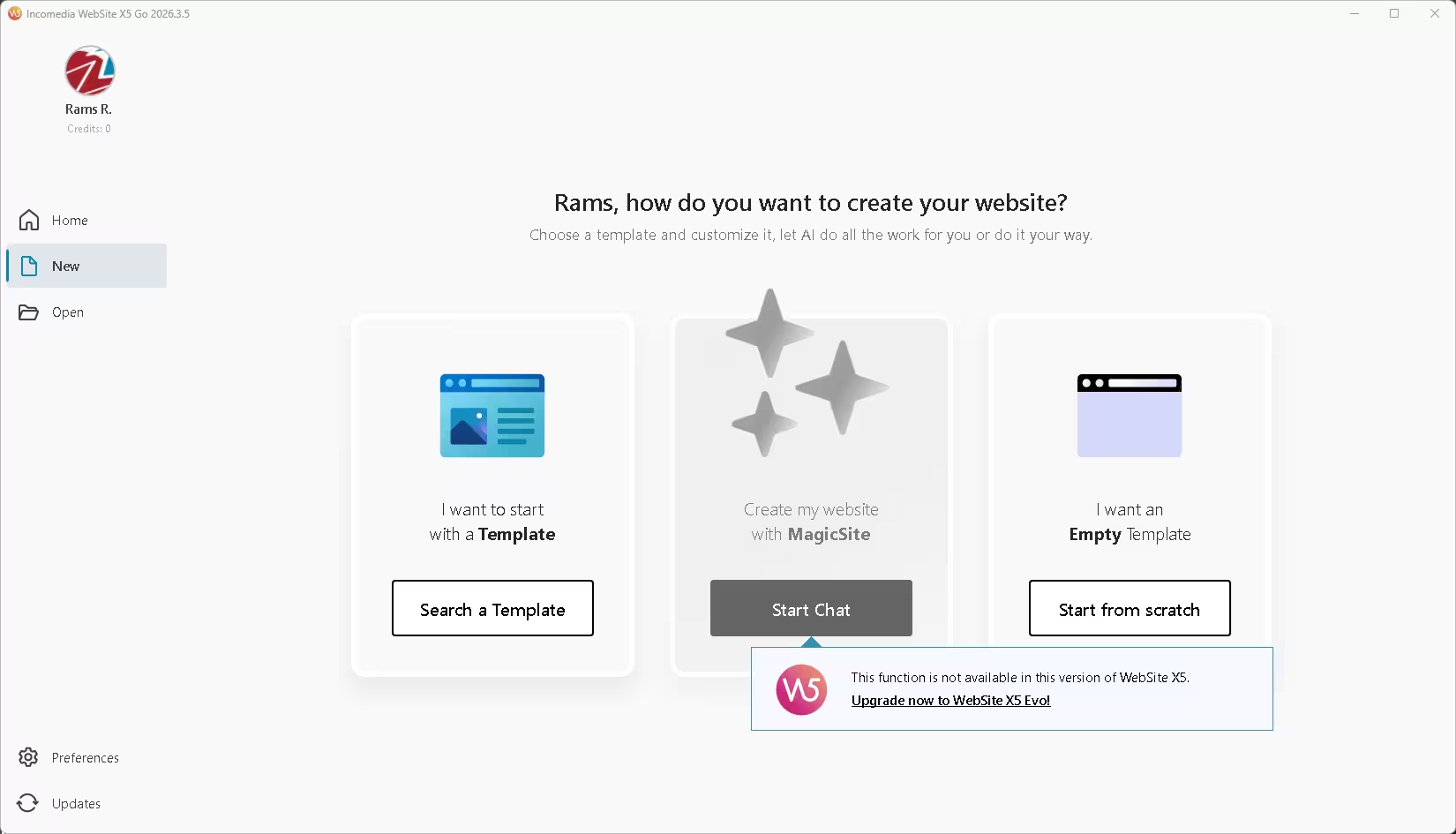
- Catch: The Go edition caps each website at 10 pages and has no online store or blog module.
WebSite X5 Go 2026 free: what the giveaway includes
WebSite X5 Go is the entry edition of Incomedia’s long-running desktop website builder. You design pages offline on your PC, preview them, and then publish the finished site to any web host over FTP. The program writes the HTML5 and CSS3 code for you, so you never have to touch a line of HTML5.
This giveaway uses a special installer for version 2026.3. It activates with your email address, and the licence is yours to keep.
| Software | WebSite X5 Go 2026, v2026.3 |
|---|---|
| Developer | Incomedia, Italy |
| Regular price | $15 (SharewareOnSale listing) |
| Operating system | Windows 10 and 11, 64-bit |
| Licence type | Lifetime, 2 PCs, personal and commercial use. No free updates. |
| Download | EXE installer, approximately 158 MB |
| Edition limits | 10 pages per website, 50 templates, unlimited projects |
| Giveaway end date | Not announced |
⬇️ Download giveaway installer
How to get WebSite X5 Go 2026 free (step by step)
The process takes about five minutes. You need a working email address to receive the validation code.
1. Download the giveaway installer
Download the special giveaway build from Incomedia’s server: wsx5_go_swosgo2026.3en.exe (about 158 MB). Use this installer, not the regular trial from the WebSite X5 website, because the giveaway licence is tied to it.
2. Install the program
Run the installer and follow the setup wizard. It may also install supporting components such as the Microsoft Visual C++ runtime.
3. Enter your email address
When you launch WebSite X5 Go for the first time, an activation window appears. Enter your email address and click Next.
4. Paste the validation code and register
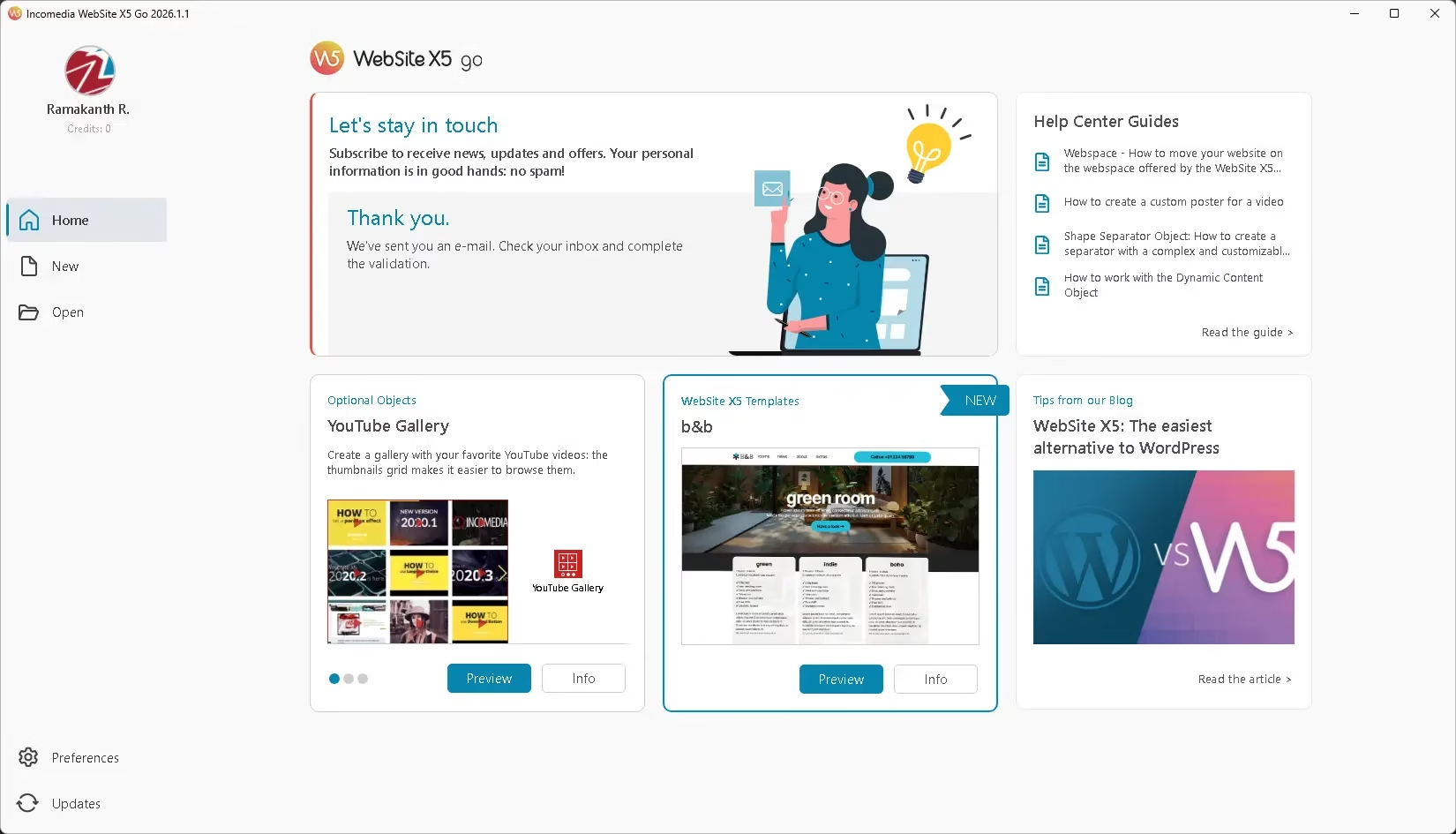
Incomedia emails you a validation code. Copy it into the activation window and click Next. Then fill in the account details the form asks for to create your WebSite X5 account. If you already have an account, sign in with it instead. Can’t find the email? Check your spam or promotions folder before trying again.

5. Don’t install updates
The giveaway terms say the licence covers this version only, and updating may leave the program unregistered. Keep the installer file somewhere safe in case you need to reinstall it later.
What’s new in WebSite X5 2026
Incomedia has shipped several updates to the 2026 line this year. The highlights from its official new-features page are below. Some items, such as e-commerce tools, belong to the higher editions, so not every change applies to Go.
- 2026.3 (October 2026): Sections with their own independent grid, which you can move, copy and paste between pages; shaped bottom edges for Sections; borders, rounded corners and shadows on Sections; and an Undo for layout changes.
- 2026.2 (June 2026): Text, line spacing and margins scale automatically across screen sizes; loop and mute options for videos; rounded image corners; and finer shadow opacity.
- 2026.1.6 (April 2026): A built-in AI help assistant in the support bar, a redesigned template picker, a Chromium engine update and PHP 8.5 compatibility.
- 2026.1 (March 2026): MagicSite and MagicText moved to GPT-5.1; style selection now stays inside the MagicSite chat; MagicSite can use more objects, including tables; plus the Lummi library of AI-generated images and a new SVG icon library.
Key features of WebSite X5 Go 2026
- MagicSite AI. Describe your business in a chat and MagicSite builds a site structure, picks a style and writes first-draft content, now using GPT-5.1.
- MagicText. An AI writing assistant for page text, so the tone stays consistent across the site.
- Drag-and-drop editor. Place text, images, galleries, contact forms and media players on a grid without coding.
- Automatic mobile version. Pages adapt to phones and tablets.
- Built-in SEO basics. Set page titles, keywords and descriptions, and the program generates a sitemap.xml file.
- Clean HTML5 and CSS3 output. Upload the finished site to any host with the built-in FTP tool.
- Google tools. Connect Google Analytics or Google Search Console with a code in the export settings.
- 50 templates, Lummi images and SVG icons. Enough ready-made material for a small business, portfolio or event site.
How WebSite X5 works: five steps from idea to live site
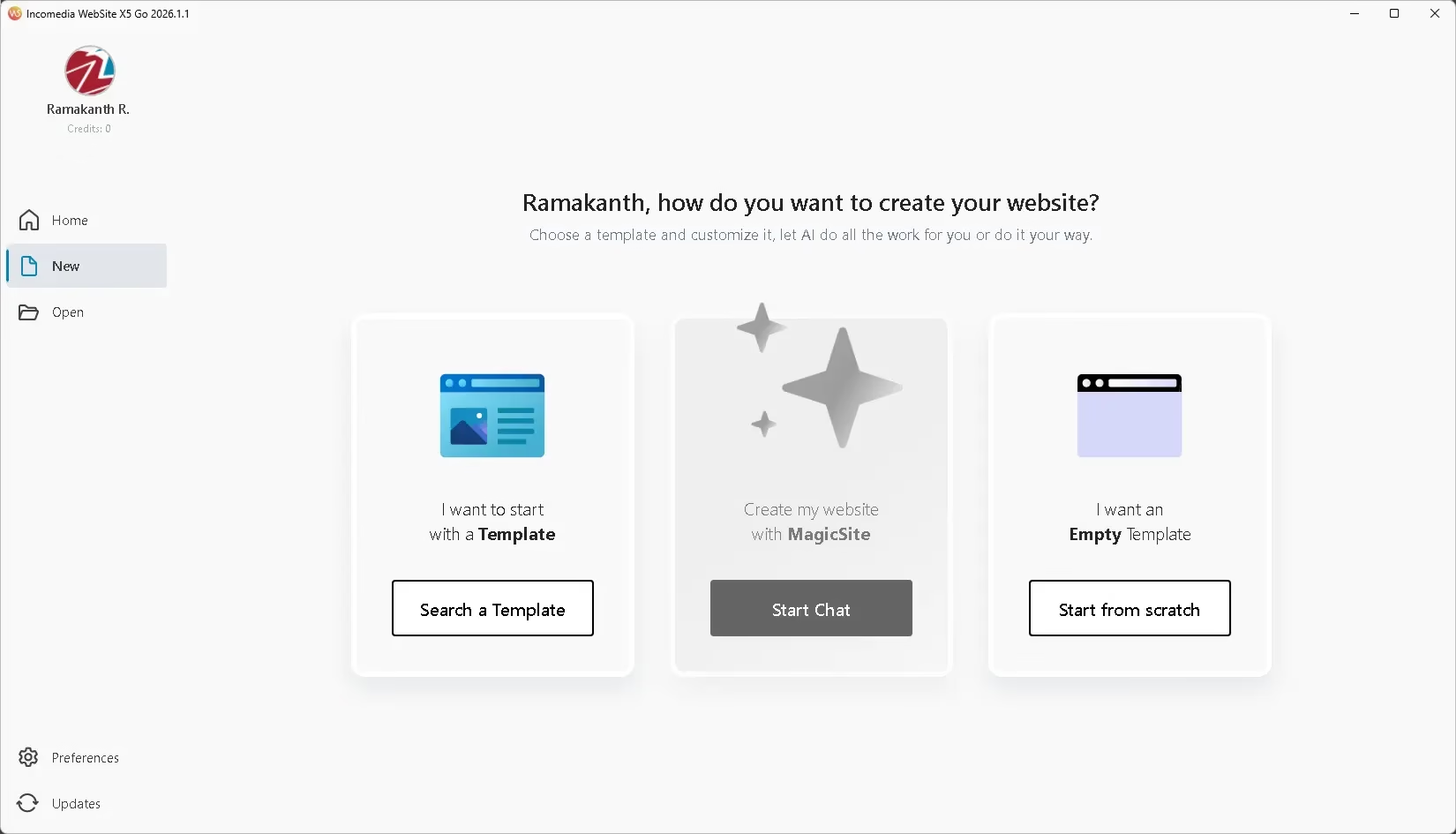
The program guides you through five steps. First, start a new project with MagicSite or a template, or open an existing project. Second, enter the site name, author, address and SEO keywords. Third, build the sitemap. Fourth, design each page in the drag-and-drop editor. Fifth, preview the result and export or upload it.
The Preview button shows a live version of the page before you publish, which speeds up small fixes. WebSite X5 is fully compatible with projects from version 11 onwards, so older projects open in the 2026 release.
WebSite X5 Go vs Evo vs Pro
Go is the entry edition. If your site grows, these are the main differences, based on Incomedia’s edition descriptions and third-party listings:
| Feature | Go (this giveaway) | Evo | Pro |
|---|---|---|---|
| Pages per site | 10 | Unlimited | Unlimited |
| Templates | 50 | 100+ | 100+ |
| Blog | No | Yes | Yes |
| Online store | No | No | Yes |
| Database, customer login, advanced SEO | No | No | Yes |
For a landing page, a portfolio, a restaurant menu or a small business site, Go’s 10 pages are usually enough. If you need a blog or a shop, you’ll need a paid edition.
Limitations to know before you install
- 10 pages per site. You can create as many projects as you like, but each one stops at 10 pages.
- No free upgrades. The licence covers version 2026.3 only. Installing a later update may unregister the program.
- Windows only. There is no Mac version. The program runs offline on your PC, not in a browser.
- Hosting is separate. The Go licence lets you upload to any host by FTP, but you still need your own hosting and domain.
- Account required. Activation needs an email address and a WebSite X5 account, so expect occasional emails from Incomedia.
Related giveaways on Techno360
If you build websites or want to learn web design, these are worth a look:
- WebAnimator Go free licence, Incomedia’s tool for making HTML5 animations
- HTML, CSS & JavaScript All-in-One For Dummies eBook for free
- WP Compress PRO free 1-year licence for speeding up WordPress sites
- 5 best websites to learn coding in 2026
Browse every current offer in our freebies section.
FAQs
Is WebSite X5 Go 2026 free a full version or a trial?
It is a full version. The giveaway installer activates with your email address and a validation code, and the licence is lifetime for that version. The separate WebSite X5 trial is different: it limits how many pages you can save and stops publishing after a trial period.
Can I use WebSite X5 Go 2026 free for commercial websites?
Yes. The giveaway terms allow both personal and commercial use. You can build a site for your own business or a client, but you can’t resell the licence.
How many websites can I build with WebSite X5 Go?
As many as you want. The limit is 10 pages per website, not the number of projects.
Can I install the WebSite X5 Go 2026 free licence on two computers?
Yes. The licence covers two PCs, so you can use it on a desktop and a laptop, for example.
Does WebSite X5 Go 2026 free include hosting and a domain?
No hosting is promised with this giveaway. Export the site and upload it to any host with the built-in FTP tool. Incomedia bundles web space with its paid editions.
Can I update to newer versions later?
Not for free. The giveaway licence is for version 2026.3, and the terms warn that updating may unregister the program. To get later versions, you’d need to buy an upgrade from Incomedia.
📊 Verdict
If you need a small website and don’t want to learn code or pay a monthly website-builder fee, WebSite X5 Go 2026 free is an easy win. It is a lifetime licence for two PCs, MagicSite AI does the first draft for you, and the output is standard HTML5 you can host anywhere.
👍 Good: lifetime licence, commercial use allowed, GPT-5.1 MagicSite and MagicText, 50 templates, works offline, no subscription.
👎 Watch out for: 10 pages per site, no blog or online store, Windows only, no free updates, and you need your own hosting. Grab it while the offer lasts, because no end date has been announced.
Discover more from Techno360
Subscribe to get the latest posts sent to your email.

You must be logged in to post a comment.