
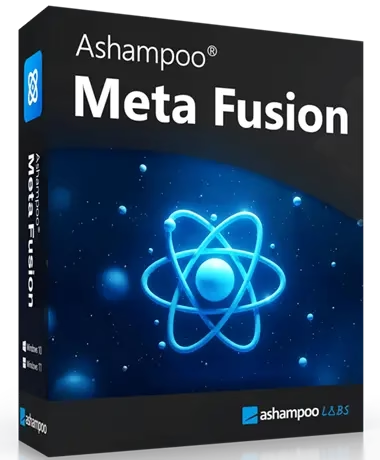
Ashampoo Meta Fusion is a Windows tool for restoring photo metadata from Google Takeout.
Exporting Google Photos often loses EXIF and IPTC data because Google Photos stores this data in separate JSON files. Ashampoo Meta Fusion seamlessly merges your photographs and their metadata to help you restore all the details and make them ideal for organization and editing.
About Ashampoo Meta Fusion:
An essential component of your photographs, metadata (EXIF, IPTC, XMP, etc.) holds key information such as camera settings, capture dates, GPS locations, titles, descriptions, ratings, and more. Using metadata helps you greatly simplify photo management.
When you export your Google Photos via Google Takeout, this information may be lost since Google’s policy prevents inserting a lot of metadata straight into image files.
Google stores the data instead using standalone JSON files, which many apps cannot immediately identify. This causes significant details to be hidden and results in incomplete photos.

The Meta Fusion software can be really helpful in this situation!
By combining the metadata files with the associated images, the straightforward yet effective Ashampoo software enables users to extract all photos from Google Takeout with complete integrity.
The application seamlessly combines photo files with their corresponding JSON metadata to reincorporate every relevant detail into the photos. This improvement makes the images perfect for any photo viewer, editor, or organizer and enables their usage in any other field.
Users can organize and manage their images according to criteria like locations, camera types, or custom filters when metadata is complete. Your exported Google Photos will keep all their metadata and work perfectly.
Key Features
- Syncs picture files with matching JSON metadata to retrieve important data, including EXIF, IPTC, and XMP records.
- After restoring all metadata, users will be able to quickly sort and filter their picture collections by camera type, capture date, and location.
- With the easy interface of this photo editor, merging data is a pleasure.
- The original quality of the file is maintained.
- Metadata previews and updates before merging.
- Compatible with extensively used image formats, including JPEG, PNG, etc.
- Handles several images at once.

Ashampoo Meta Fusion Full Version for Free:
Download the new giveaway version (v48390) installer from any of these links:
[Link 1] / [Link 2] / [Link 3]
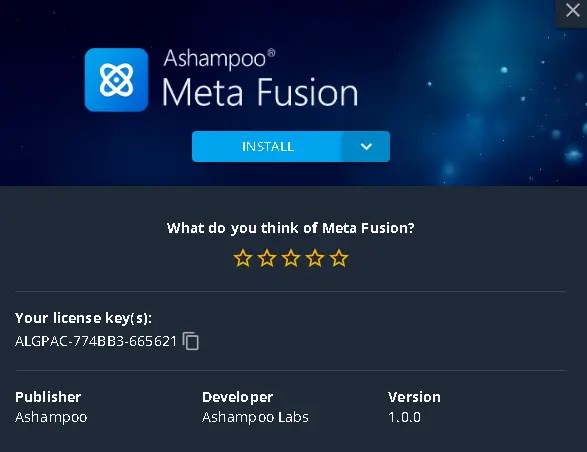
Please proceed with running the installer, which is the Ashampoo app, and complete the installation. Then, launch the Ashampoo app and log in with your Ashampoo account, or kindly create a new one.
Once you’ve logged in, click the “Get” button to download Meta Fusion.
Install the software and enjoy the full version.
[Previous Giveaway Version]:
https://cdn1.ashampoo.net/meta_fusion_45287.exe


Discover more from Techno360
Subscribe to get the latest posts sent to your email.
You must be logged in to post a comment.