
🎁 Limited-Time Giveaway
Wise Care 365 Pro 8: Full Version Free — Lifetime License, Zero Keys to Type
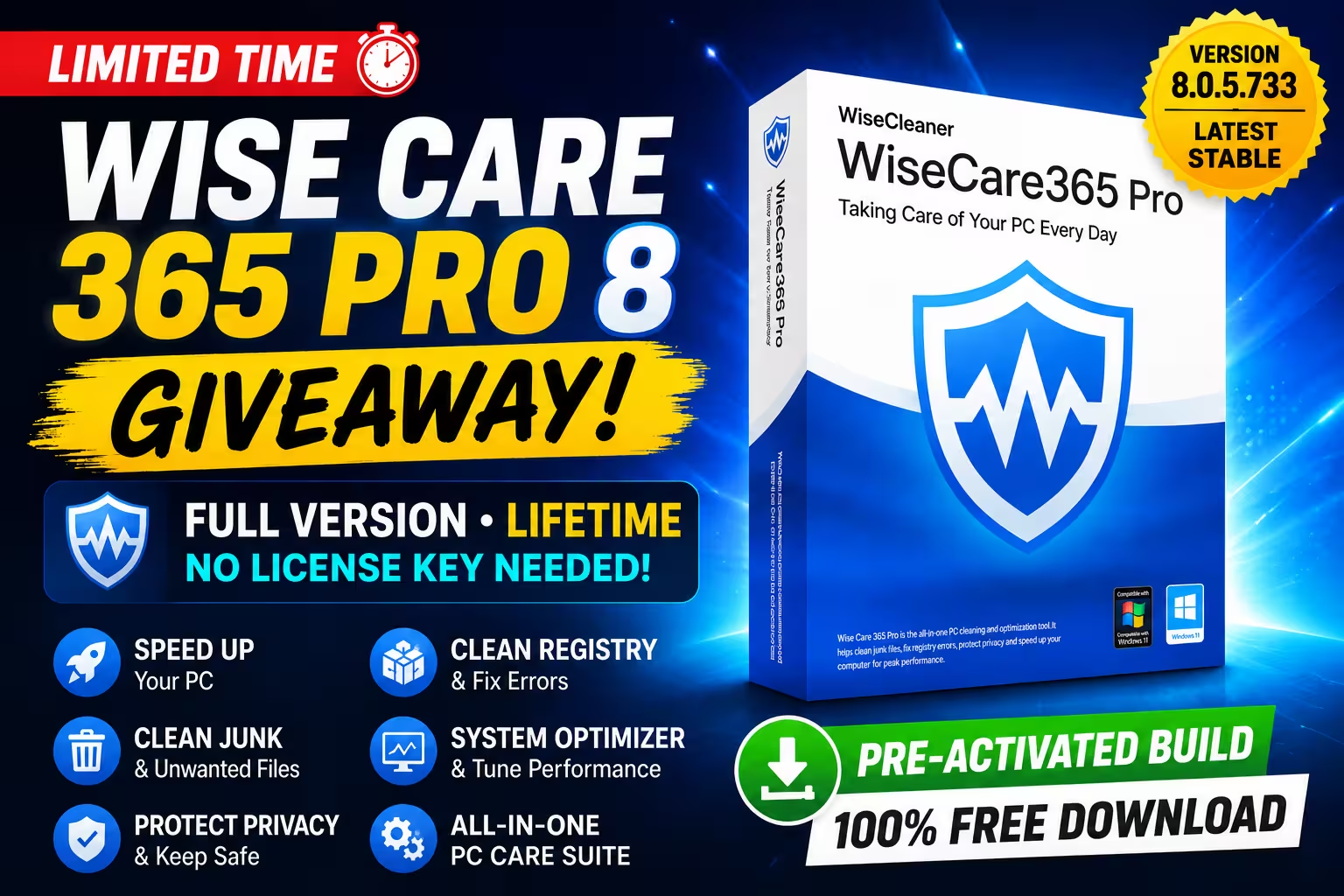
A ₹2,000+ PC tune-up suite, yours for nothing. The special build of version 8.0.5.733 comes already unlocked — install it once and the Pro toolkit is yours for good.
⚡ Quick Read — 30 Seconds
- What: Wise Care 365 Pro 8 (build 8.0.6.734) — WiseCleaner’s flagship cleanup, tune-up & privacy suite for Windows.
- The deal: A special installer that arrives fully unlocked. No serial, no email sign-up, no registration screen.
- License: Lifetime on this build — but it stays on 8.0.6.734 (no free upgrades, no official support, personal use).
- Works on: Windows 11, 10, 8.1 and 7 (32 & 64-bit).
- Why bother: On our test PC, the first scan flagged 76,000+ items and 13.43 GB of reclaimable junk in under 90 seconds.
Why This Giveaway Caught Our Attention
Every Windows machine slowly fills up with leftovers — browser caches, orphaned registry entries, temp folders that nobody ever empties, and traces of every file you’ve opened since 2023. You can chase all of that down by hand, or you can let one app sweep the whole house in a couple of clicks. That’s the pitch behind Wise Care 365, and it has been WiseCleaner’s headline product for years.
The Pro edition normally sits behind a paywall, which is why this promotion is worth a few minutes of your day: the build being handed out is the current release (8.0.5.733), not some ancient version dug out of an archive, and the Pro unlock is baked right into the installer. Grab it, run it, done.
We put it through its paces on our own machine before writing this up — the screenshots below are from our test system, not press material.

What You Get in Wise Care 365 Pro 8
🖥️ PC Checkup — the one-click health report
This is the landing screen and the feature most people will live in. Hit the big button and the suite audits five areas at once: privacy traces, security settings, useless files, tune-up opportunities, and browsing history. Our first pass finished in 1 minute 18 seconds and surfaced 13.43 GB of removable clutter — mostly cache files and old logs we’d forgotten existed. One more click wipes the lot.
🧹 System Cleaner — registry and junk, handled properly
Under the hood you’ll find the Registry Cleaner (which checks 17+ categories from ActiveX components to MUI cache), a Common Cleaner for everyday junk, an Advanced Cleaner for deep scans, System Slimming, and a Big Files Manager for hunting down the space hogs on your drive. Version 8.0.4 also picked up fresh cleanup rules for newer apps — think Grammarly, Cursor, Perplexity, Docker Desktop and DeepL — so it understands the junk modern software leaves behind, not just the classics.

🚀 System Tuneup — squeeze more speed out of Windows
The tune-up tab bundles a System Optimizer, Disk Optimizer, Registry Defrag, Startup Manager, Context Menu editor, Game Booster and Disk Repair. The optimizer works through sensible toggles — faster shutdowns, blocking Insider preview builds for stability, auto-restarting Explorer if it crashes — and labels each one so you can see exactly what’s already tuned. A notable addition in this release: a Disable Remote Assistance switch under System Security and Privacy that shuts the door on unwanted remote connections.

🔒 Privacy Protector — cover your tracks
The Privacy Eraser clears four trails your PC quietly records: pictures you’ve viewed, videos you’ve watched, files you’ve opened, and pages you’ve visited. Alongside it sit a Disk Eraser (wipes free space so deleted files stay deleted), a proper File Shredder, a Password Generator, and a Web Notifications blocker. If privacy tools are your thing, our Ashampoo Privacy Inspector giveaway pairs nicely with this one.

📊 System Monitor — see what’s eating your resources
A clean process monitor lists every running task with its location, CPU and memory footprint, plus tabs for your operating system details, a hardware overview, and an activity timeline. It won’t replace a full task manager for power users, but for a quick “what’s hogging my RAM?” check, it’s genuinely handy.

The right-hand panel hides a small toolbox of its own: an Image Editor, Data Recovery, Duplicate Finder, Folder & File Hider, Force Deleter for stubborn files, Auto Shutdown scheduler, Memory Optimizer, Program Uninstaller and a Reminder/Note tool. There’s even a floating desktop widget showing live RAM and CPU usage, with a right-click menu for the Game Booster and quick settings.

How to Get Wise Care 365 Pro 8 Free
The unlocked installer is mirrored on three hosts—pick whichever loads fastest for you:
📥 Download Wise Care 365 Pro 8.0.5.733 (Giveaway Build)
Direct link: WiseCare365_8.0.6.734_SharewareOnSale.exe
Installation — three steps, no key hunting
- Download the setup file from any mirror above.
- Run the installer and click through the setup like any normal Windows program.
- Launch it. You’ll see the orange PRO tag next to the version number in the title bar — that’s your confirmation. Nothing to type, nowhere to register.
Giveaway Terms — Read Before You Install
| Condition | Details |
|---|---|
| Software version | 8.0.6.734 (current release) |
| License duration | Lifetime — activation never expires on this build |
| Future updates / upgrades | Not included — updating to a newer version drops you back to trial mode |
| Official tech support | Not included |
| Usage | Personal / home use only — not for business machines |
Our tip: once installed, head into Settings and switch off automatic update checks. That keeps the app from nudging you toward a version that would undo your free Pro status.
✅ Our Verdict
Wise Care 365 Pro 8 is one of the friendlier all-in-one PC suites out there — quick scans, sensible defaults, a registry backup before every fix, and a surprising pile of extras tucked into the sidebar. The new cleanup definitions for modern apps and the Remote Assistance kill-switch show WiseCleaner is still actively sharpening it.
As a paid product it faces stiff competition, but as a free lifetime unlock of the latest build? That’s an easy recommendation. The no-updates catch matters less than you’d think — a cleanup suite doesn’t age the way an antivirus does. Grab it while the mirrors are live.
Techno360 Rating: 4.3 / 5
Frequently Asked Questions
Do I need a license key to activate this giveaway?
No. The build comes pre-unlocked. Install, launch, and every Pro feature is live — there’s no serial to enter anywhere.
Is the license genuinely lifetime?
Yes — for version 8.0.6.734. It never expires, but it’s tied to this exact build. Newer versions won’t inherit the free activation.
Which Windows versions are supported?
Windows 11, 10, 8.1 and 7, both 32-bit and 64-bit. You’ll want around 200 MB of free disk space and 2 GB of RAM (4 GB recommended).
What happens if I update the app?
The Pro unlock disappears and the app falls back to trial mode. Turn off auto-update checks in Settings to stay safe.
Is it safe to let it clean my registry?
Wise Care 365 creates a registry backup before applying fixes, and WiseCleaner has been shipping Windows utilities for over a decade. Still, our standing advice for any cleaner applies: skim the scan results before hitting Fix, and untick anything you don’t recognise.
More Freebies Worth Grabbing
If this one’s your kind of deal, don’t stop here:
- IObit Uninstaller 15 Pro — free license — pairs perfectly with Wise Care for leftover-free uninstalls.
- IObit Software Updater 8 Pro — 6 months free — keep the rest of your apps current.
- Browse the full Free Stuff section — we post fresh giveaways every week.
- More Windows tools and guides to keep your PC in shape.
Found the mirrors down or the giveaway expired? Drop a comment below and we’ll chase up a fresh link.
Discover more from Techno360
Subscribe to get the latest posts sent to your email.

You must be logged in to post a comment.