
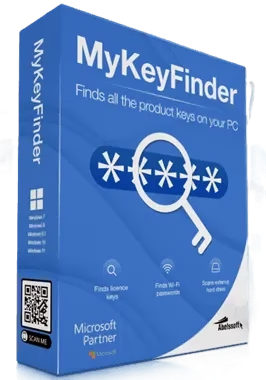
Lost a Windows or Office key? MyKeyFinder Plus 2026 gets it back in one click — free.
MyKeyFinder Plus 2026 normally sells for €29.95. Thanks to this Abelssoft giveaway, you can grab the full Plus edition for nothing — including Wi-Fi password recovery and external drive scanning.
⬇ Jump to Download Links
⚡ Quick Read — 30 Seconds
- What: Abelssoft MyKeyFinder Plus 2026 — a product key finder that recovers lost serial numbers for Windows, Microsoft Office and other installed software.
- The deal: Free full version of the Plus edition (normally €29.95) via a pre-activated giveaway installer.
- Plus extras: Wi-Fi password recovery, scanning of external hard drives, email support, and no nag screens.
- Works on: Windows 11, 10, 8.1, 8 and 7.
- Best time to use it: before you reset, reinstall or replace your PC — so your paid licenses aren’t lost with the old install.
What Is Abelssoft MyKeyFinder Plus 2026?
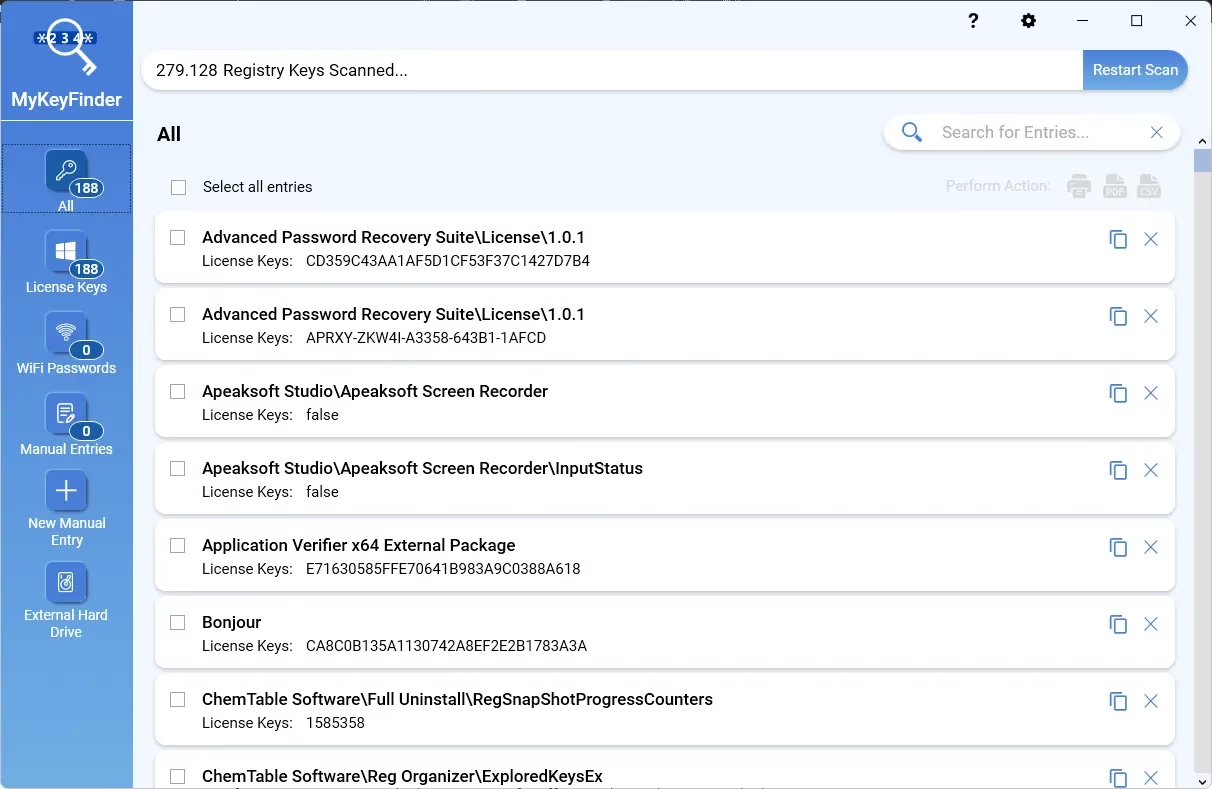
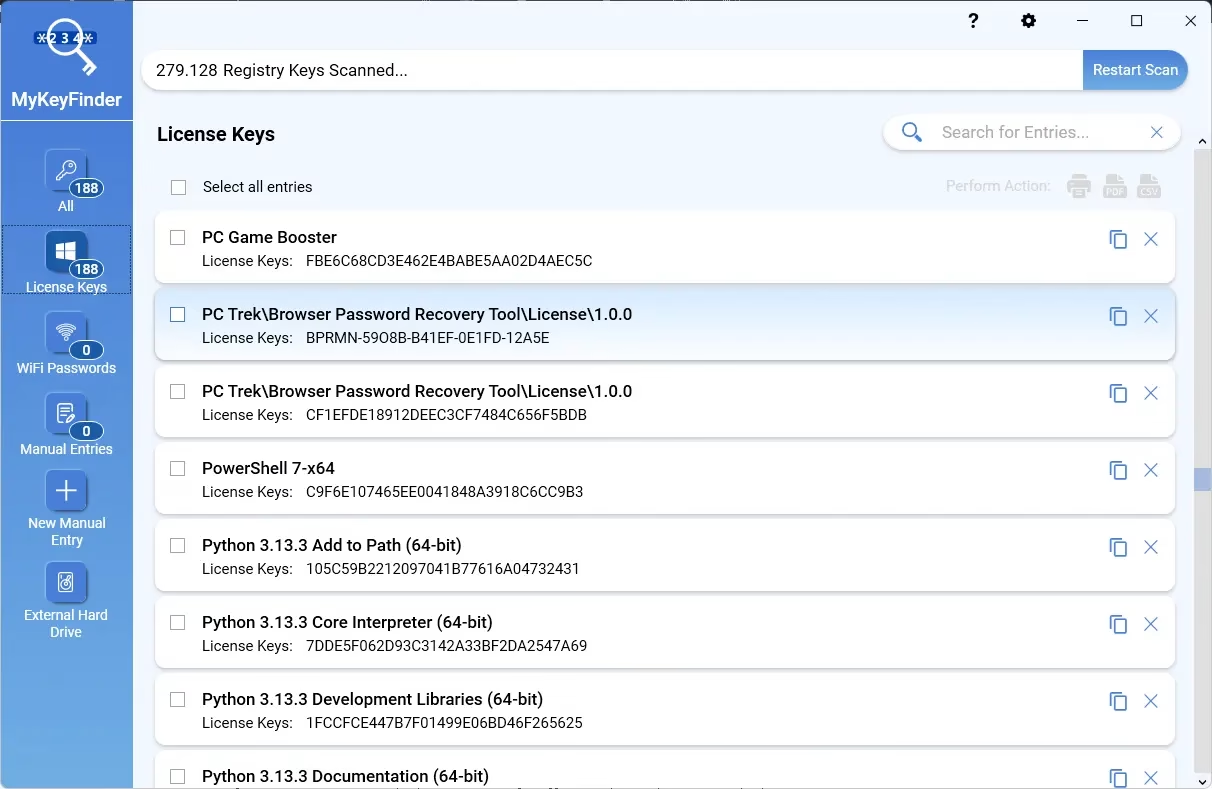
MyKeyFinder Plus is a key recovery tool from German developer Abelssoft. It reads the license data that installed programs leave in the Windows registry and turns it into one clean, searchable list — so you can recover a lost Windows product key, a Microsoft Office serial, or the license code of almost any paid app you’ve installed over the years.
Serial numbers pile up over time: a key in an old email, one on a sticker, another printed on a box you threw away. When it’s time to reinstall Windows or move to a new PC, they’re nowhere to be found. MyKeyFinder solves that by pulling them straight from your system — no digging through old inboxes required.
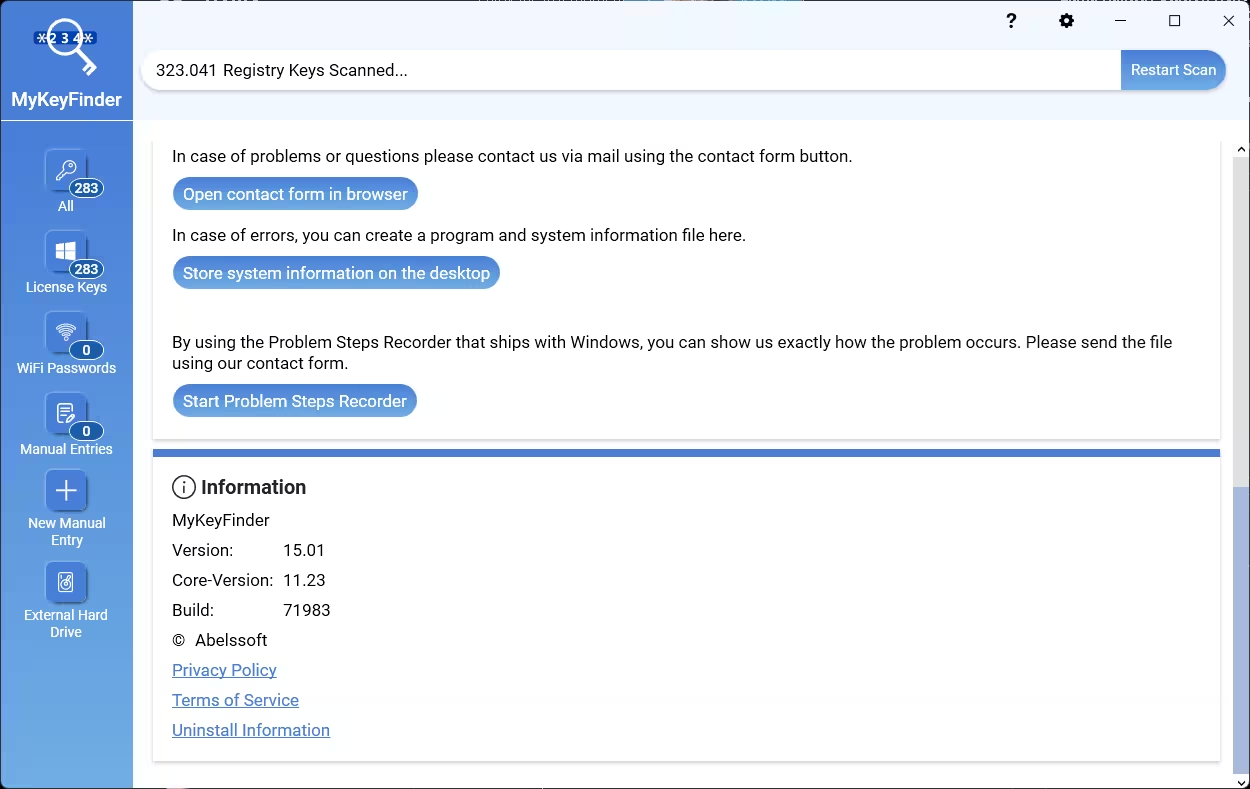
Beyond recovery, it doubles as a small license database: add your own entries manually, then print the list or export it as a password-protected PDF for safekeeping. Full product details are on Abelssoft’s official MyKeyFinder page.
Key Features of MyKeyFinder Plus 2026
🔑 One-click product key recovery
Right after launch, MyKeyFinder scans the relevant areas of the Windows registry. According to Abelssoft, the scan takes around 1–2 minutes, after which every product key it found appears in a tidy list with the program name and serial.
🧹 No duplicates, no junk
Invalid keys and duplicate entries are filtered out automatically, so you get a clean overview instead of a wall of registry noise.
📶 Wi-Fi password recovery (Plus)
Forgot the password of a Wi-Fi network your PC has connected to before? The Plus edition can reveal saved WLAN passwords — handy when setting up a new phone or laptop.
💽 Scan external hard drives (Plus)
Plus can also scan external drives. That makes it useful for rescuing keys from an old Windows installation on a drive you’ve pulled out of a dead or retired PC.
📄 Export, print or copy
Export your keys as a password-protected PDF, print them, or copy individual entries to the clipboard.
🔍 Search, filter and blacklist
The search and filter function finds any serial in seconds, and the blacklist hides outdated or irrelevant entries you don’t want cluttering the list.
✍️ Manual entries — your own key vault
Add license keys that aren’t on this PC (for example, software on another machine) to build a single, central record of everything you own.
MyKeyFinder Plus 2026 vs Free Version: What the Giveaway Unlocks
| Feature | Free test version | Plus 2026 (this giveaway) |
|---|---|---|
| Recover Windows, Office & software keys | ✔ | ✔ |
| Duplicate filtering, search & export | ✔ | ✔ |
| Scan external hard drives | ✘ | ✔ |
| Wi-Fi password recovery | ✘ | ✔ |
| Email support | ✘ | ✔ |
| Contribution request (nag) screens | Yes | None |
| Price | Free |
Who Should Download MyKeyFinder Plus 2026?
- Anyone about to reinstall or reset Windows — save your keys first, then wipe.
- PC upgraders moving to a new laptop or desktop who want to carry their paid software licenses across.
- Families and small offices who need a simple record of which licenses are installed on which machine.
- Anyone rescuing an old drive — the Plus edition’s external drive scan can pull keys from a disk taken out of an old PC.
How to Get MyKeyFinder Plus 2026 for Free
The giveaway installer is mirrored on three hosts — pick whichever loads fastest for you:
📥 Download MyKeyFinder Plus 2026 (Giveaway Build)
💡 File: Abelssoft_MyKeyFinder_2026-GIVEAWAY-October.exe · The installer is pre-activated — no serial number to enter.
How to Install and Activate MyKeyFinder Plus 2026
- Download the giveaway installer from any mirror above.
- Run the installer and complete the setup like any normal Windows program.
- Launch MyKeyFinder — if you’ve used Abelssoft giveaways before, the full version is ready to go.
- First-time Abelssoft users: an Activation window appears. Enter your first name, last name and email address, then click “Get free unlock email now”.
- Confirm your email: open the message from software@abelssoft.net and click the confirmation link. Done — MyKeyFinder Plus 2026 is fully unlocked.
MyKeyFinder Plus 2026 Giveaway Terms
| Condition | Details |
|---|---|
| Edition | MyKeyFinder Plus 2026 — full version |
| Regular price | €29.95 |
| Activation | Pre-activated — first-time Abelssoft users confirm a free unlock email |
| Supported systems | Windows 11, 10, 8.1, 8 and 7 |
| Future major versions | Not guaranteed — stay on the 2026 giveaway build to keep the free activation |
| Usage | Personal / home use |
Tips to Get the Most Out of MyKeyFinder Plus 2026
- Export before you wipe: save the password-protected PDF to a USB stick or cloud storage before resetting or reinstalling Windows.
- Keep a master copy: store recovered keys in a password manager like Abelssoft KeyDepot so they’re safe even if the PC dies.
- Use the blacklist: hide trial-version and expired keys to keep the list readable.
- Add manual entries: include keys for software on your other PCs to build one central license record.
👍 What we like
- Fast, one-click registry scan
- Clean list with duplicates removed
- Wi-Fi password recovery in Plus
- Scans external drives from old PCs
- Password-protected PDF export
👎 Watch out for
- Digital-license Windows PCs may show a generic key
- Only finds keys that apps store in the registry
- Email confirmation needed for first-time users
✅ Our Verdict
MyKeyFinder Plus 2026 does one job and does it well: it finds the license keys you forgot you had and puts them in one tidy, exportable list. The Plus extras — Wi-Fi password recovery and external drive scanning — are exactly what you want when moving to a new PC or rescuing an old one.
At €29.95 it’s a nice-to-have; as a free full version, it’s an easy recommendation. Install it, run one scan, export the PDF — and you’ll never hunt for a lost serial again.
Techno360 Rating: 4.2 / 5
Frequently Asked Questions
Is MyKeyFinder Plus 2026 really free?
Yes. The giveaway installer unlocks the full MyKeyFinder Plus 2026 edition, which normally costs €29.95. First-time Abelssoft users only need to confirm a free unlock email.
Can MyKeyFinder recover my Windows 11 or Windows 10 product key?
Yes, it reads the product key stored in the Windows registry. If Windows was activated with a digital license linked to your Microsoft account, the key shown may be a generic one, because no unique key is stored on the PC in that case.
What does the Plus edition add over the free version?
Plus adds scanning of external hard drives, Wi-Fi password recovery and email support, and removes the contribution request screens of the free test version.
Which Windows versions does MyKeyFinder Plus 2026 support?
Windows 11, 10, 8.1, 8 and 7.
Why haven’t I received the Abelssoft unlock email?
Check your spam or promotions folder for a message from software@abelssoft.net, and make sure the email address you typed in the activation window is correct.
Is MyKeyFinder safe to use?
MyKeyFinder is made by Abelssoft, a German developer of Windows utilities. It only reads license data from your PC and shows it locally. Download it only from the mirrors in this article or Abelssoft’s own website.
More Abelssoft & Windows Freebies
If this one’s your kind of deal, don’t stop here:
- Abelssoft KeyDepot 2026 — free full version — the perfect place to store the keys MyKeyFinder recovers.
- Abelssoft SSD Fresh 2026 Plus — free — optimise Windows for your SSD.
- Abelssoft CheckDrive 2026 — free full version — check your drives’ health before they fail.
- Wise Care 365 Pro 8 — free lifetime license — all-in-one PC cleanup and tune-up.
- Browse the full Giveaway section — fresh freebies every week.
Found a mirror down or the giveaway expired? Drop a comment below and we’ll chase up a fresh link.


Discover more from Techno360
Subscribe to get the latest posts sent to your email.
please give me a unlock code
Just enter your email, during installation process to unlock fullversion.