
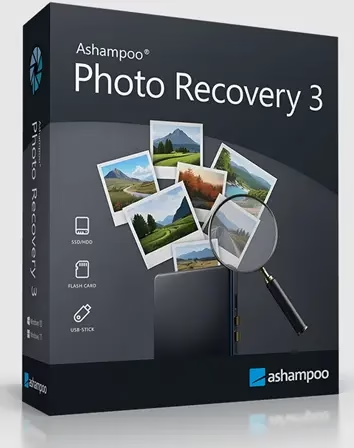
Ashampoo Recovery is a Windows tool designed to recover photos that have been accidentally deleted or formatted from various storage devices, including computers, SSDs, mobile storage devices, digital cameras, external hard drives, and USB drives.
Photographs hold immense sentimental value, capturing precious moments that are irreplaceable. They serve as powerful reminders of the joy and wonder experienced during important events in our lives.
Accidents or technical issues causing the loss of these memories would be a devastating blow. In such situations, you can rely on Ashampoo Photo Recovery, the expert in photo restoration.
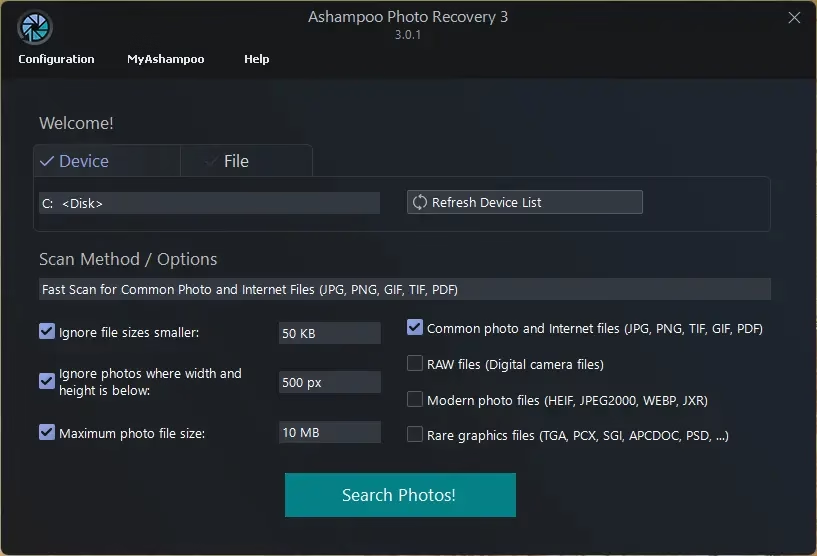
About Ashampoo Photo Recovery 3:
With just a few clicks, Photo Recovery can restore your lost photos. Within minutes, you can recover missing images from various storage devices, including the retrieval of metadata like EXIF and IPTC tags.
With this simple-to-use software, you can retrieve any pictures that you may have accidentally or purposely deleted.
You’ll be presented with a preview of the recovered images right after selecting your starting point. It also covers embedded images within PDFs and Microsoft Office documents. Choose the photos you wish to restore, and you’re all set!
Key Features:
1. Restore lost or damaged image files.
- Retrieve photos from formatted drives.
Intelligent search for precise outcomes
The smart search function lets you filter your search results based on file type, size, and resolution. This feature proves to be very beneficial when dealing with hard drives that have a vast number of files.
- This tool can identify images embedded in EXE, PDF, and Word files.
View photo results as thumbnails.
Extract frames from multi-page photos, including animations.
Optimized for over 20 RAW file formats.
Compatible with JPEG, PNG, BMP, GIF, and all popular image formats.
Extensive support for the latest file types, including JPEG 2000, HEIF, WebP, and JPEG XR.
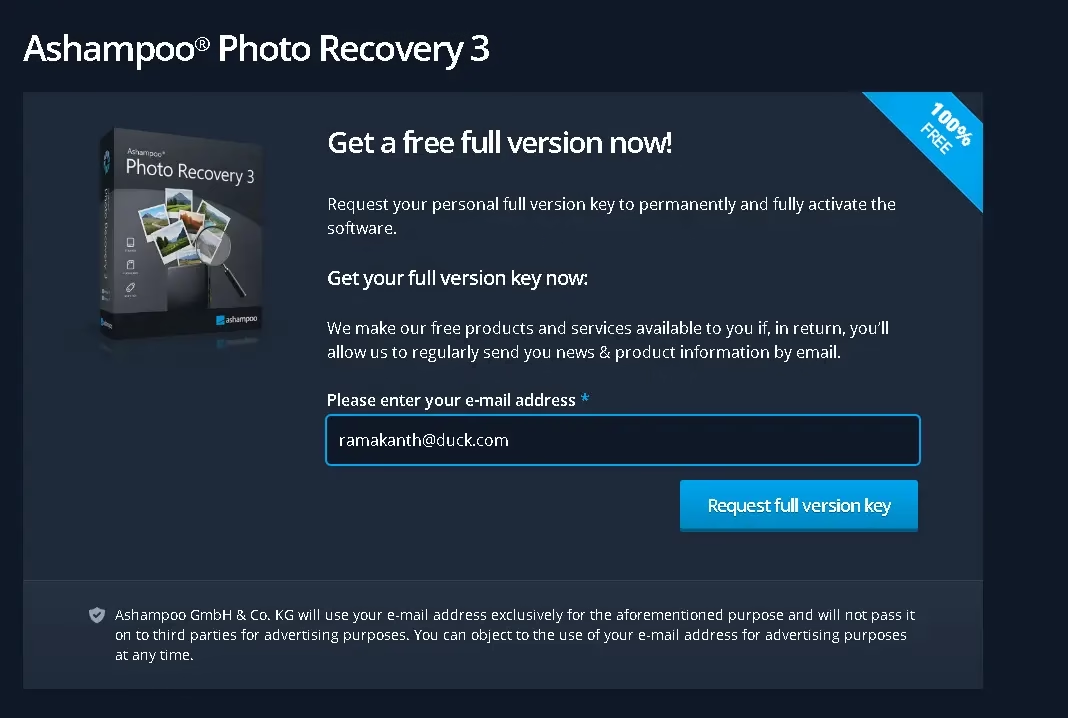
Get Ashampoo Photo Recovery 3 for Free:
Obtaining a free license for Photo Recovery 3 is easy and straightforward. Follow these steps to unlock the full version at no cost:
- Visit the official promotion page
Head to this Ashampoo promo page. This is where you’ll request your personal full-version license key to activate the software permanently. - Enter Your Details
Enter your email address, then click the “Request full version key” button. Log in to your Ashampoo account (or create a new one), and the giveaway page will reveal the license code. - Download and install Photo Recovery 3
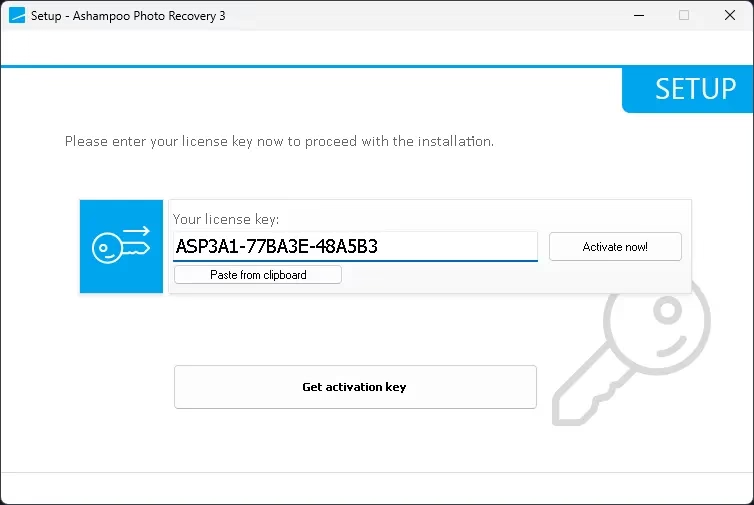
Please download the installer from this link. Once downloaded, run the setup file and enter your license key when prompted. - Activate and Enjoy
After entering the key, your software will be fully activated, giving you access to all premium features at no cost!
Note: Promotional offers like this are time-sensitive. Be sure to claim your free license before the offer expires.


Discover more from Techno360
Subscribe to get the latest posts sent to your email.
You must be logged in to post a comment.